Question

How to add logic like "If email URL parameter is not empty - use it, otherwise ask."

  • March 31, 2026
  • 4 replies
  • 29 views

I submitted a support request but realized I should probably ask here too - What I’m trying to accomplish seems pretty basic, but I can’t figure out how to do it.

In short, what I want is to avoid asking for information I already have, for example email.

I’d like to have logic that works like this: “If email (the url paramter) is not empty...” (this part is actually very easy) “set the contact’s email address to that value” (this part I can’t figure out). Same with the person’s name. If I have their name, I also have their email (in other words, for people on my mailing list already where I have all that info collected).

What I was able to do so far is: collect the URL parameters, branch based on the values of those, use the URL parameters OR the question responses for email or name in a question (via the @ recall). 

The farthest I can get is responses with email as a hidden field while the actual email address is left empty.


4 replies

Phoebe VA
Community Team
Forum|alt.badge.img+5
  • Community Team
  • March 31, 2026

Hi ​@MsInput,


Good question!


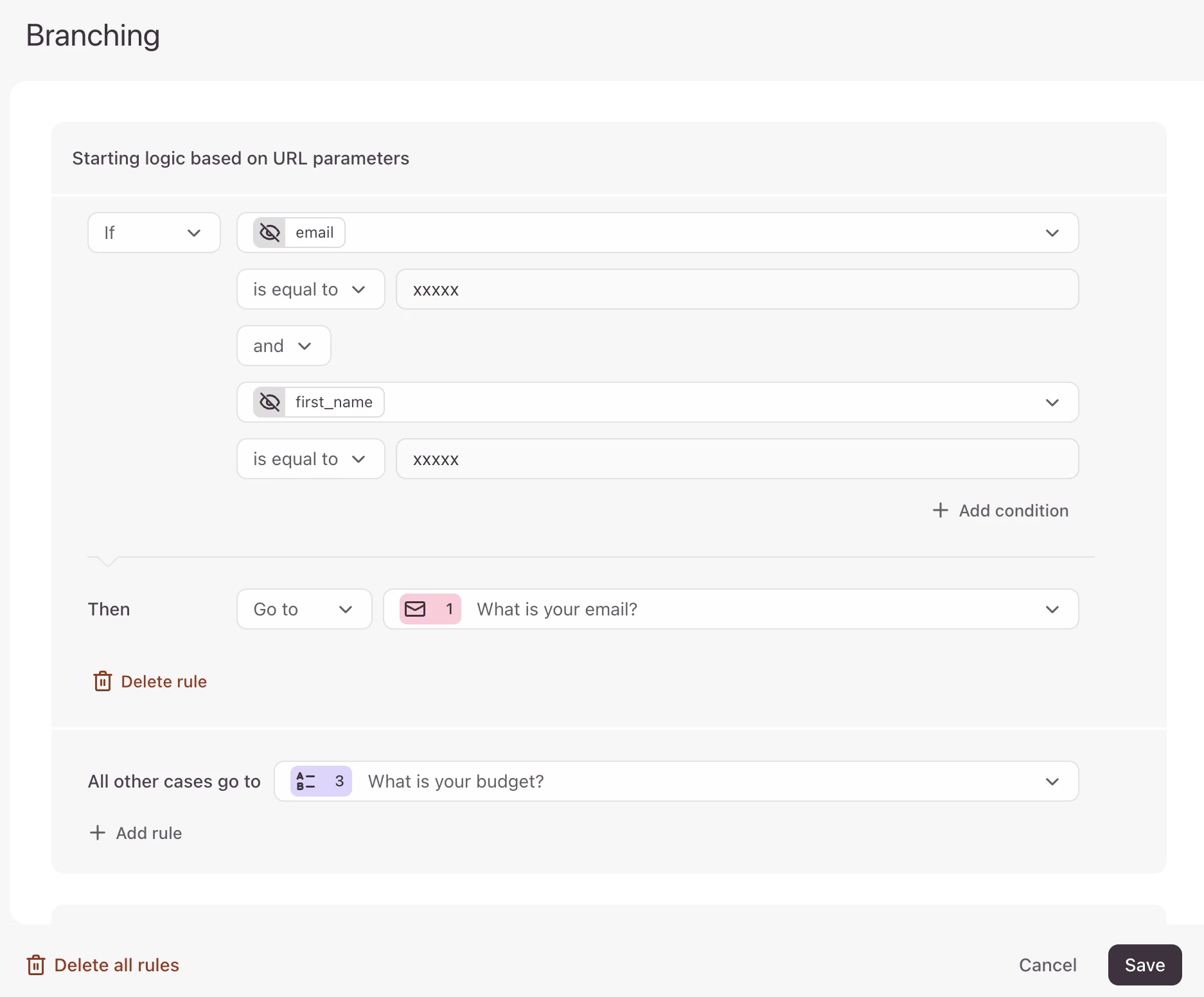
You can avoid asking questions for the information you already have. Below is an example I created, if I don’t know the email and name of the respondent, I want them to start with question 1. If I do know the email and name of the respondent, I want them to start with question 3. I set the logic like the screenshot below.


If you don’t know the respondent’s email or name, the URL parameters will contain the xxxxx string for email and name in the form’s URL. So you can set the logic that if the URL parameter email and name is equal to xxxxx, then that means you don’t know their email and name, then you can skip them to the question to ask for their email address and name. Then set the logic rule All other cases (meaning you do know their email and name) to go to a question past the email and name questions.

I hope this makes sense and let us know if you have any other questions.


  • Author
  • Explorer
  • April 1, 2026

the branching part has been simple for me, but the problem for me has been that when the email and name come via the URL, the actual contact were not being updated with name and email. The responses are collected, but the email and name from the URL are added to the form responses as “other fields” not being populated in to the Email and Name portion of the contact. Someone from support gave me potential workaround that I’m going to try now and I’ll report back! Thanks for response!


  • Author
  • Explorer
  • April 1, 2026

Okay I’m back after having tried some workarounds, and unfortunately I’m still stuck.

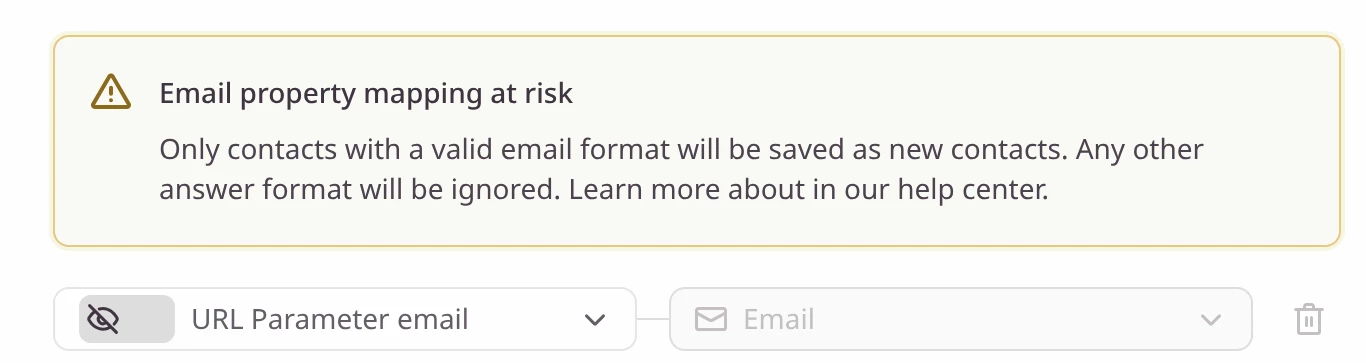
The problem seems to be this: I cannot map both a URL parameter AND/OR the response to an email question to a contact. If I do one, I cannot do the other. If only one is mapped, then any response with the other variant does not become a contact that I can email. What I want to accomplish is that a valid contact is created in both cases. This is because some people I’ll be emailing from a list of subscribers and some people will be coming from elsewhere. I need all of the responses to have a valid email address in TypeForm. 


...I’m starting to think the only way to accomplish this is to have 2 forms, one where I ask for name and email, and the other I don’t - then I can tell my client to email the form without the email and name questions to her list, and tell her to use the other form for her LinkedIn. It just feels weird to me that I would need to duplicate a form for the sake of this simple condition.

Here are screenshots of the mappings I can use, but they are mutually exclusive:


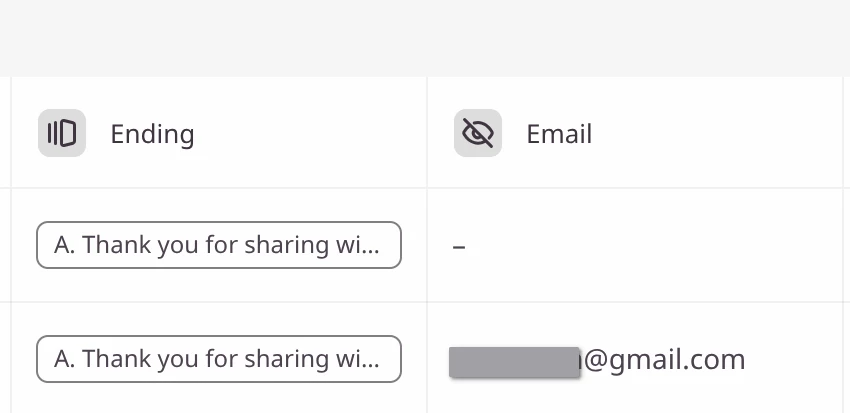
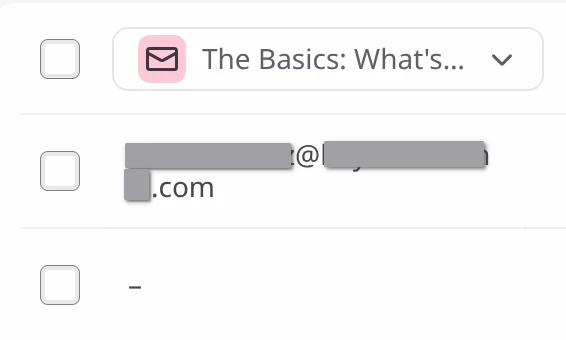
This is what the responses look like - note how one has a response to the email question and one has the email as a “hidden” field (the gmail)


​​​​
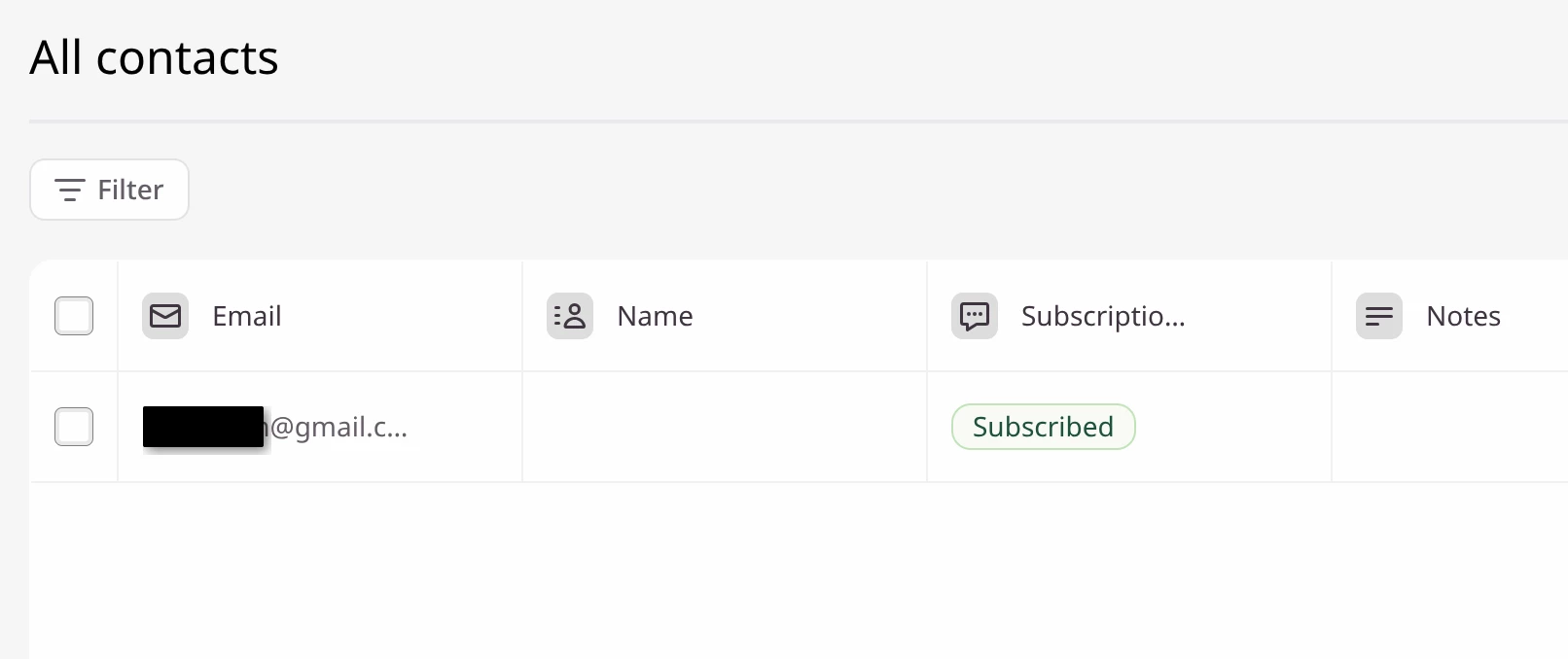
there is only 1 contact created from 2 responses - the contact with the mapping, either URL param OR email question response, never both cases. - I need both to be contacts in TypeForm


john.desborough
Forum|alt.badge.img+6
  • Certified Partner & Champion
  • April 1, 2026

@MsInput - unfortunately typeform won’t allow you to ‘copy’ the value of a url parameter into a form field. 

if you pass in the name and email as variables they are available to be mapped to contact properties 

des