Need help with jazzing up your form? Post it here for our experts to help!
Recently active
How do I change my community name and how do I know how I got in typeform in the first place?? Like who sent me the link
Hey everyone I’ve been experimenting with Typeform booking flows for a home cleaning service brand, focusing on improving conversion rates and overall user experience.Our current flow captures: Service type Number of rooms Contact information Preferred time slot It performs well, but I’ve noticed some drop-offs halfway through the form which means something in the flow, sequence, or UX might be creating friction.We’re now testing a few ideas like: Multi‑step, conversational question flow Progress bar for motivation Visual options instead of long text answers Logic jumps for personalized user paths I’d love to hear from anyone who has tested Typeform or similar booking forms for service-based businesses (cleaning, plumbing, pest control, etc.). In your experience: Which UX changes actually improved completion rates? Did adding visuals or progress indicators make a measurable impact? Any proven structure or question order that works best? According to an empirical study (
Hello team,I’ve built a Typeform and embedded it as a popover on my website.Now the problem is that it takes a lot of time (3-4 seconds) to load the form once a user clicks on the popover. I checked with my internet, and it is fine.Can someone help with any optimisations that can reduce this loading time? I’ve been trying to reach out for support, and nothing works. I get this error whenever I click on Submit a request. There is no human support in chatbot as well nor there is an email address to reach out to. Please look into it as it will deteriorate customer trust if there is no way to reach out to support.
Belated merry Christmas by rocky🥳🥳🥳
When I duplicate one of our client-facing Typeform questionnaires, to make subtle language or order changes, it would be much easier and faster if there was a ‘list’ mode or some way to easily view or export the question text. In the full content view with images and a list on the left that can’t be horizontally expanded (showing only a short text excerpt), it’s not possible to look at the questionnaire contextually as a whole. It’s a great tool and we have a wonderful designer that’s making a lot of its capability, but as a writer there should be a way to zoom out and look at it as a complete piece of content we’re presenting to our clients.The only viable suggestion I’ve seen is to manually go through question-by-question and cut and paste the text into a doc. For a platform at this level of maturity and sophistication, it seems odd to not have an “export Typeform as text” function. However wonderfully visual the experience, sometimes the text of what we’re asking, in what order need
I want to clone my master customer sales request response form for numerous referral partners to share with their clients. The requirement is being able to attribute the source of responses to unique referral partner forms or tokens for the same. This information is written to an existing google sheet capturing all form field responses. Open to ideas about how to implement.
Hi everyone,I'm experiencing a display issue with Picture Choice questions. When building the form and in the preview mode, the images appear at the correct size. However, once the form is published, the images become very small, making the question hard to use.Additionally, it seems that the support form has disappeared, or perhaps it has been moved to a different location, and I haven’t been able to find any way to report this issue directly to the Typeform team.Has anyone else encountered this problem or found a workaround? Any guidance would be appreciated!Thanks!
I need my team members to get email notifications of new responses to video asks, but I’m the only person to get notifications. How do I set that up?And if they are assigned to only one folder, do they get notifications only to videos in that folder?
I can’t figure out how to perform a calculation on a form. Here’s a simple example. Slide 1 (number) “How many names do you have in your email list?” _______ (100 for example) on Slide 2 I want to do math in the background and show 80% of the number entered in slide #1. so Slide 2 would say “Factored leads 80” ( the number entered in slide 1 * 0.8) I can’t find clear instructions to do this, any help would be much appreciated.
Hi, I wanted to create the NPS survey, but I would like to highlight the buttons in different colours: “1–6 (Detractors 😞)” - red “7–8 (Passives 😐)” - orange “9–10 (Promoters 😍)” - green Is it possible to do it within Typeform or should I use another tool?
Hey everyone,I just made a Typeform personality test based on astrology signs 🌙.The idea: users answer a few lifestyle questions and at the end, they get matched to an astrology archetype (like Aries Warrior, Pisces Dreamer, etc.).Would you mind sharing feedback on: The flow (are the questions engaging?) The design (is it visually appealing?) Any suggestions for improvement?
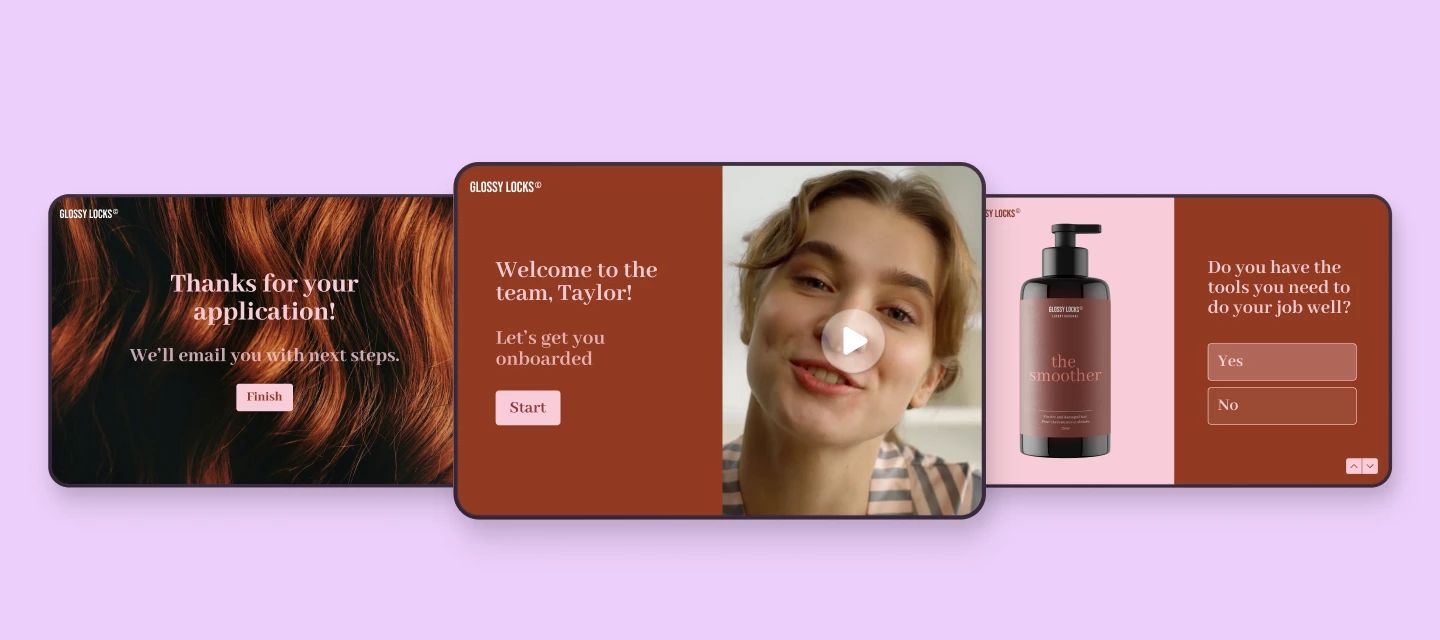
Hey all 👋 We had a blast tuning HR and talent-related typeforms live on air in our latest community workshop. Whether you're hiring, onboarding, or looking to boost employee satisfaction, this one’s packed with practical inspiration. ▶️ Watch the recording 💡 Here’s what we covered:✨ We tuned four real-life Typeforms used across the employee lifecycle:Upcounting – Hiring form (tuned by @James ) Streamlined the flow Added partial submit point Used Calendly block to schedule intro chat Set up automated follow-ups Chipperfield Physiotherapy – Employee onboarding form (tuned by @Kenzie N ): Made it warmer and more visua Added a welcome video and helpful guidance Tweaked the order of questions Used multi-question page for grouping questions Added a video question Trustsoft – Employee satisfaction survey (tuned by @Grace): Friendlier tone of voice Enabled AI-powered insights Sectioned the questions into groups Added more opinion scale questions Sent real time r
I have individual assessments that I now would like to combine without having to create a new form. Is it possible? If so, how? Please provide step-by-step instructions. Thank you. Sincerely,Marie
I’m working on customizing the end screen of my Typeform and was wondering if it’s possible (and best practice) to include links to useful external tools. For example, I’d like to add a link to a crossword helper tool, as part of a language or puzzle-based form experience.Is there a recommended way to style and track engagement on such links in the end screen? Also, has anyone integrated Typeform with external tools for gamified or educational content?Would love to hear your thoughts or see examples!
Dear all, I hope you’re doing well. I am writing to report an issue I’ve encountered with the file upload function in Typeform. I have set up a file upload form and connected it to my Google Drive account so that files submitted via the form are automatically copied to my Drive. However, when mapping the fields in Zapier, I only receive the Typeform API URL, which directs to the file stored in the Typeform database. Unfortunately, this link is only accessible through the Typeform results page and does not grant external access to the file on Google Drive. There appears to be no way to access the direct Google Drive link from Zapier. Could you please advise on how to obtain the direct Google Drive link for the uploaded files? Being able to share a publicly accessible link in my email communications is crucial for my workflow. Thank you for your assistance. I look forward to your guidance on resolving this issue. Best regards,
Hello, I am trying to update the email address the follow-up notifications are sent to. My form is published, but when I go to click follow-ups in the settings section, it says that my form has an old version of notifications. How do I update that?
I have created a typeform as my Intake form for my business that I can send to people looking to work with me. I replied to someone who reached out on LinkedIn with the link, and noticed there is no “social sharing” image when the link ‘processes’ and shows up as a preview in the chat (or also on Facebook posts for example) - it is just a black box with ‘Typeform’ in it. Ideally, I’d like to add a custom image to each Typeform, but at the very least would love to have my company logo here … does anyone know if/how I can change this??
i used to be able to get my logic on the left side and change it as needed now I can’t add a logic step why
We’ve built a form that uses full blead images behind each question.The accessibility checker is telling us that we have issues with Color Contrast for text of both questions and answers. We have dialed back the brightness -80% on each image to the point where it is almost black to try to address this. See basic examples below. In the design theme, the question and answer text is set to white. #FFFFFFWhen the theme background is set to #888888, the accessibility checker flags the issues. If we change the theme background to #000000 (black) the issues go away. Neither of these background colors are ever seen on our forms.So…..What is the accessibility checker actually checking? Is it the form that’s being presented or is it the design theme? From what I can tell, it’s the design theme, which appears to be completely irrelevant to forms where the text sits on top of an image.If the checker is not actually checking our form (but rather the underlying background color which is never seen)
How can I integrate Typeform with my website to collect user feedback? I've recently launched a new site, and I'm looking for effective ways to use Typeform to gather valuable insights from my visitors. Any tips or examples would be greatly appreciated!"
Bonjour,J’ai crée un typeform avec des branchements en fonction des réponses de la question 1 comme vous pouvez le voir : Mais lorsque je teste mon formulaire, peu importe la réponse à la question 1, ça me met la question 2 ! Que puis je faire ? MerciLien du typeform : -- Google Translation -- Hello,I created a typeform with connections based on the answers to question 1 as you can see: But when I test my form, no matter the answer to question 1, it gives me question 2!What can I do? ThanksTypeform link:
I am very new to Typeform and I’m not a professional (at all). I need a bit of help. I am a community cycling activist and I need to create a survey to find out why people don’t cycle in our community. We need 1000 responses from a population of about 30,000, along the Tyne Valley in Northern England.We have selected Typeform because we like the way you can navigate questions depending on the answers and also because the graphic interface is highly rated. I have created a series of questions and created the logic, which has gone well. However, I really really need to use images and graphics to draw in the non-cyclists, the sceptics, the unengaged and the reluctant. I have struggled to create images that work in screen and phone mode, and don’t reduce the accessbility and readability of the text. So far, I have had a 50% drop off of responders, which is terrible. Before I share my survey more widely I need to fix this, but I really don’t know how. Can anyone advise me?
I’d like to be able to attach a note to each revision of a form to remind myself of the changes I made to the form compared to the last version. Otherwise it’s a tedious job to compare two complex forms. I could keep a separate log of the changes, but it would be more convenient to have a note attached to each version. Does anyone do this? Can anyone suggest a simple way to do this?Thanks
Hi! I've created a value proposition generator. I made this because a client of mine was having trouble describing what she does succinctly. So you just type in some info about your business—target audience the problem you solve how you describe yourself some adjectives.You receive an email with 10 unique value propositions. I'm looking for more people to try it to get suggestions on providing better instructions and ensuring all the statements are useful.If you have time, can you please try the form and provide some feedback? I'd love to hear anything, but specifically—Are any of the statements weird or grammatically incorrect? Did it generate any statements you’d actually use? If so, which ones? How I can improve this form? Any other feedback to make the form useful.The form is here: https://quiz.typeform.com/to/ndKxwvSoI greatly appreciate your time and any feedback you can offer! Thank you, and have a great day!
I built a quiz, basically a kind of weight loss calculator where we calculate how fast people can reach their desired target weight with our nutrition program. We ask them for their email address to send them their personal results. This alone works pretty well, with a completion rate of > 34%, see here: But if I ask them additionally to be able to send them further information, promotions, etc. which is basically the reason why we are doing the quiz... the completion rate drops dramatically to 12.5%, see here: Question: Whats the best way to ask them for their email address? I know that best practise would be to ask for that upfront (I will test that too for sure) but is there something else I could do better?Thanks for your input.Cheers,Cesare
Don't be shy and ask the community.
Already have an account? Login
Enter your E-mail address. We'll send you an e-mail with instructions to reset your password.