Question

Typeform popover takes too much time to load

  • December 29, 2025
  • 6 replies
  • 43 views

Hello team,

I’ve built a Typeform and embedded it as a popover on my website.

Now the problem is that it takes a lot of time (3-4 seconds) to load the form once a user clicks on the popover. I checked with my internet, and it is fine.

Can someone help with any optimisations that can reduce this loading time? 

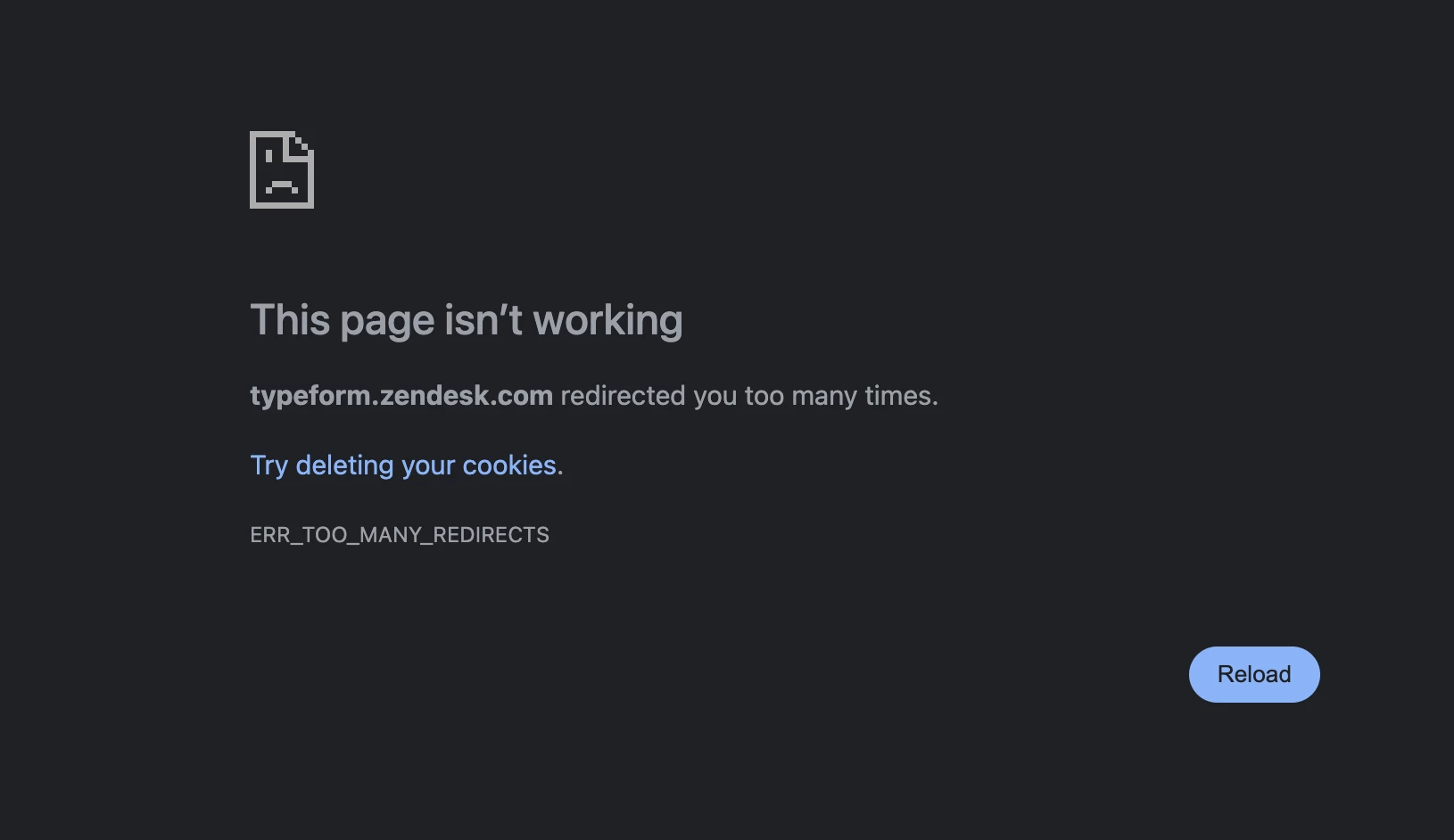
I’ve been trying to reach out for support, and nothing works. I get this error whenever I click on Submit a request. There is no human support in chatbot as well nor there is an email address to reach out to. Please look into it as it will deteriorate customer trust if there is no way to reach out to support.


 

6 replies

Grace
Community Team
Forum|alt.badge.img+5
  • Community Advocate
  • December 29, 2025

Hi ​@saleshandy thanks for reaching out, and sorry to hear you’ve been having some issues with submitting a ticket to our support team. 

Have you already tried deleting cookies or maybe switching browsers? Here’s the link to submit a ticket, let me know if that works for you. 

In terms of the embed time, can you share the url to the website so we can test it? Do you have any other plug ins/embeds on your site that could effect the typeform? Also, did you copy the code direct from your Typeform account, or are you using any custom code for the embed? 

Thanks so much, hopefully we can get to the bottom of all this soon!


  • Author
  • Explorer
  • December 29, 2025

@Grace Thanks for getting back to it.

Here’s the page where the popover is embedded: https://www.saleshandy.com/

I’ve used the exact same code that was provided.

To rule out any page-specific issues, I also created a simple “Hello World” HTML file locally and embedded the popover there. When I tested the load time on that page across different browsers, the behaviour was the same.

Could you please help me understand what might be causing this and how to fix it?


Grace
Community Team
Forum|alt.badge.img+5
  • Community Advocate
  • December 29, 2025

Hi ​@saleshandy I just inspected the page, it looks like it might be being blocked? But I’m not an expert on embeds so I would recommend getting in touch with our technical support team so they can confirm what’s happening. 

Did you try clearing your cookies and submitting a ticket with the link I shared above yet? 


  • Author
  • Explorer
  • December 29, 2025

@Grace Tried deleting cookies as well as tried on a different browser. Still getting the same error when it redirects to Zendesk for creating a ticket: “auth.typeform.com redirected you too many times.”


Grace
Community Team
Forum|alt.badge.img+5
  • Community Advocate
  • December 29, 2025

Thanks ​@saleshandy I’ve just reached out to the support team internally to try and get you some help!


Laura Marco
Typeform
Forum|alt.badge.img
  • Typeform
  • December 29, 2025

Hello ​@saleshandy ! I’m Laura from the support team at Typeform. I’ve just emailed you with some suggestions. Please check your inbox :D