
Question

Pass form value as a path of link within email notification

  • December 18, 2025
  • 2 replies
  • 61 views

Hello Typeform Community,

I’m currently setting up a form for an invitation to join our Beta Program, and I’m testing the email notification feature to send a confirmation email to responders who agree to become Beta Testers. The email will include a list of instructions and a URL to access the program.

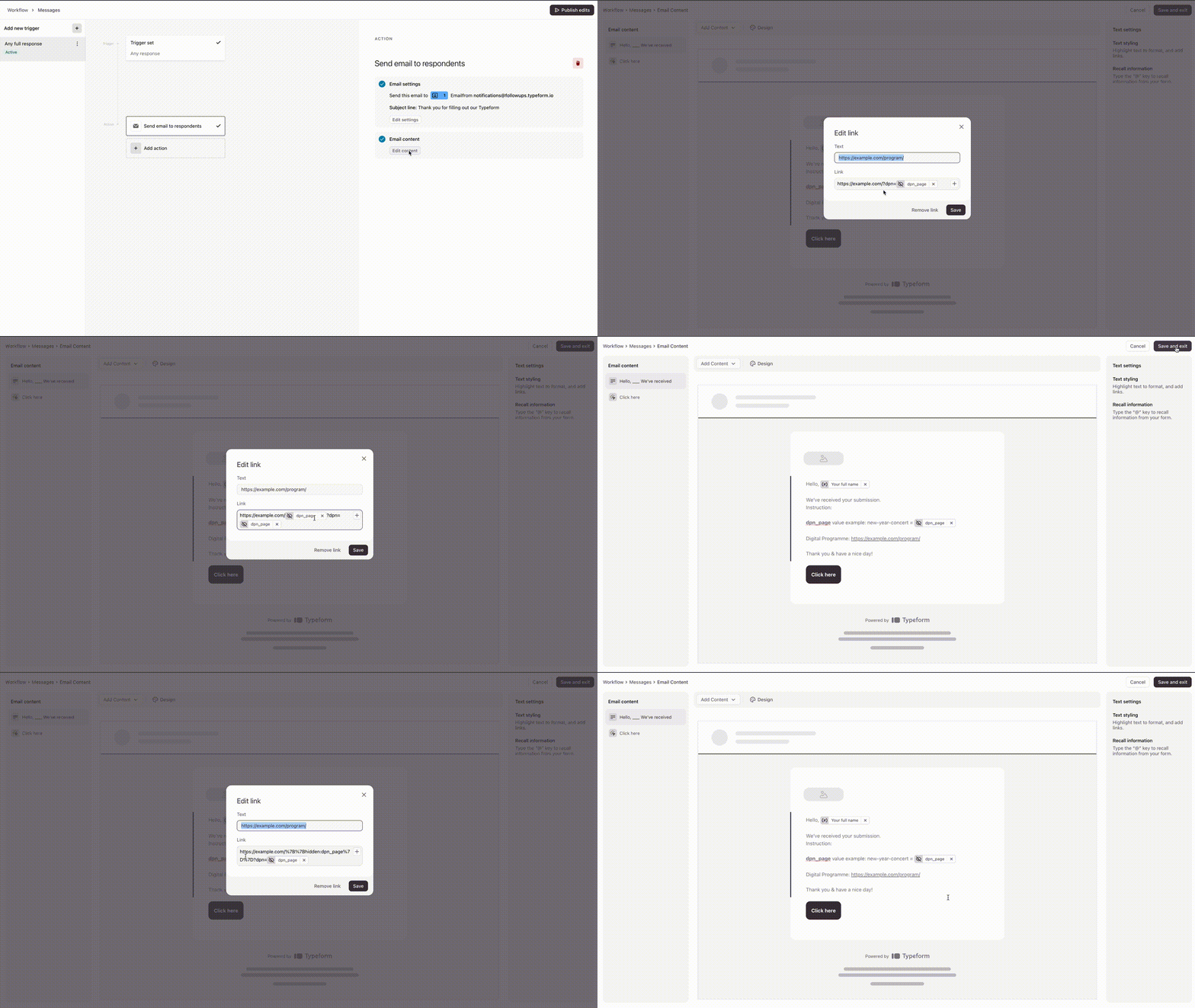
However, I encountered an issue when trying to pass a field value as part of the URL path. I learned that Typeform can only pass field values as URL parameters, but I need to include this value in the path/slug of the URL to make the URL dynamic.

Is there a way to pass a field value as a URL path in the email notification, or is there any workaround that could help achieve this? I would like the URL to look something like this:

https://example.com/[field-value]

Any insights or suggestions would be greatly appreciated!

Thanks in advance for your help!

Issue:


2 replies

Grace
Community Team
Forum|alt.badge.img+5
  • Community Advocate
  • December 19, 2025

Hi ​@Niko111 thanks for stopping by the community with your question. I’ve not seen something like this set up, but wanted to leave a comment on your post to bring it back to the top of the Q&A list so more folks see it! Hoping someone out there has a workaround they could share 🙏

In the meantime, I will keep asking internally to see if anyone has any ideas! 


Forum|alt.badge.img
  • Navigating the Land
  • December 23, 2025

Nah, Typeform's built-in email notifications don't support inserting response variables directly into a URL (especially not as a path segment). The editor only lets you add them as plain text in the body.

Workaround: Use Zapier to trigger a custom email (via Gmail or whatever) on new responses—you can fully build a dynamic link there, like https://example.com/{{answer_to_your_field}}. That'll do exactly what you want!



