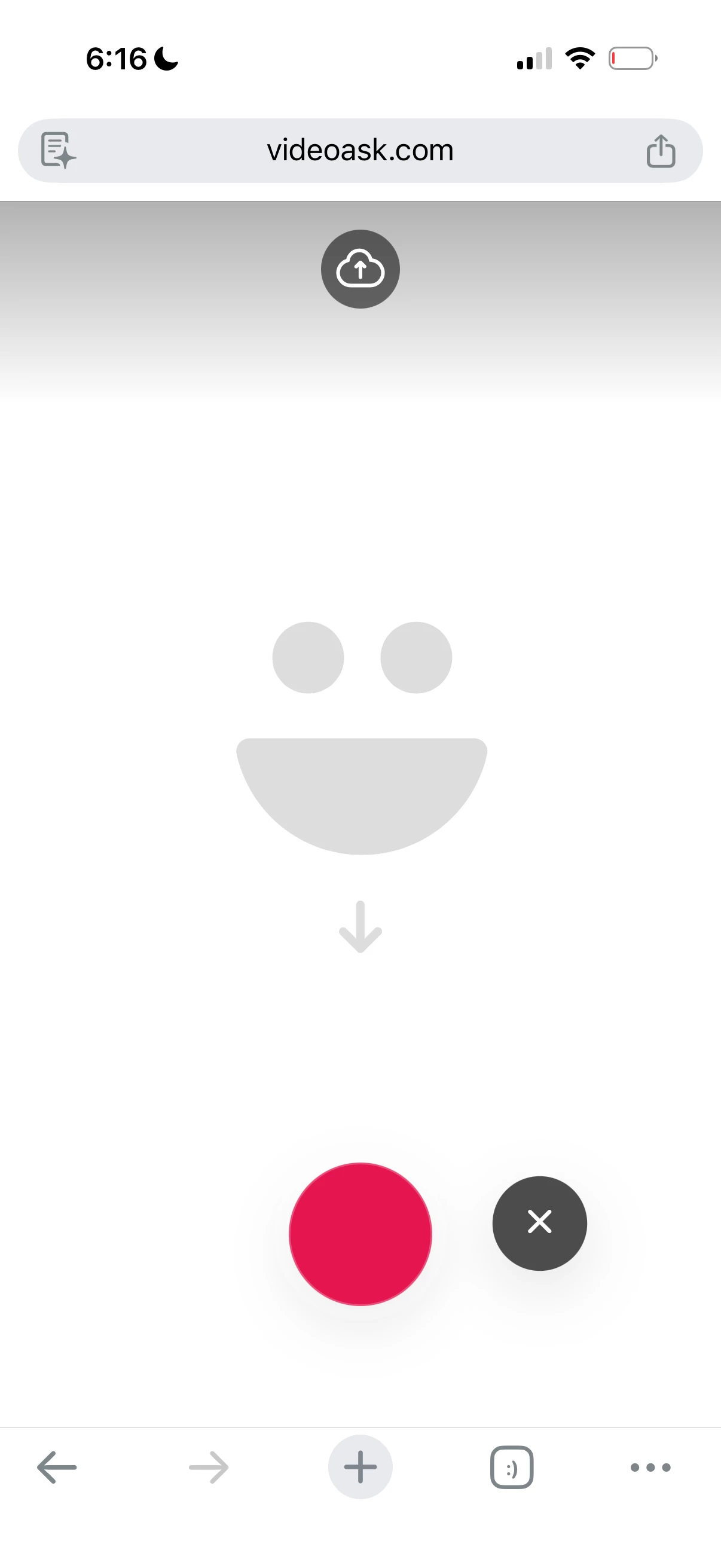
I plan to use VideoAsk at an in person conference to collect real time testimonials on iPads set up on tripods. I was able to build the flow to have redirect to the beginning and have a get started sync to work for our use case. But when I go to test recording on my iPhone, I’m seeing this image after pressing ‘Record your answer’. I then have to press the red button to open the native camera, press another red button to record, press stop, press use video, and then select yes that I’m ready to send. This is an arduous, not ideal user experience. And users can’t see the countdown timer. Is this fixable? Thanks!