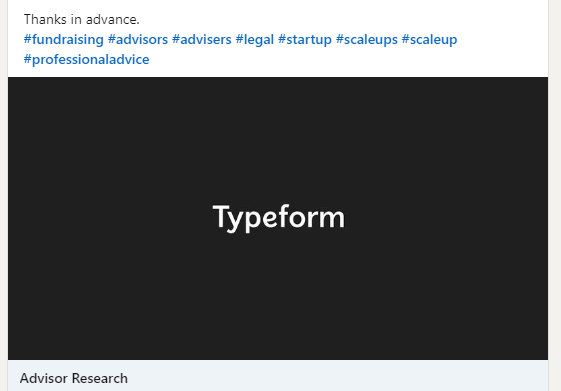
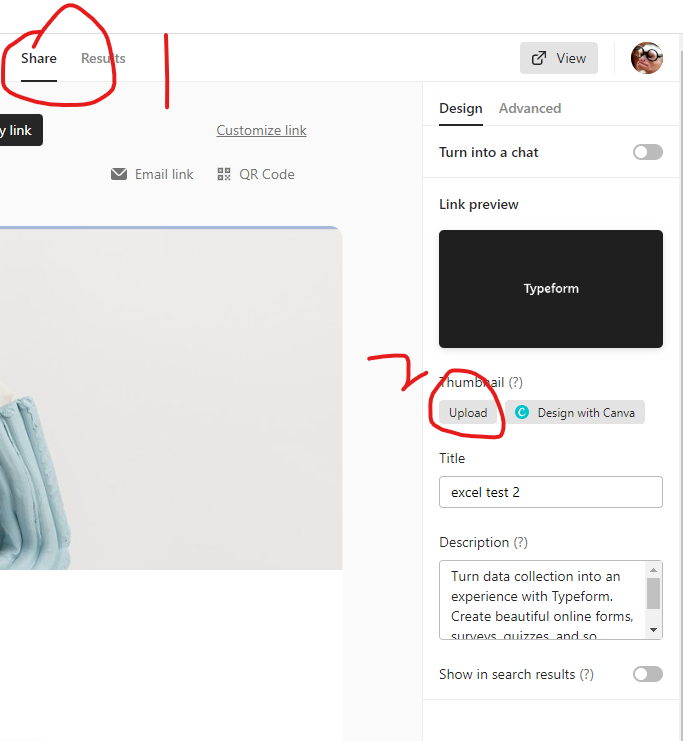
Does anyne know how to edit the default Typeform branding when you share the campaign URL on web? You end up with this verun unappealing image…
I can see where you do it on social.
Thanks!

Does anyne know how to edit the default Typeform branding when you share the campaign URL on web? You end up with this verun unappealing image…
I can see where you do it on social.
Thanks!
Best answer by john.desborough
des
Enter your E-mail address. We'll send you an e-mail with instructions to reset your password.