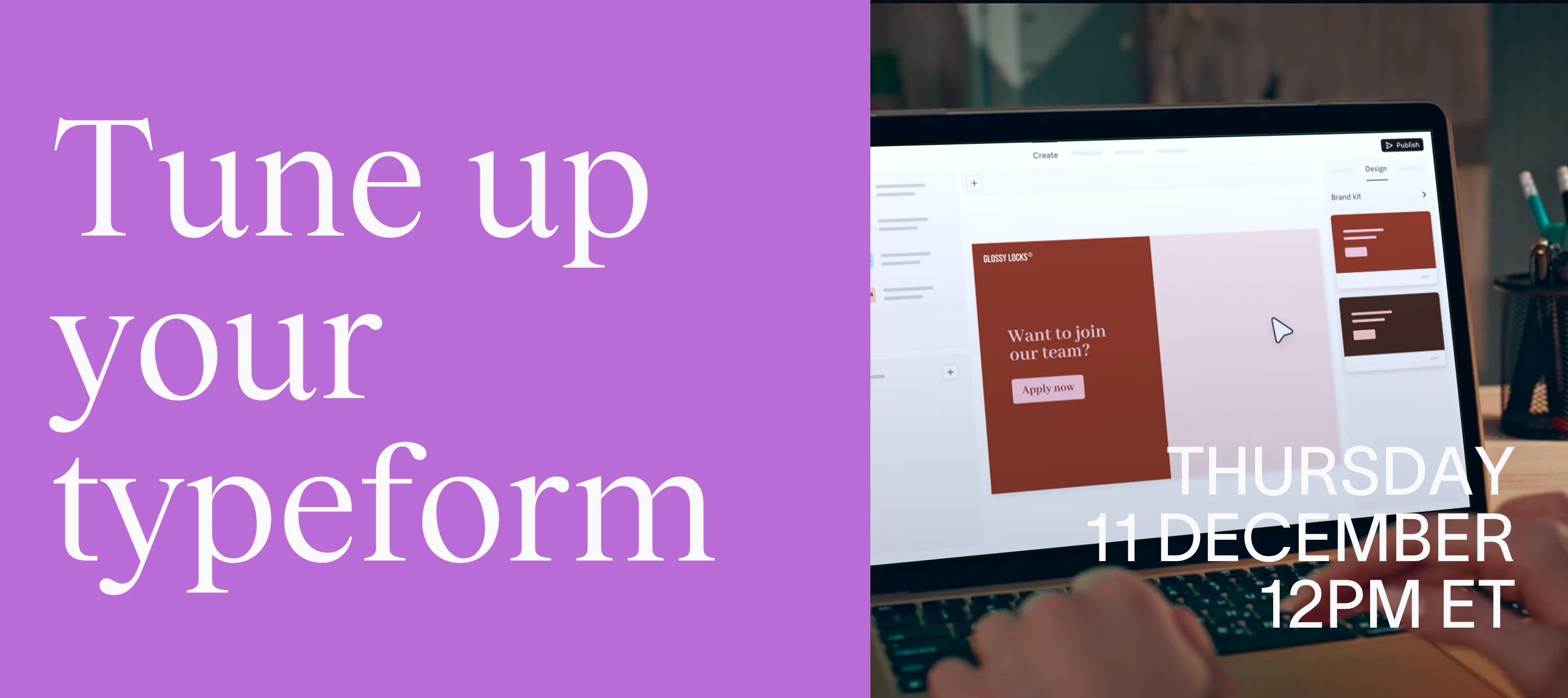

Hey Typeform Community! 👋
A big thank you to everyone who joined us for yesterday’s Tune-up Your Typeform workshop — and to those who submitted forms for a live makeover!
If you couldn’t make it (or want to revisit some of the tips), the full replay is now available. Watch how our Typeform experts tuned real life forms using the latest features:
🔧 What did we cover?
During the session we demoed:
- How to use Typeform AI to optimize your forms for higher completion rates
- Managing form respondents using Contacts and Automations to segment people and trigger email flows.
- Adding video questions to typeforms to make them feel more personalized and collect richer data
- Setting up payments via Stripe and PayPal to collect sales inside a typeform
⭐ The tuned-up forms
Here are the forms we tuned in the session:
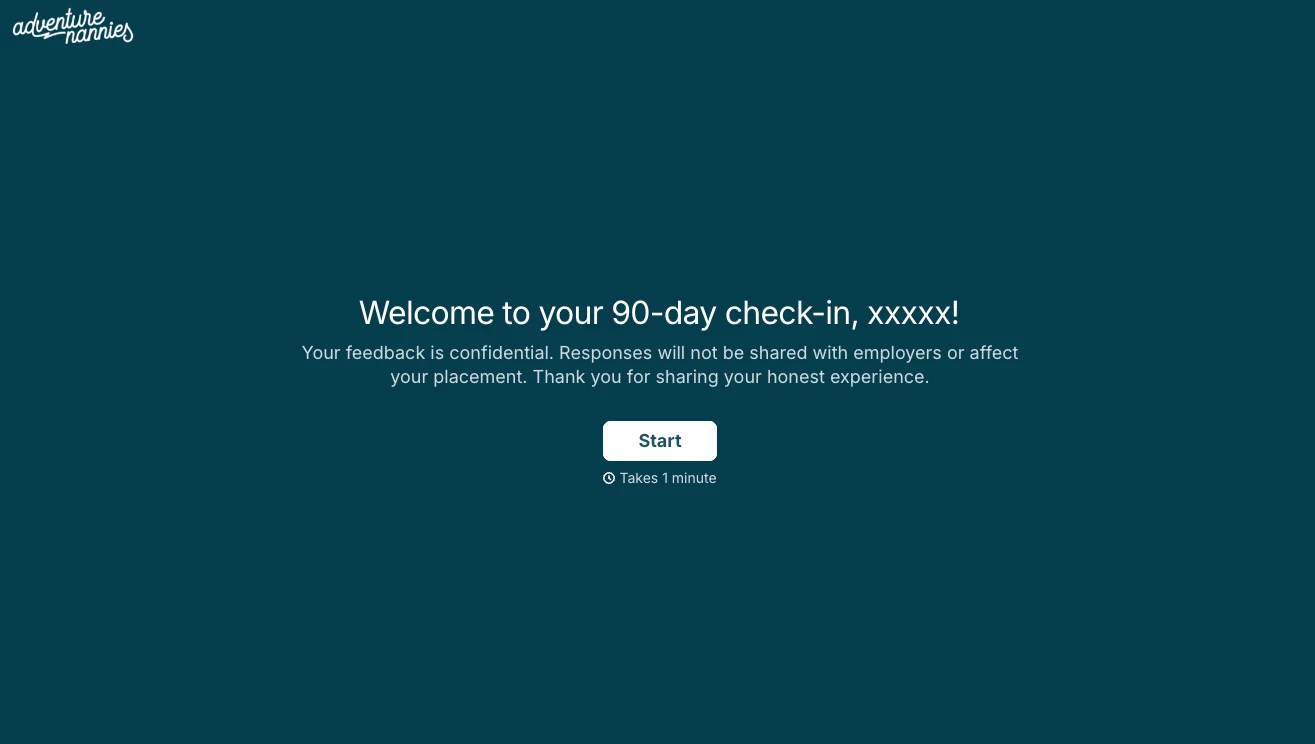
- Original typeform: Nanny feedback survey
- Challenge: Low response rates and poor quality data
- What we changed: Customized the design to optimize for mobile, used Typeform AI to optimize the questions and flow, added Clarify with AI questions
- Their tuned form
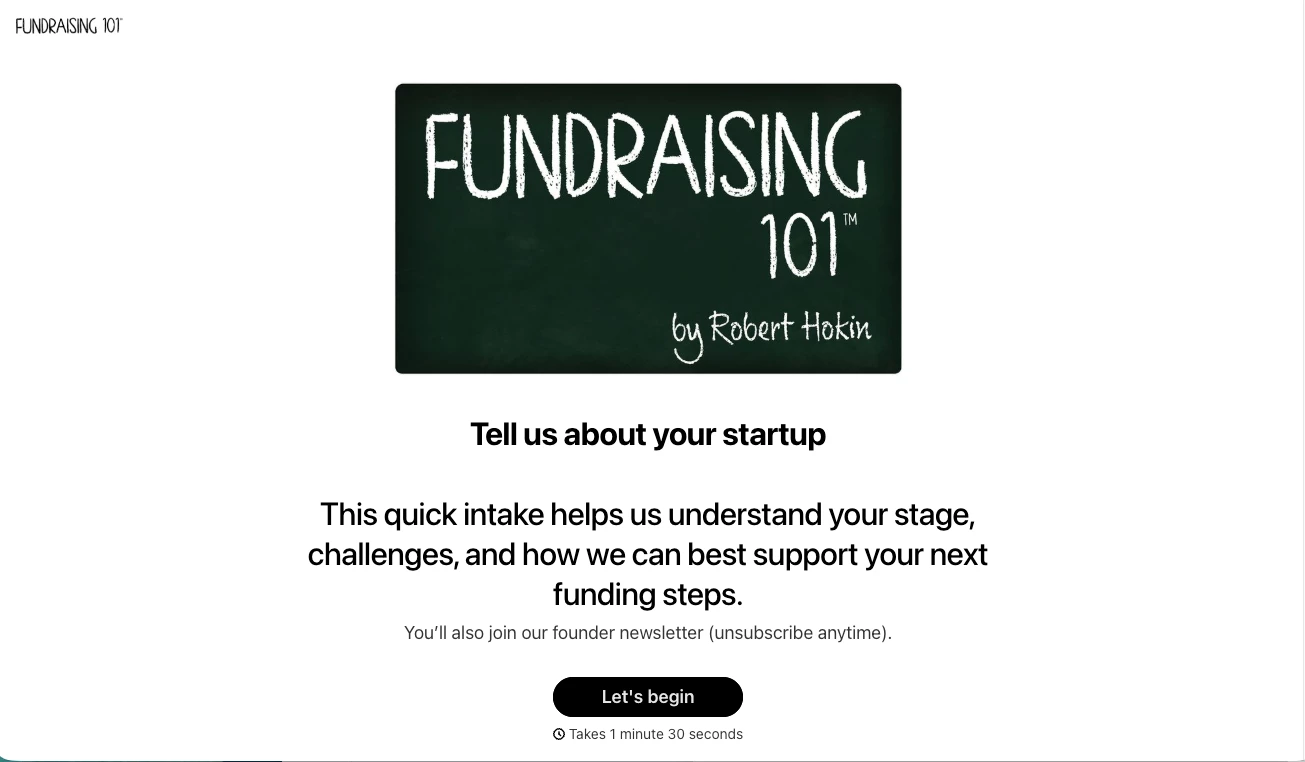
- Original typeform: Startup questionnaire
- Challenge: Form was very long with a poor completion rate
- What we changed: Split the form into two then used Contacts and Automations to segment leads and create a seamless user journey for respondents
- Their tuned form
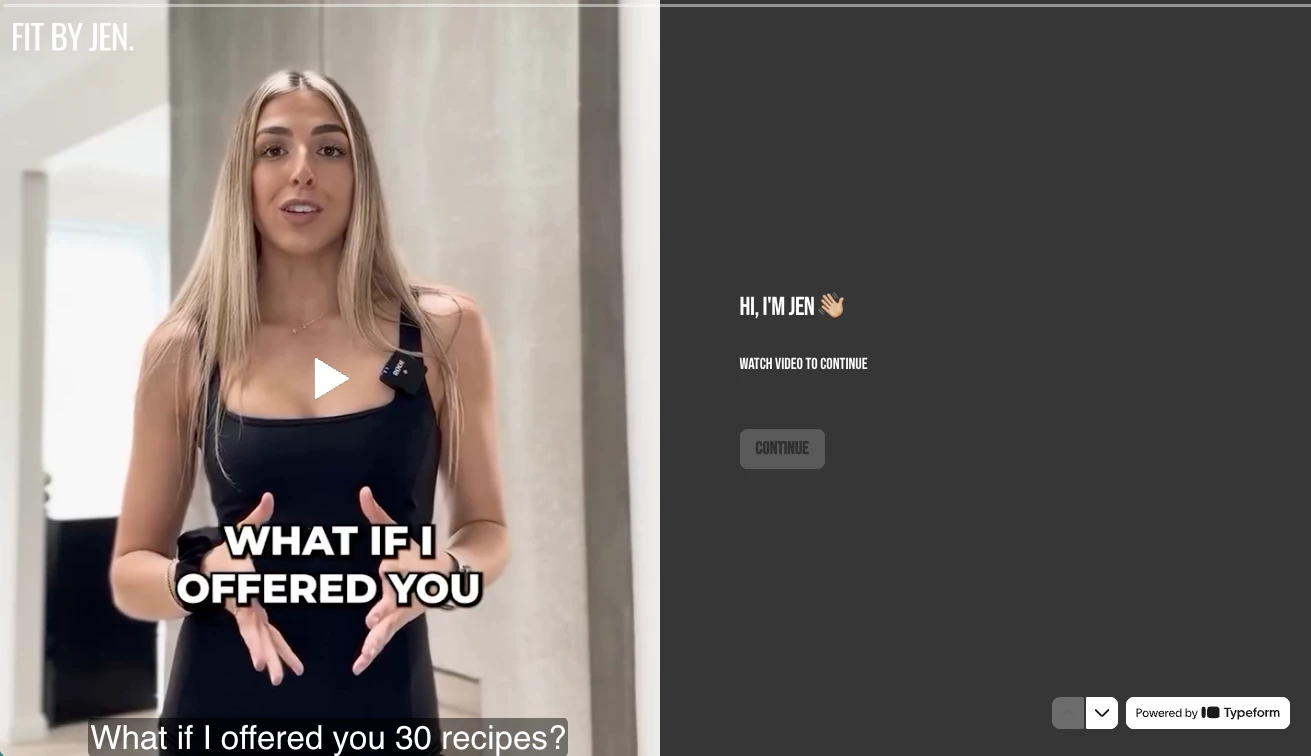
- Original typeform: Lead intake form
- Challenge: Low volume of leads, people not booking a call at the end
- What we changed: Used video questions to make the form more welcoming, added Calendly block, and improved the logic flow
- Their tuned form
- Original typeform: SAP Bootcamp registration
- Challenge: Disjointed flow, wanted to have registrants pay within the form
- What we changed: Improved the form logic and added a payment block to capture sales via PayPal
- Their tuned form

🧑🔧 The tuning squad
Thanks again to our panel of Typeform experts for polishing up the forms:
And a big shout out to the hostess with the mostess
🔗 Useful resources:
- Learn more about Typeform AI
- How to use Clarify with AI
- Using URL parameters to send pre-existing info into your forms
- Introduction to Contacts and Automations in Typeform
- A user's guide to setting up Contacts and Automations
- Guide to adding video questions to your forms
- Discover how to schedule Calendly appointments with Typeform
- Learn more about collecting payments in a typeform
Thanks again for your interest in our workshop. We'd love to hear your feedback, so we can improve these workshops in the future.
We'll be back in the New Year for some more tuning up. So, if you didn't get your form chosen this time, watch this space 👀
[Note] This post was originally published on October 22 2025 as a preview for the workshop. It was updated on December 12th to include the recording video and a summary of what we discussed.