


Hey Community!
As it’s Easter this weekend for some of us, I thought I would use Typeform’s Match Quiz mode to create a fun and entirely inaccurate personality quiz! 😆
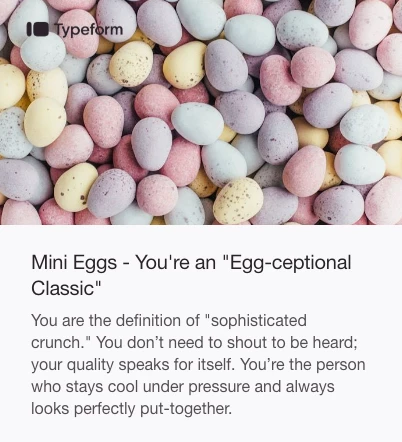
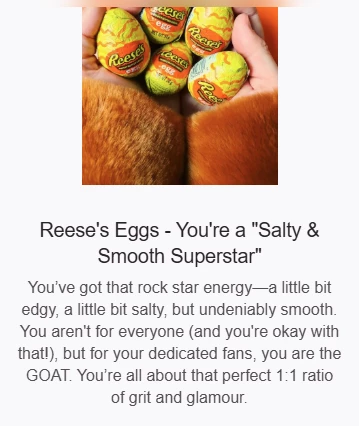
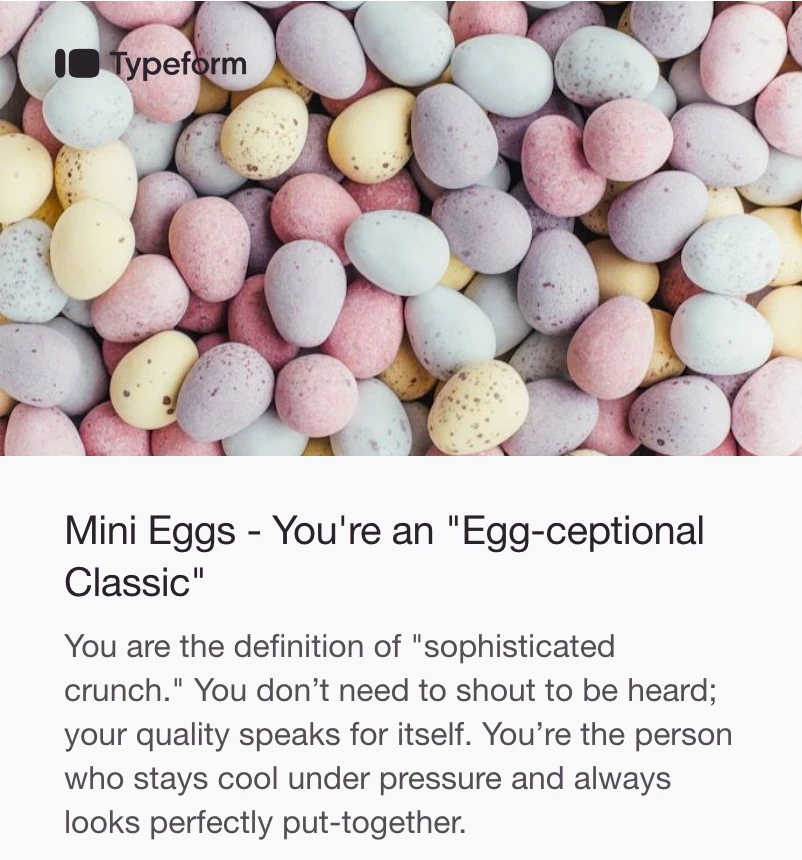
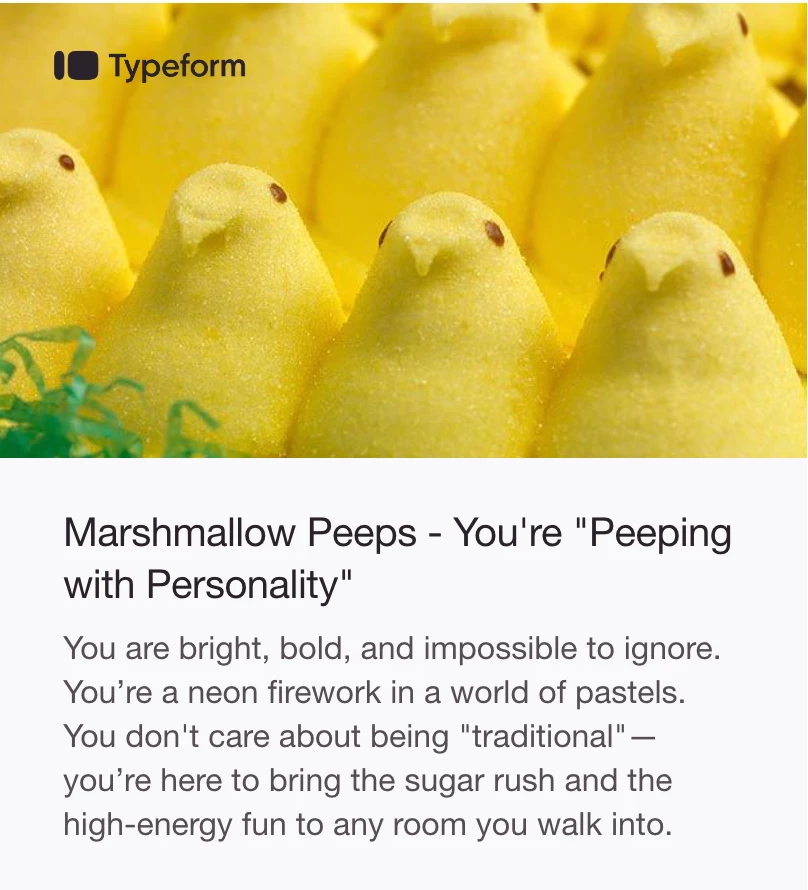
Take the test and discover which Easter treat you are, in my aptly named “Easter Treatform” 🪺
Give it a go, and let me know in the comments if you agree with the results! 🐰
A peak behind the curtain
If you’re curious about setting up a personality quiz, I highly recommend checking out the video walkthrough available here.
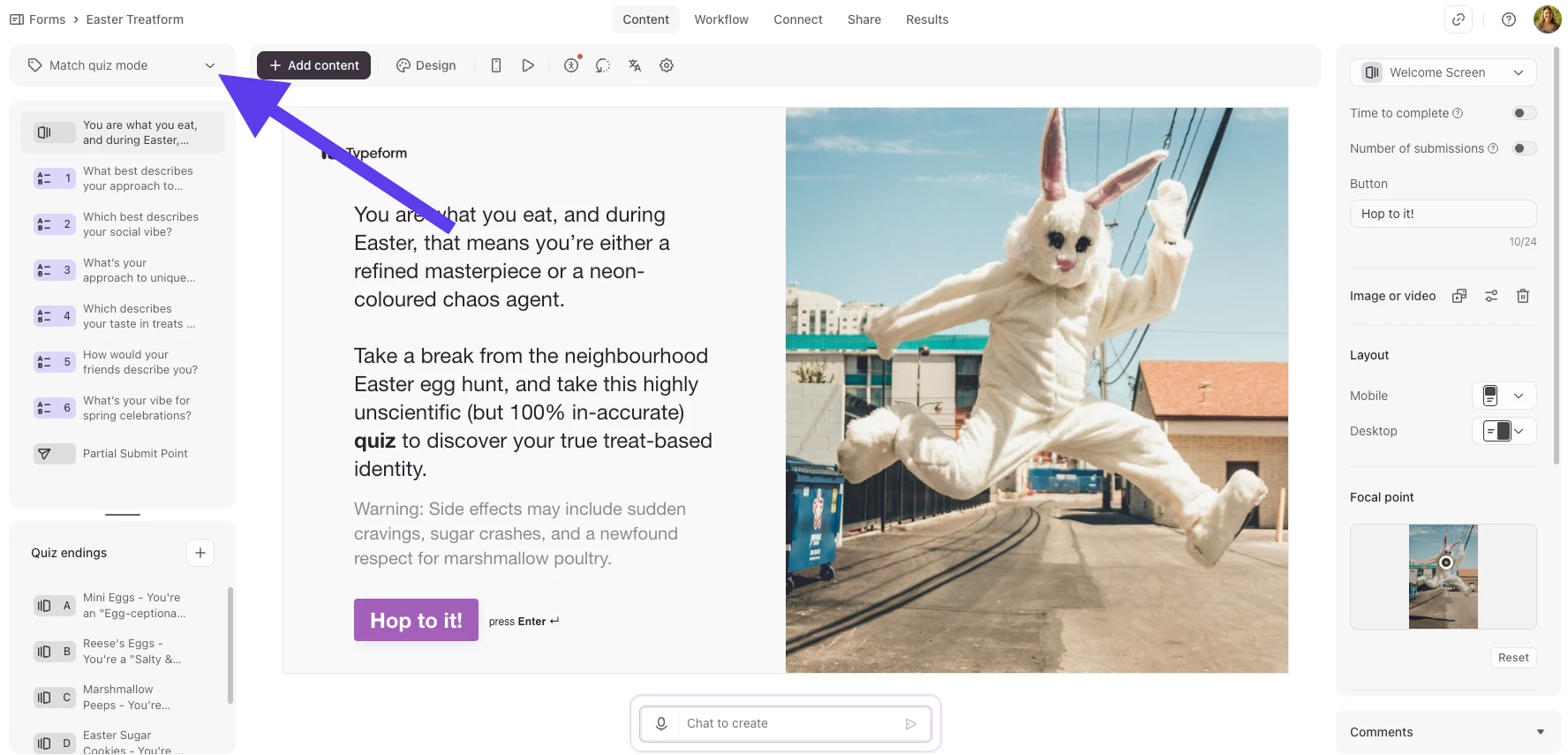
It was pretty quick to set this up. Once I’d decided what my sugar-based personality types were going to be, I switched my Typeform to Match Quiz mode:
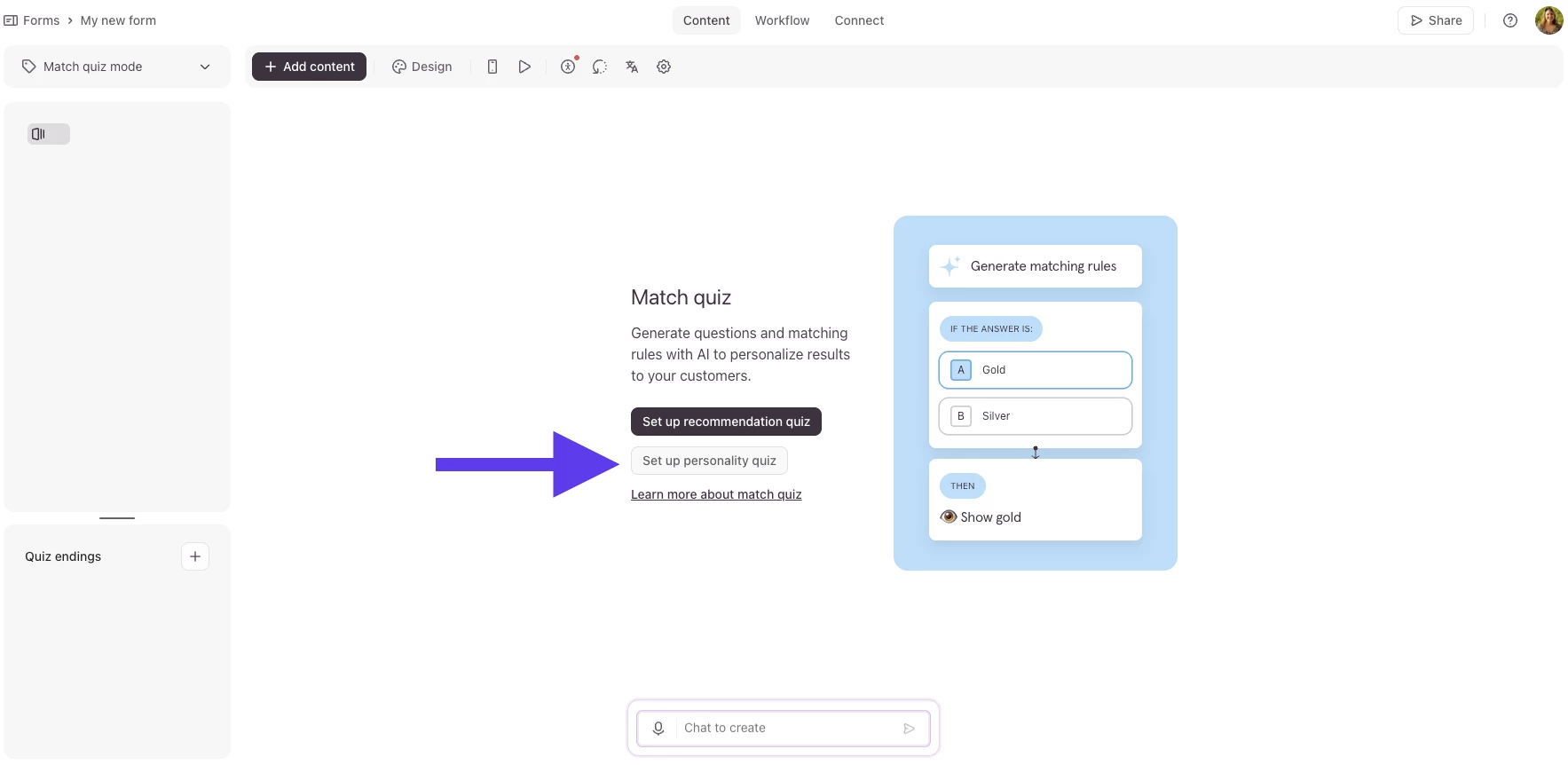
From here I selected the style of Match quiz I wanted to create (I went for personality quiz):
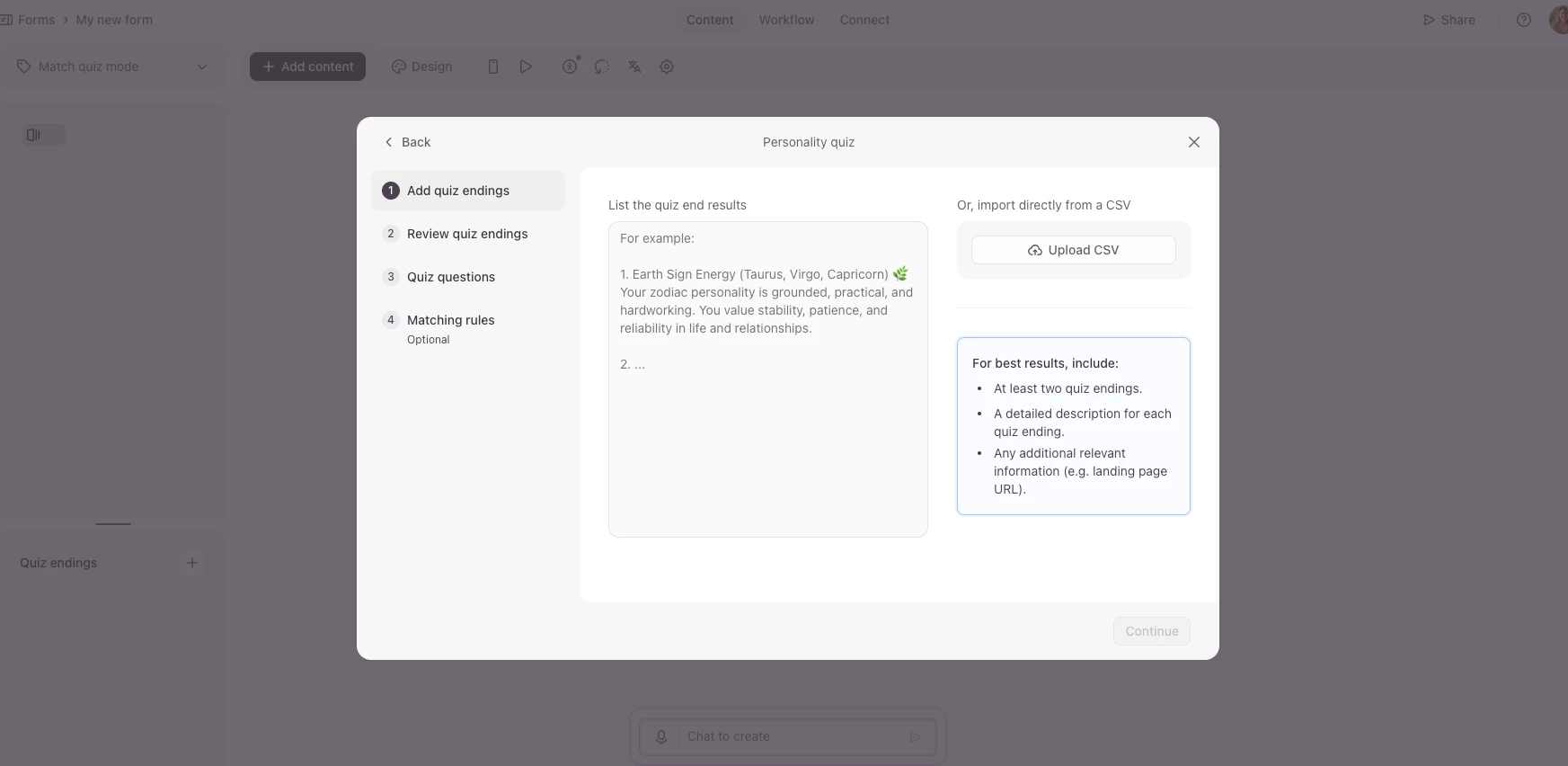
Next, you submit all your endings. Typeform AI suggests a series of questions based on these endings (which you can of course refine), and then it builds the calculations for your personality quiz.
Once I was happy with the setup, I added a Welcome screen, images to some questions and all the endings for a visual representation of the treats (I mostly used what was already in the Typeform image library for these), and I used a Brand Kit to theme the whole form.
Obviously I just made this for fun, but a personality quiz is a great way to collect leads, and connect and engage customers with your brand. It can be embedded on your website, or used as part of a marketing campaign. With Typeform you can add scoring and branching to manage lead qualifications, and take your quizzes to the next level!
Let us know if you give it a go, or have any questions about creating a quiz.