Question

Additional Links From Ending

  • Dec 14, 2021 3:29 PM UTC
  • 12 replies
  • 514 views

Forum|alt.badge.img

Hi,

I ideally want to include 2 links from the end slide...one via the button and another via the linked text, but this looks to not be possible...I can only have one link from the end slide right?

My follow up issue is that I disable the button link & just have the linked text in the last slide. When I test it, however, the link within the text refuses to work at all…

Does anyone have any solutions to this?

Cheers.

David

12 replies

Liz
Ex–Typefomer
Forum|alt.badge.img+5
  • Tech Community Advocate
  • Dec 14, 2021 4:34 PM UTC

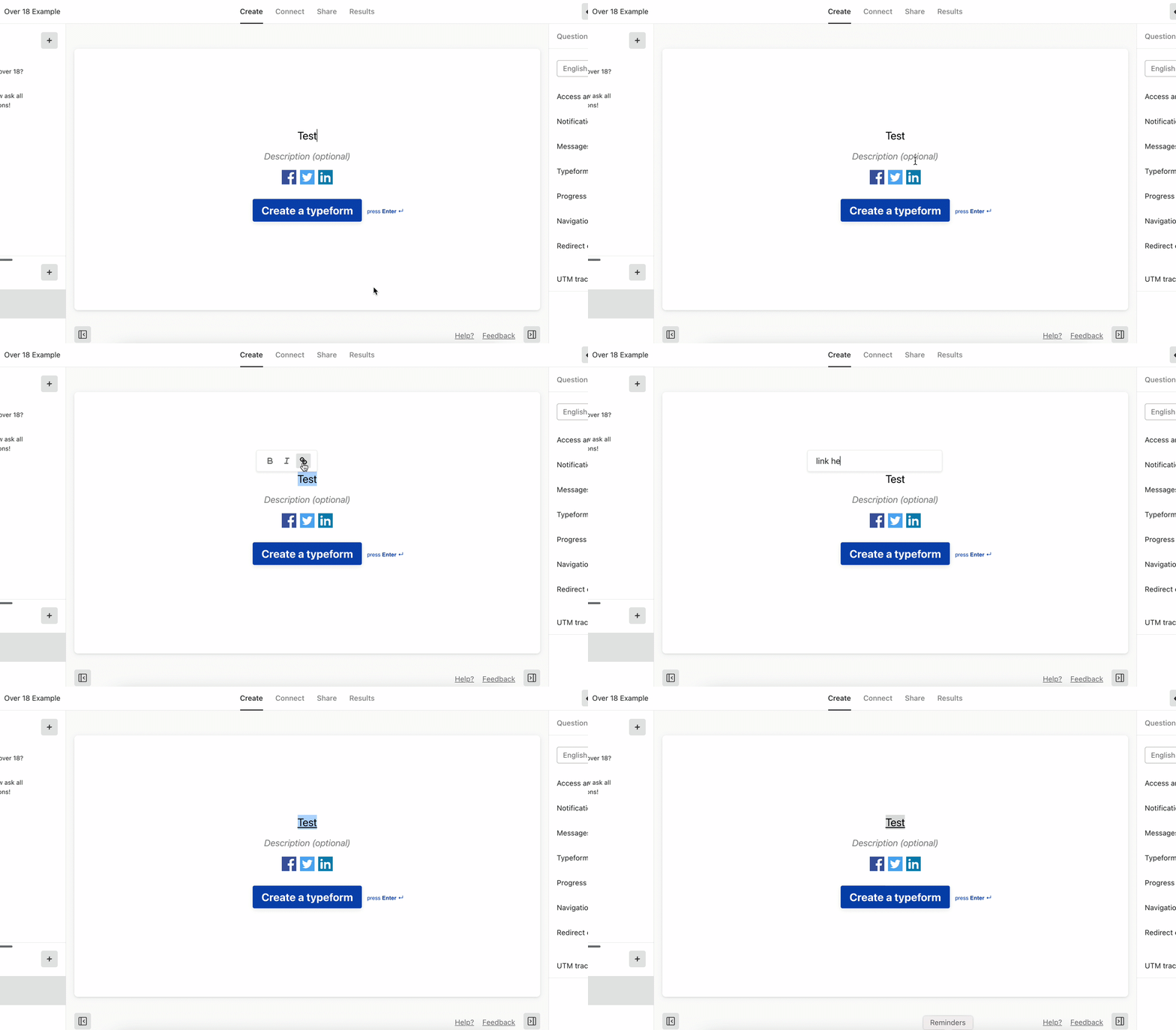
Hi @Dave K You can hyperlink the text on the ending page. :) You’ll want to highlight the text and then add the link like so: 

If the link you’ve added isn’t working still, do you mind sending the URL of the form so I can give it a test? 


john.desborough
Forum|alt.badge.img+6
  • Certified Partner & Champion
  • Dec 14, 2021 4:48 PM UTC

@Dave K - if you are looking at the form in the Preview within Typeform, you won’t have an active link. you would need to publish the form and then look at the live form to see the link working 

my tuppence.. 


des


Forum|alt.badge.img
  • Author
  • Explorer
  • Dec 15, 2021 1:49 AM UTC

Hi guys,

I’ve done all the above..I highlighted the text & added the link. I also published & tried the link on the updated live form to no avail.

Here’s the link if you could take a look…


Regards,
David


Liz
Ex–Typefomer
Forum|alt.badge.img+5
  • Tech Community Advocate
  • Dec 20, 2021 12:17 PM UTC

Hi @Dave K I tested the form, and I’m also not seeing the link work. Would you mind sending a screenshot of what you have setup in the form settings? 


Forum|alt.badge.img
  • Author
  • Explorer
  • Dec 20, 2021 6:37 PM UTC

Hi,

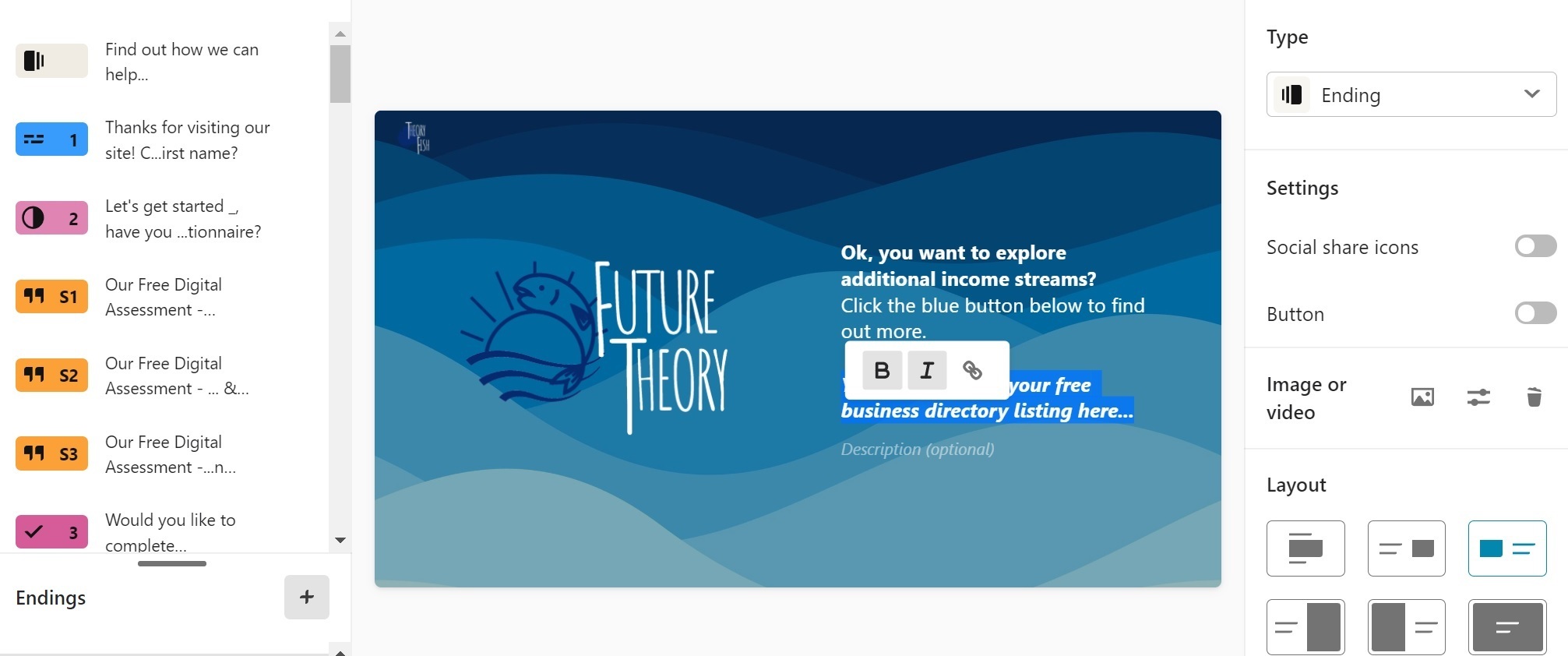
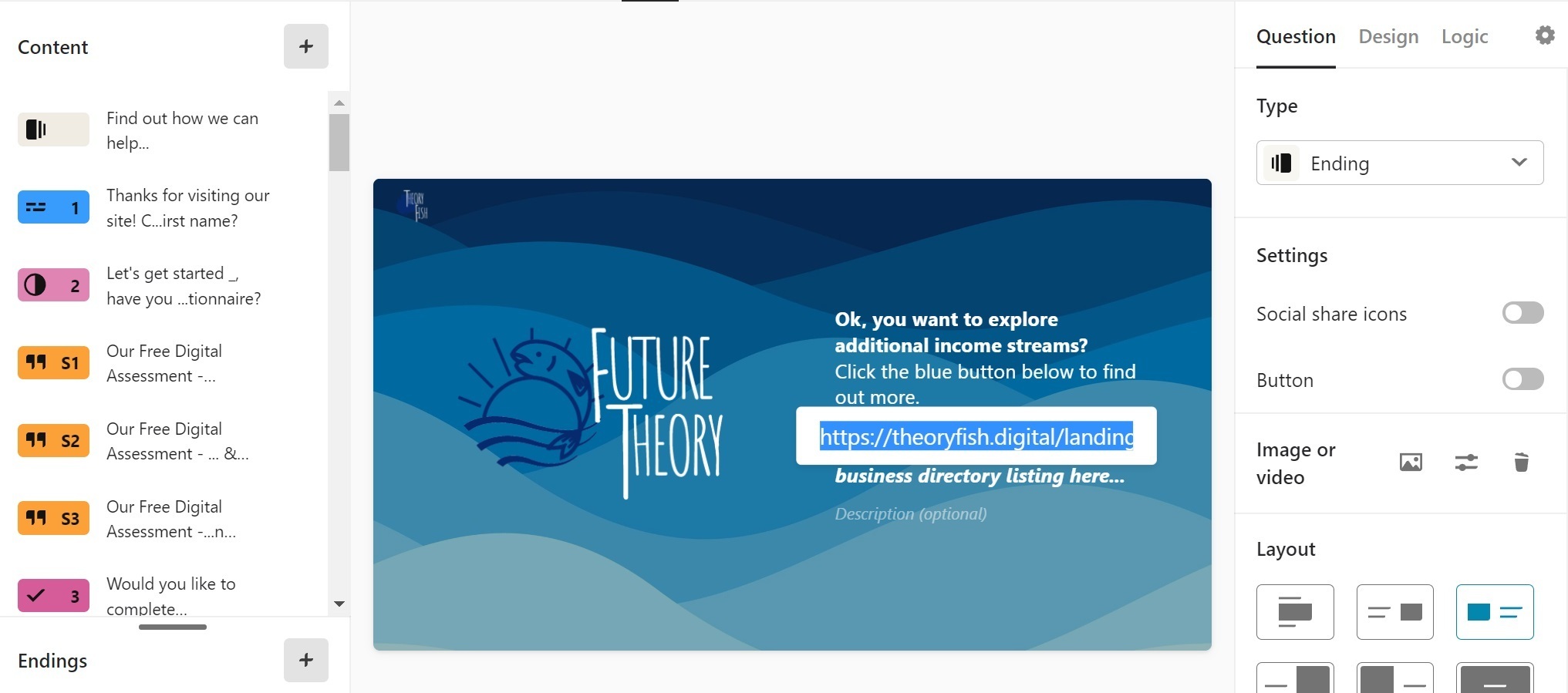
As you can see from the shots, I've disabled the button but there's still no active link on the live form.

Please advise.

Regards,

David


Liz
Ex–Typefomer
Forum|alt.badge.img+5
  • Tech Community Advocate
  • Dec 20, 2021 7:01 PM UTC

Hi @Dave K Oh gosh, sorry. I see what you’re referencing now. Let me ask our product team if this is expected behavior. 

Just to be sure, you’ve published the changes on your form, right? 


Forum|alt.badge.img
  • Author
  • Explorer
  • Dec 21, 2021 11:43 AM UTC

Hi,

Yes, I republished the form after updating it.

Regards,

David


Liz
Ex–Typefomer
Forum|alt.badge.img+5
  • Tech Community Advocate
  • Dec 21, 2021 12:33 PM UTC

Hi @Dave K I’m going to have our support team take a look at this since it would be best to log into your account and see how the hyperlinks are set up (which we can’t do in the community here). You should hear back from them by today, but if not, please let me know!


Forum|alt.badge.img
  • Author
  • Explorer
  • Dec 21, 2021 12:42 PM UTC

Hi,

One other interesting point...when I go back into the form, and check my link text, it has always disappeared, which would explain why the link doesn’t work.

Regards,

David


Liz
Ex–Typefomer
Forum|alt.badge.img+5
  • Tech Community Advocate
  • Dec 21, 2021 12:49 PM UTC

Thanks, @Dave K ! I’ll share this with the support team. 


  • Explorer
  • Apr 3, 2022 9:37 PM UTC

@Liz  this is happening to me as well… exact same scenario.  I’m wondering if someone can check mine as well?

Regards,

Jill


Liz
Ex–Typefomer
Forum|alt.badge.img+5
  • Tech Community Advocate
  • Apr 4, 2022 2:24 PM UTC

Hi @jillybean I’ve responded on your post!