Answered

Advanced Logic is not showing up

  • September 12, 2022
  • 11 replies
  • 197 views

The option to click on advanced Logic is not showing up.

My logic is limited to ‘Go to’ option only.

Best answer by Liz

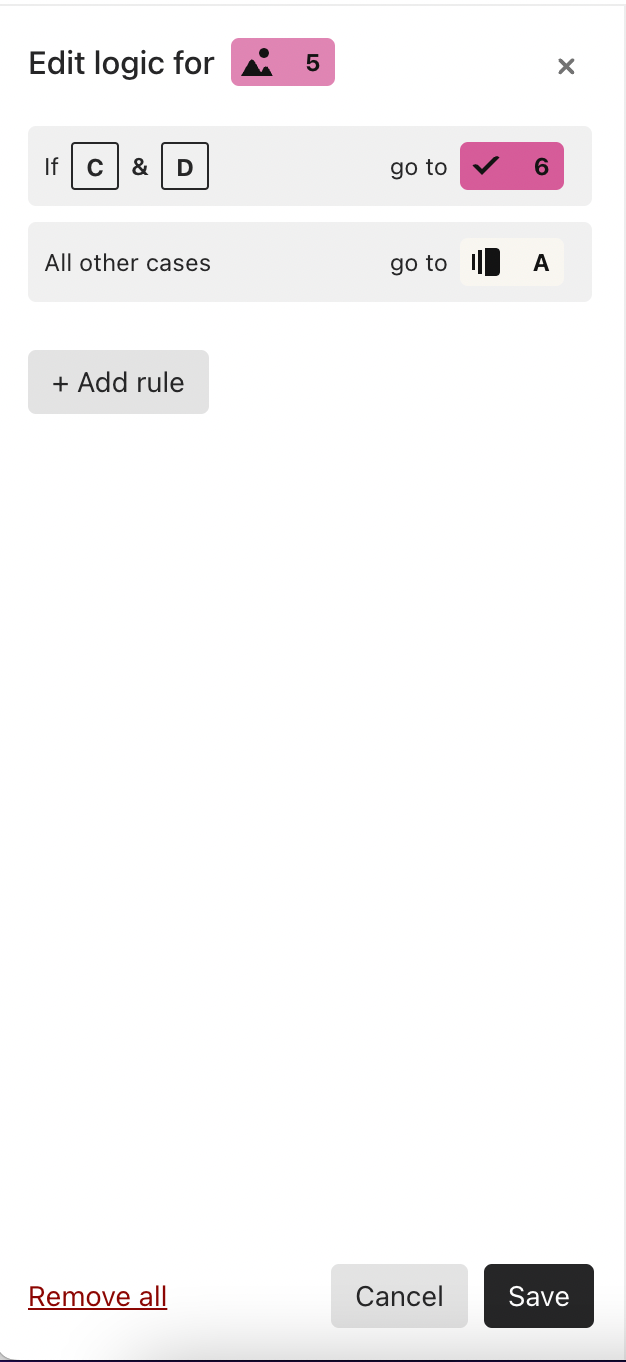
Hi @Em Lee If you click on “Add rule,” this will allow you more logic options. 😀

11 replies

john.desborough
Forum|alt.badge.img+6
  • Certified Partner & Champion
  • September 12, 2022

@Em Lee - can you please share a screen shot of what you are seeing? that will help us troubleshoot

des


  • Author
  • Explorer
  • September 13, 2022

I’m currently on the business plan and when I click on the logic → no advanced option is appearing as seen in the youtube guides.


Browser Details

Version 104.0.5112.101 (Official Build) (arm64)


Liz
Ex–Typefomer
Forum|alt.badge.img+5
  • Tech Community Advocate
  • Answer
  • September 20, 2022

Hi @Em Lee If you click on “Add rule,” this will allow you more logic options. 😀


  • Author
  • Explorer
  • September 22, 2022

Hi @Liz 

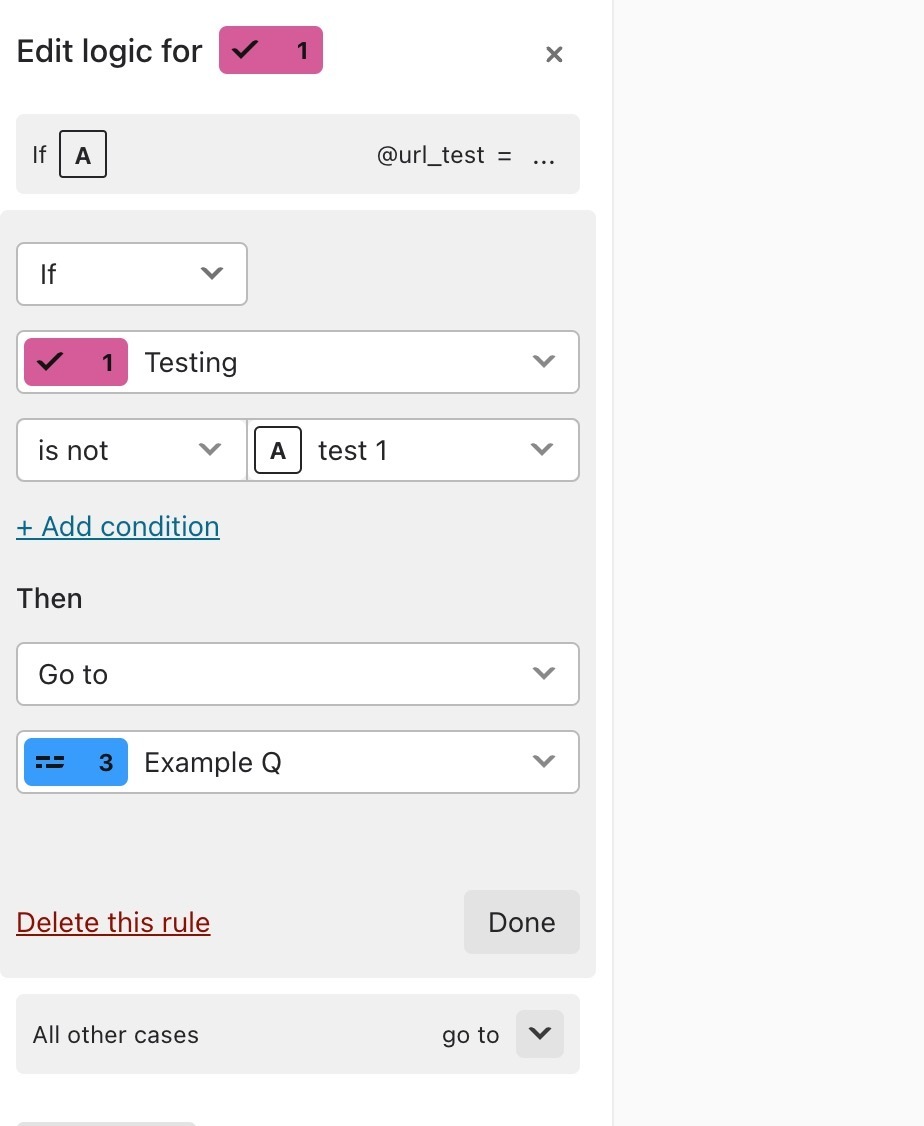
I’m trying to find the logic for 

is not Choice 1
then
jump to Question x

my only option consists of “is” and “is not” and “go to” and “numerical” which is quite limiting


Liz
Ex–Typefomer
Forum|alt.badge.img+5
  • Tech Community Advocate
  • September 23, 2022

Hi @Em Lee You need to click the Add Rule button, and then set up your logic jumps like this: 


  • Explorer
  • October 16, 2022

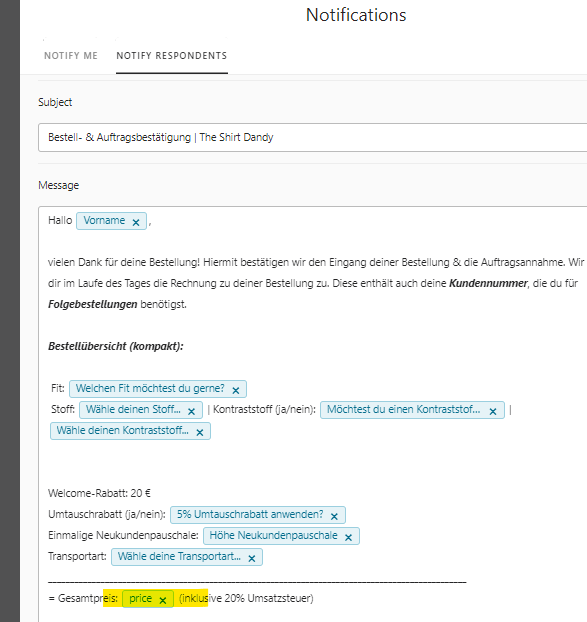
Hi @Liz I have the same problem (see screenshot attached) - I dont see the possibility for creating a new variable.


Reason why I am asking is related to this question: 

I am using stripe and its calculating my price correctly but in the notification to the customer it always shows 0.

wanted to try out the proposed solution with v_price...


Liz
Ex–Typefomer
Forum|alt.badge.img+5
  • Tech Community Advocate
  • October 17, 2022

Hi @HebenTh Are your respondents being charged correctly? 

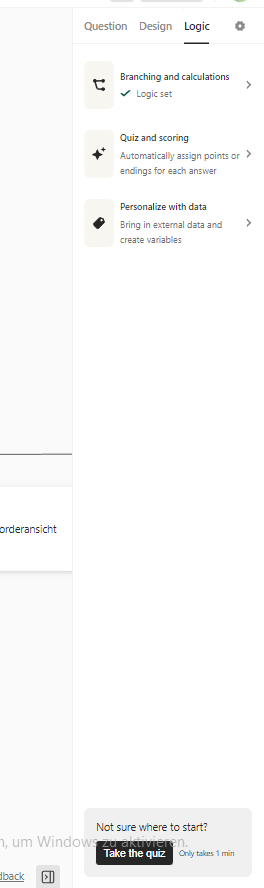
As for adding variables, you’ll want to click on the option “Personalize with data” to find the variable options. 


  • Explorer
  • October 17, 2022

yes the are charged correctly in the payment question but in the email notification it shows 0.


Why is that?


Liz
Ex–Typefomer
Forum|alt.badge.img+5
  • Tech Community Advocate
  • October 17, 2022

Hi @HebenTh If the option for bank transfer is selected, the pricing variable will show 0. Though, if they pay via card, then this value should show in the notifications. 


  • Explorer
  • October 17, 2022

Hi @Liz 


the checkou is not a mandatory field in my form. I skipped the payment. If I understand correctly thats the reason why it shows 0? if they enter credit card credentials and actually pay the price should show in the notification?


Liz
Ex–Typefomer
Forum|alt.badge.img+5
  • Tech Community Advocate
  • October 18, 2022

Ah, that would be it, @HebenTh ! If they skip over that field, then yes, it would show 0 since 0 was charged.