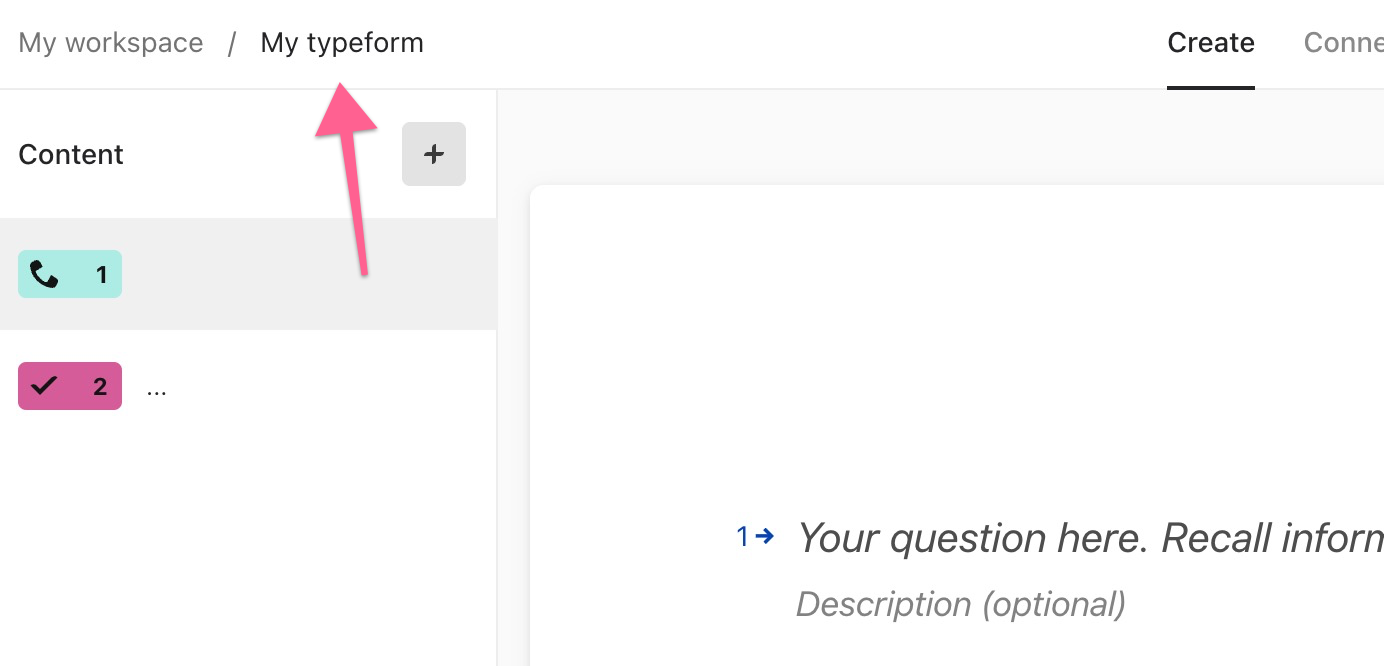
Hi - this is my company’s first foray into Typeform. We started with a template, in our case, a “Demographic Survey” one. We’ve edited to our liking - but now, when I’m sharing it - the browser tab at the top says “Demographic Survey” instead of the title I’ve given our survey. Is there a way to edit what shows up in the browser tab?

Answered
Browser Tab from Template won't change
Best answer by dominiqueferrari
Thank you! I finally figured it out - changing the name of the form didn’t fix the browser tab issue - but when I clicked on ‘share’ and then ‘customize link’ that is where i was able to add an image, copy, and title that updated the browser tab - so it had to do with the metadata (which makes sense - I am just a novice with this stuff so figuring it out as I go!) Thank you so much for your advice!



Enter your E-mail address. We'll send you an e-mail with instructions to reset your password.