Answered

I can't choose default score in my Typeform

  • Mar 6, 2023 4:51 PM UTC
  • 17 replies
  • 193 views

Forum|alt.badge.img

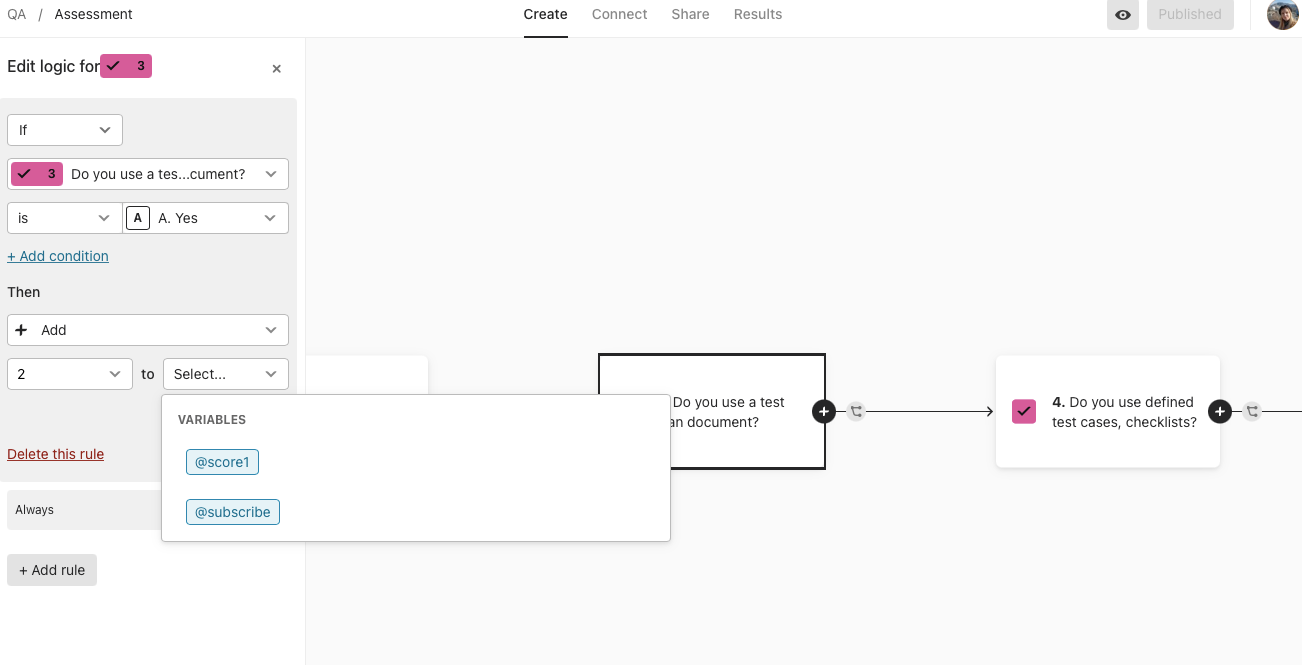
Hi! I have a  problem - My Typeform is badly connected to Hubspot, it does not send letters with results. I guess the problrm could be in workflow, and default score. In logic I can’t pick up default score to add numbers. 

Best answer by Liz

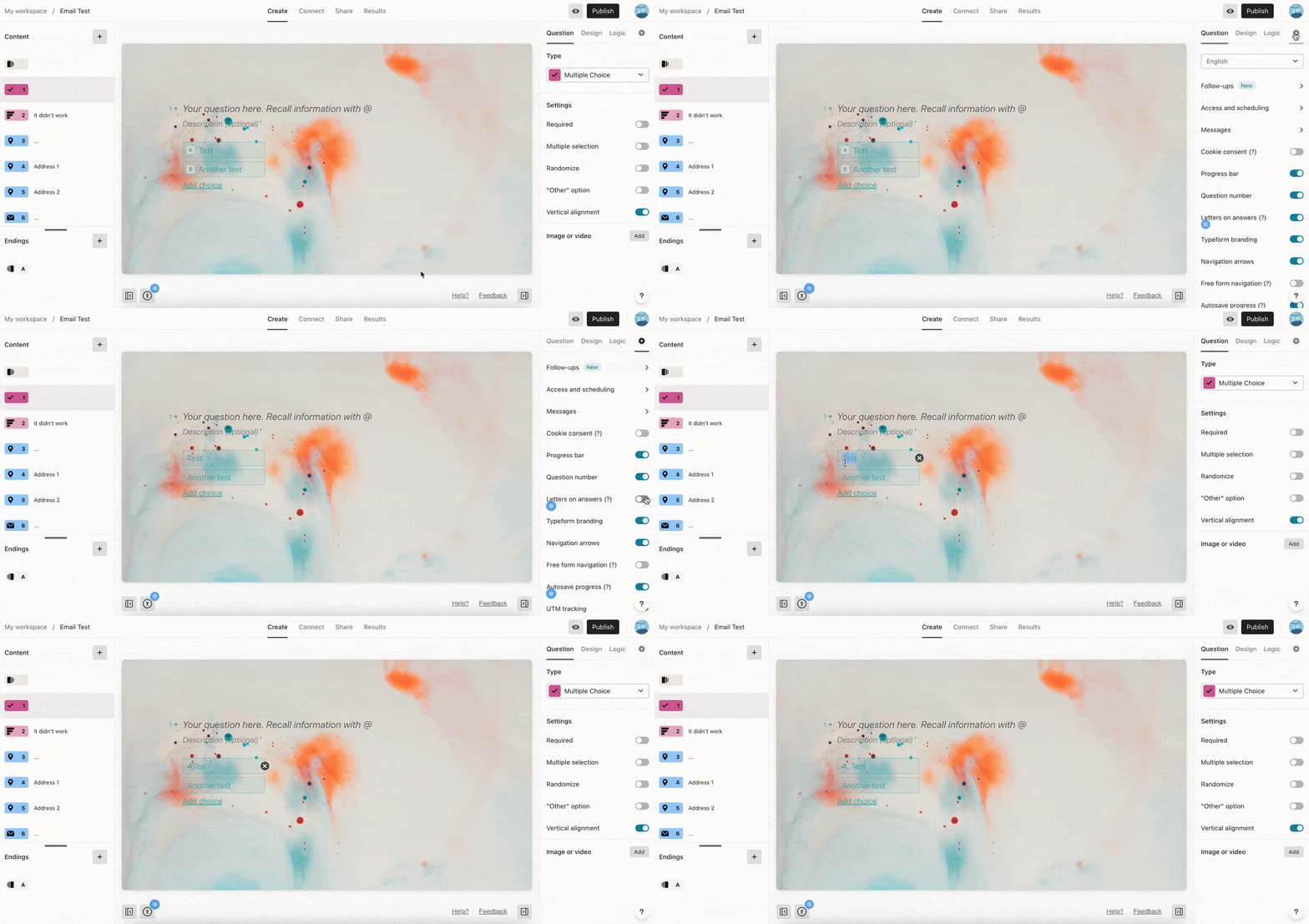
Hi @Kat108 Thanks for sending this over! I took a look at your form, and it doesn’t look like you have the letters directly in your answers. In order to pass this, you could first remove the key hints following the steps here and then add those letters directly in your answers so the data exports. 


View original

17 replies

Forum|alt.badge.img
  • Author
  • Explorer
  • Mar 6, 2023 4:53 PM UTC

My Typefrom, integrated to Hubspot, can’t send letters with results. I guess the problem is in default score. Can someone from Typeform testers help me with that?


Liz
Ex–Typefomer
Forum|alt.badge.img+5
  • Tech Community Advocate
  • Mar 6, 2023 9:31 PM UTC

Hi @Kat108 Do you have the letters in your answer options? (Not counting the key hints) If not, this data won’t pass. 

If you’d like your results to have lettering options, I’d suggest removing the key hints and manually adding the letters to your answer options. 


Forum|alt.badge.img
  • Author
  • Explorer
  • Mar 14, 2023 8:05 AM UTC

Liz
Ex–Typefomer
Forum|alt.badge.img+5
  • Tech Community Advocate
  • Answer
  • Mar 14, 2023 2:34 PM UTC

Hi @Kat108 Thanks for sending this over! I took a look at your form, and it doesn’t look like you have the letters directly in your answers. In order to pass this, you could first remove the key hints following the steps here and then add those letters directly in your answers so the data exports. 


Forum|alt.badge.img
  • Author
  • Explorer
  • Mar 16, 2023 2:57 PM UTC

Hi, Liz! I added letters in numbers but it seems I could not add default score in logics anyway. 


Forum|alt.badge.img
  • Author
  • Explorer
  • Mar 16, 2023 3:01 PM UTC

Liz
Ex–Typefomer
Forum|alt.badge.img+5
  • Tech Community Advocate
  • Mar 16, 2023 4:15 PM UTC

Thanks, @Kat108 ! I’m afraid I’m not quite sure I understand what you’d like to do with the score. Do you mind explaining a bit more what outcome you’re looking for? I want to be sure I provide you the right solution!


Forum|alt.badge.img
  • Author
  • Explorer
  • Mar 16, 2023 4:22 PM UTC

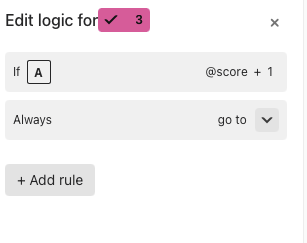
I want to add @score to my questions like in that example, its default, but for some reasons I can’t do it in that exactly typeform


Liz
Ex–Typefomer
Forum|alt.badge.img+5
  • Tech Community Advocate
  • Mar 17, 2023 2:43 PM UTC

Hi @Kat108 Do you mind sharing the link where you see the example? 


Forum|alt.badge.img
  • Author
  • Explorer
  • Mar 17, 2023 4:46 PM UTC

Liz
Ex–Typefomer
Forum|alt.badge.img+5
  • Tech Community Advocate
  • Mar 17, 2023 7:44 PM UTC

Oh, sorry, @Kat108 ! My comment was misleading. I meant the link to the article where you’re seeing that example. That’ll help me understand which setup you’re looking to replicate. 


Forum|alt.badge.img
  • Author
  • Explorer
  • Mar 27, 2023 11:46 AM UTC

Oh, sorry, @Kat108 ! My comment was misleading. I meant the link to the article where you’re seeing that example. That’ll help me understand which setup you’re looking to replicate. 

Hi Liz! So how can I add score in here?


Liz
Ex–Typefomer
Forum|alt.badge.img+5
  • Tech Community Advocate
  • Mar 27, 2023 3:18 PM UTC

Hi @Kat108 Could you send the link to the article you’re referencing previously? 


Forum|alt.badge.img
  • Author
  • Explorer
  • Mar 31, 2023 12:19 PM UTC

Hi, @Liz!

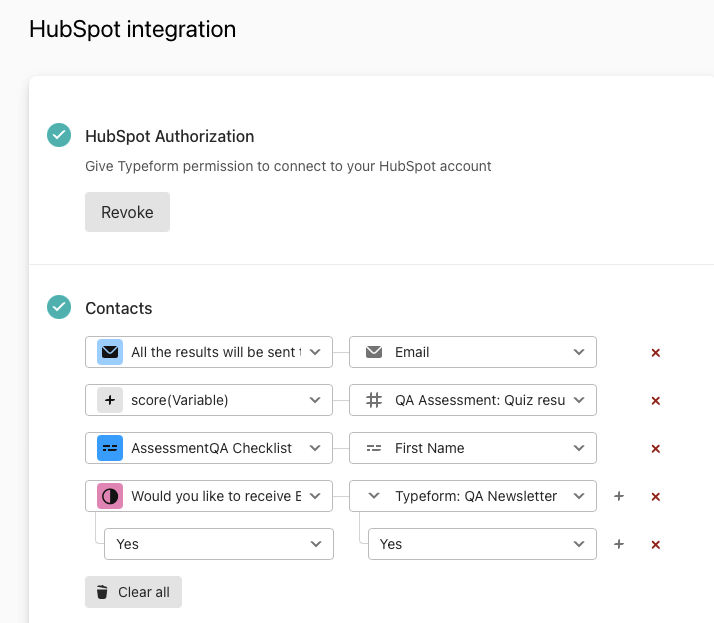
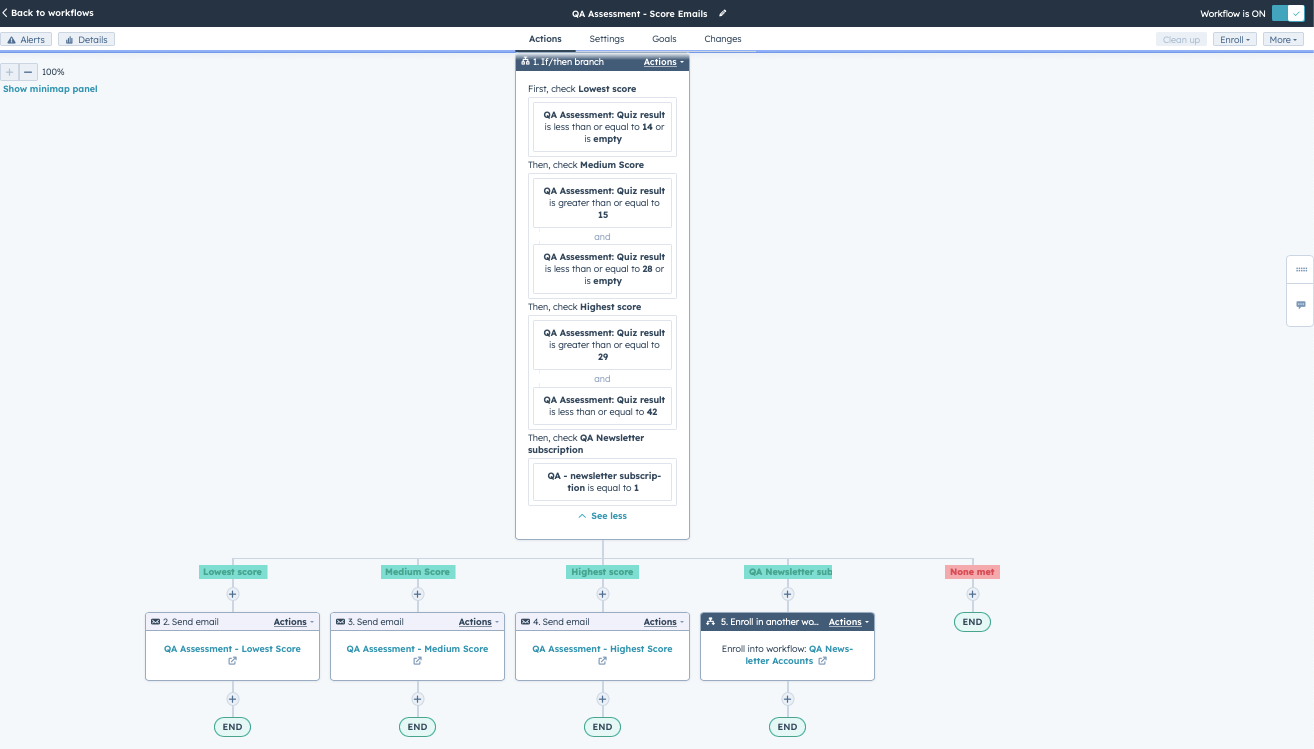
I’m trying to connect Typeform with Hubspot. I want to send the emails with the results to the participants and have created a workflow in Hubspot for it. Unfortunately, it is not working. I can’t understand if it is a problem in workflow, trigger criteria and score. Can someone please help me with that?


Liz
Ex–Typefomer
Forum|alt.badge.img+5
  • Tech Community Advocate
  • Mar 31, 2023 3:24 PM UTC

Hi @Kat108 Do you mind sharing a screenshot of the workflow in Hubspot? And if you’re able to send a screenshot of how you have the form integrated in Typeform to Hubspot, that would be helpful, too!


Forum|alt.badge.img
  • Author
  • Explorer
  • Mar 31, 2023 4:31 PM UTC

Hi, @Liz ! Here are the screens


Liz
Ex–Typefomer
Forum|alt.badge.img+5
  • Tech Community Advocate
  • Mar 31, 2023 8:55 PM UTC

Thanks, @Kat108 ! I think all of this is setup correctly. Have you submitted any test responses? And do those have scores? 

If they do, then it might be something with the ordering in Hubspot. I’m not super familiar with that, so you might need to check with their support team, but part of me also thinks it might be the “and” bits in your flow trigger. You might want to change these to “or” for the one checking the scores.