Is it possible to make the background of my form transparent?
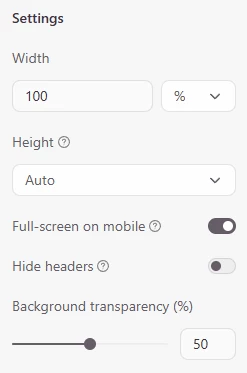
I’m using a standard embed with these settings:
However I continue to get the white box behind the form.
Is there a way to remove the white box? Can I do this with CSS in the webpage the form is embedded in?
Best answer by James
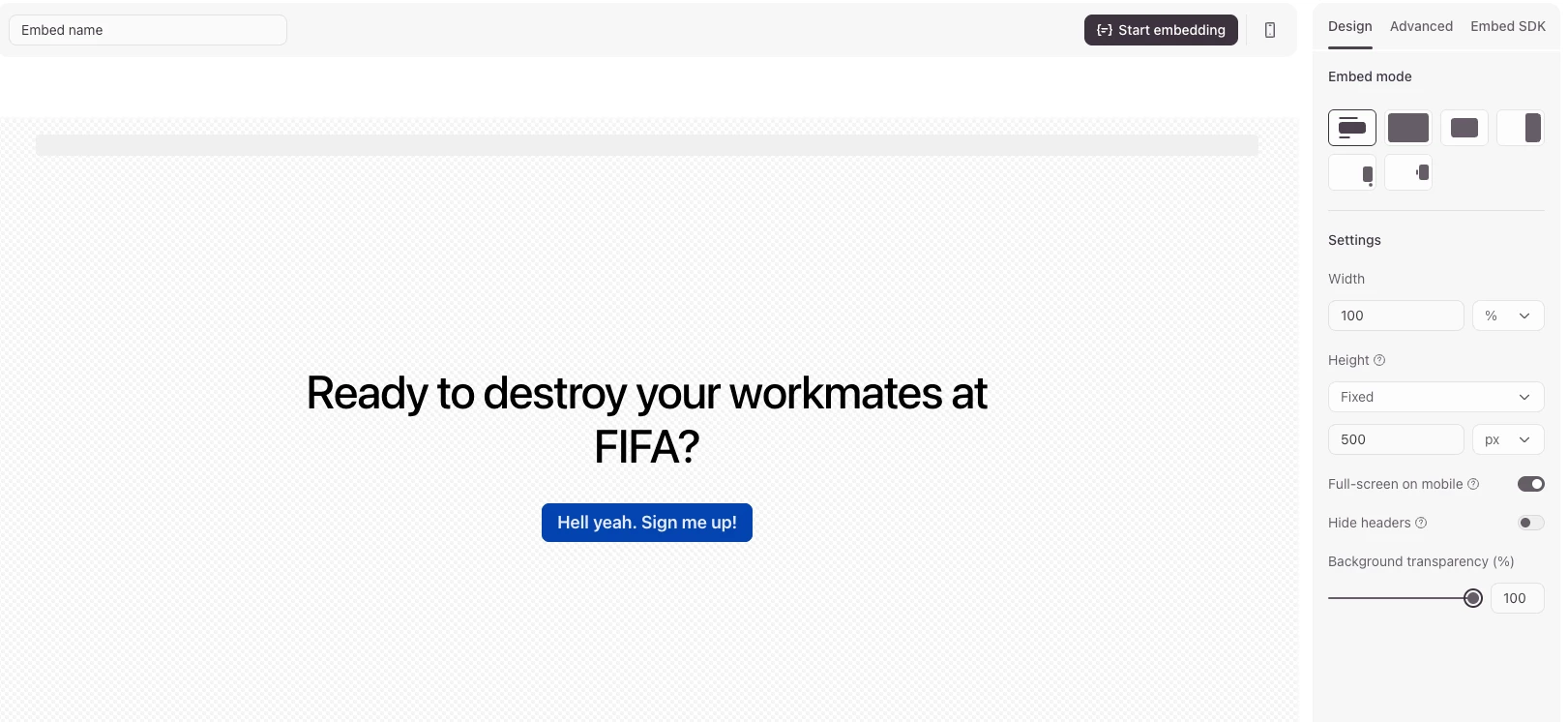
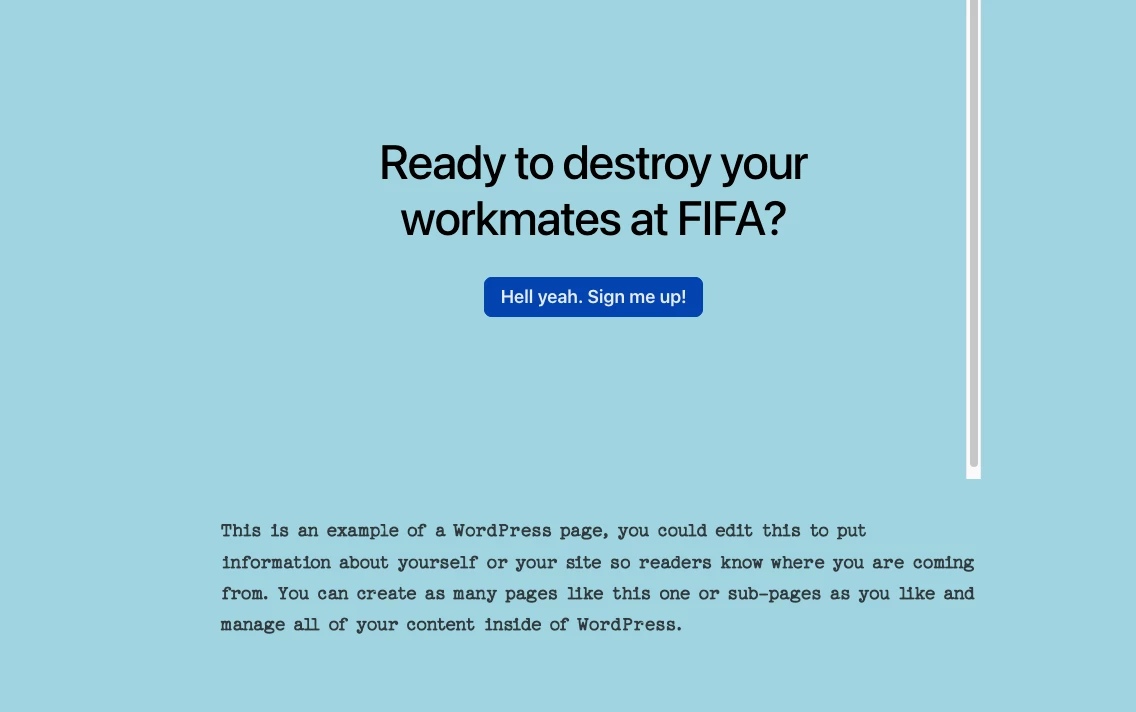
Hey @Jon E to make the background of the form transparent you just need to set the background transparency in the Share –> Embed in a webpage menu to 100% then copy and paste the embed code into your webpage editor. You should then only see the background of your website:
Hope this helps but let us know if you’re still having issues. Thanks!
Hey @Jon E to make the background of the form transparent you just need to set the background transparency in the Share –> Embed in a webpage menu to 100% then copy and paste the embed code into your webpage editor. You should then only see the background of your website:
Hope this helps but let us know if you’re still having issues. Thanks!