Hi,
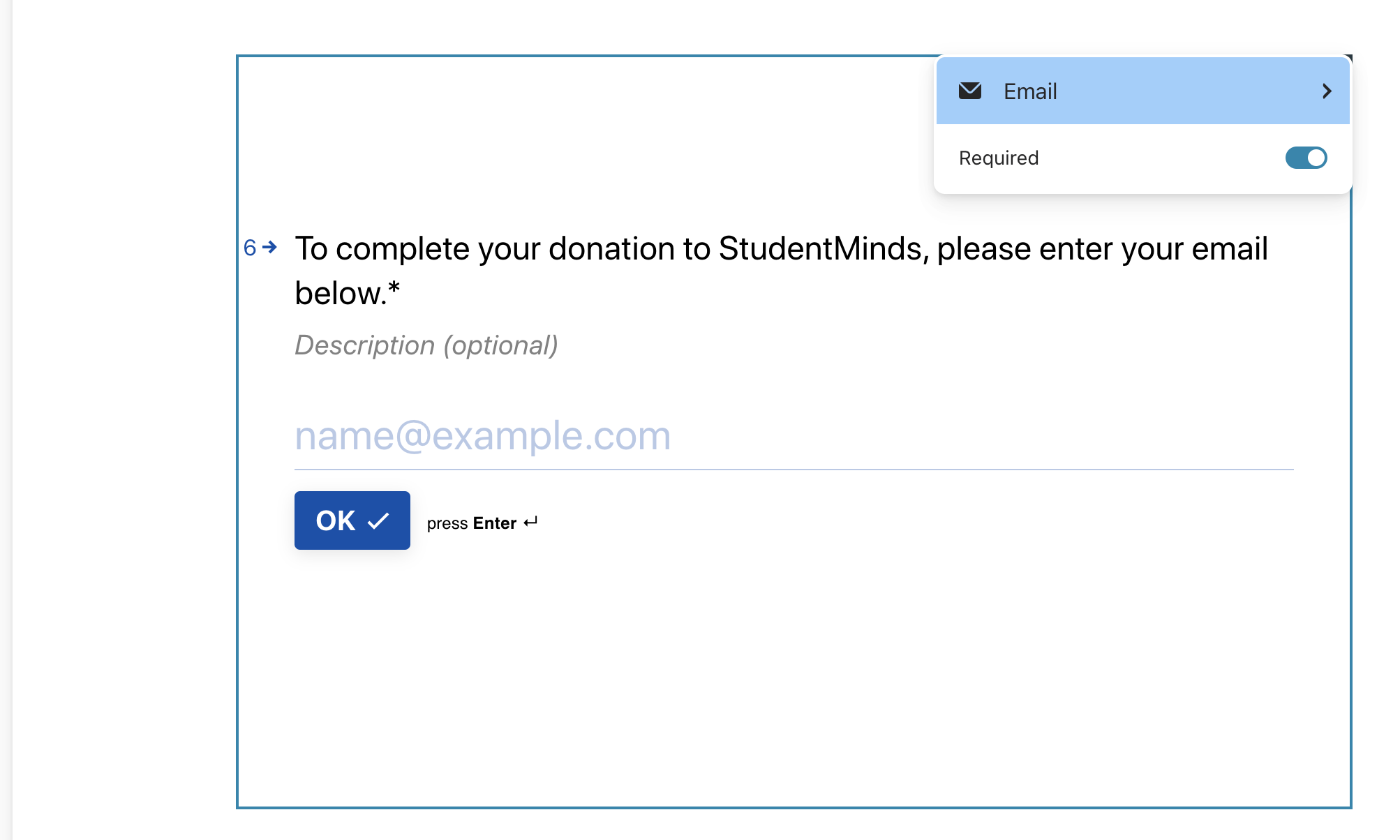
We've created our survey and added an email question in, however when trying to connect our Hubspot account, it's stating that we haven't added an email question...any ideas?

Hi,
We've created our survey and added an email question in, however when trying to connect our Hubspot account, it's stating that we haven't added an email question...any ideas?
Best answer by vickioneill
Hi
From a fellow community member - make sure your email field is ‘required’ otherwise Hubspot won’t recognize it. To make it required, go to the email question → click the pencil icon in the top right corner → toggle ‘required’ on → exit.
Once you’ve made that change, make sure you publish it so it’s activated for the respondents when they start using it.
Let me know if that helps!
Enter your E-mail address. We'll send you an e-mail with instructions to reset your password.