Question

Embedd using Mailchimp

  • April 7, 2026
  • 4 replies
  • 22 views

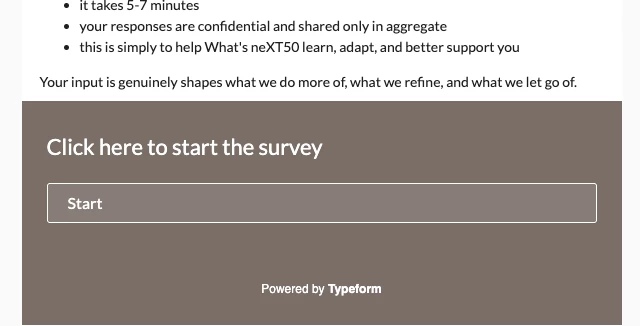
I am using mailchimp to embed my survey so I can track responders.  I want to use a button that says ‘start survey here” or something like that instead of showing the first question in the form/survey.  This is what the email looks like now - I just want to have a button that sends them to the welcome page of the survey.  Is this possible with embed function?
 

4 replies

  • Navigating the Land
  • April 8, 2026

I wish I could answer that. I just stumbled on typeform & have no clue how to do anything other than a basic form. I don’t see a lot of responses from people listed as the most frequent users. Just 1 question & maybe 1 reply but I hav no idea how to use this the way I want. Sorry I just wondered if you happened to find help with that. And are you good with AI stuff? My name is Amy. 
Thanks! 🙏 


Grace
Community Team
Forum|alt.badge.img+5
  • Community Advocate
  • April 8, 2026

Hi ​@ColleenP great question!

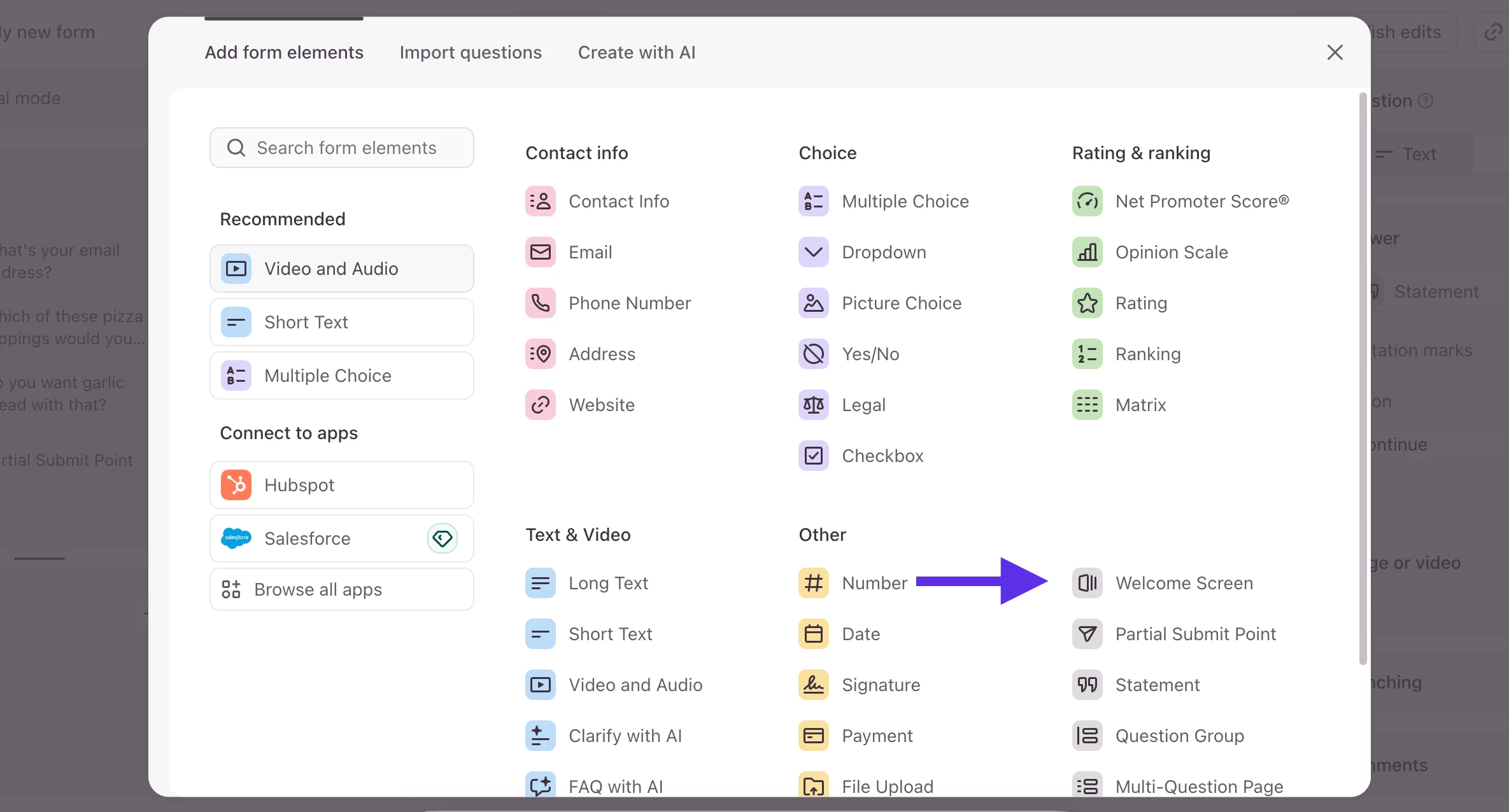
I would recommend adding a Welcome Screen to your form and making it the first question (you should find it listed under the + Add content button)


You can edit the description and button text to suit your set up, and then clicking the button will open the typeform in a new browser for respondents to start interacting. 

You can also use the Statement question type as a button only style option. 

Hopefully that helps, but let me know if you have more questions. 

And welcome to the community ​@Risen great to have you here, let us know if you have any specific questions about using Typeform! 😊


  • Author
  • Explorer
  • April 8, 2026

@Grace Massively helpful!!! I will try that!  Thanks so much!


Grace
Community Team
Forum|alt.badge.img+5
  • Community Advocate
  • April 8, 2026

Yay! Happy to help ​@ColleenP let us know how it goes 😊