Hi! I’m embedding Typeform into HTML document like stated in example:
https://www.typeform.com/developers/embed/inline/#fullscreen-embed
1<!DOCTYPE html>2<html lang="en">3 <head>4 <meta charset="utf-8" />5 <title>Static HTML Demo</title>6 <style>7 * {8 margin: 0;9 padding: 0;10 }11 html,12 body {13 width: 100%;14 height: 100%;15 }16 #form {17 width: 100%;18 height: 100%;19 }20 </style>21 </head>22 <body>23 <div id="form" data-tf-widget="fi7sbBXW"></div>24 <script src="https://embed.typeform.com/next/embed.js"></script>25 </body>26</html>And loading this HTML document in WKWebView. Unfortunately it’s displayed as a desktop site:
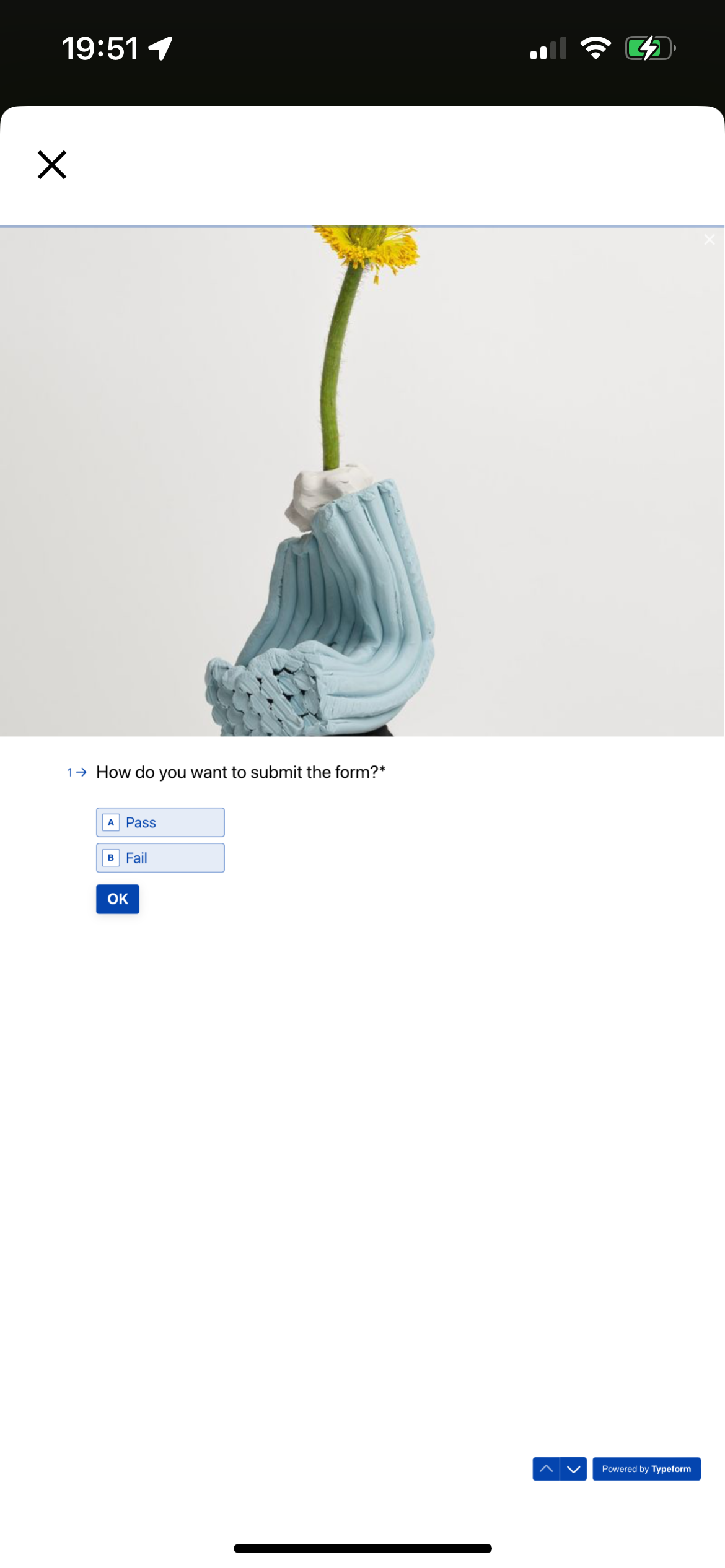
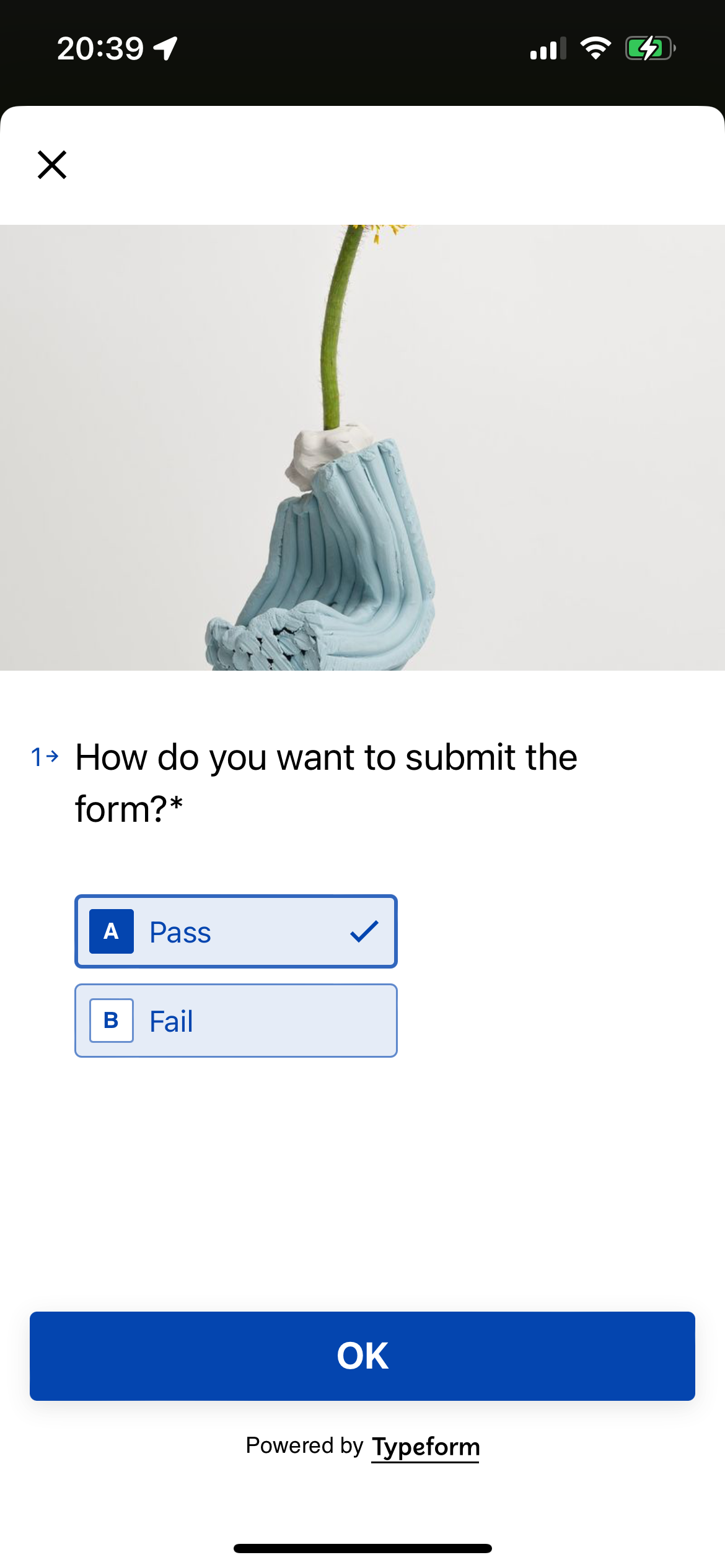
But the URL that is constructed by embed js library is displayed correctly (with large font and buttons):
what can i do with that? Thanks in advance!
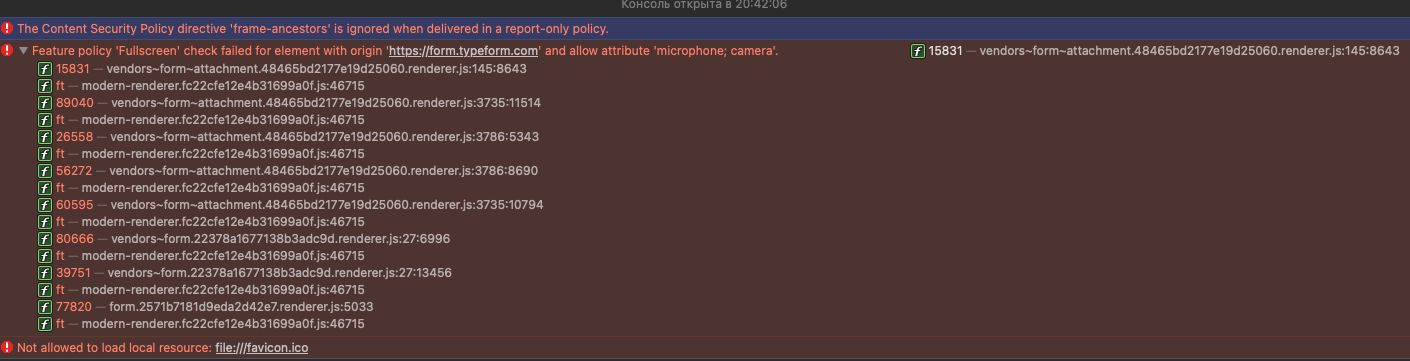
P.S. When loading html file on desktop Safari browser i’m recieving the following errors in console: