
Question

Zapier + Facebook Conversions API Not Working

  • June 4, 2021
  • 4 replies
  • 276 views

Hi all,


In order to fix the 14.5 attribution issues I’ve tried setting up my Typeform account with Zapier to send all submission data to my Facebook pixel.

The issue is, when I click the test button on Zapier it says a test was successfully sent but in my Pixel’s Test Events tab nothing pops up. I’ve tried this about 5 or 6 times now to no avail and I’ve waited about an hour.

What’s more is when I do this with Calendly for example, it pops up as it should in about a second or two.

Is this just not possible with Typeform? There’s nothing I’ve done differently between the two Zaps and I’ve seen some others online having the same issues with other software they use:
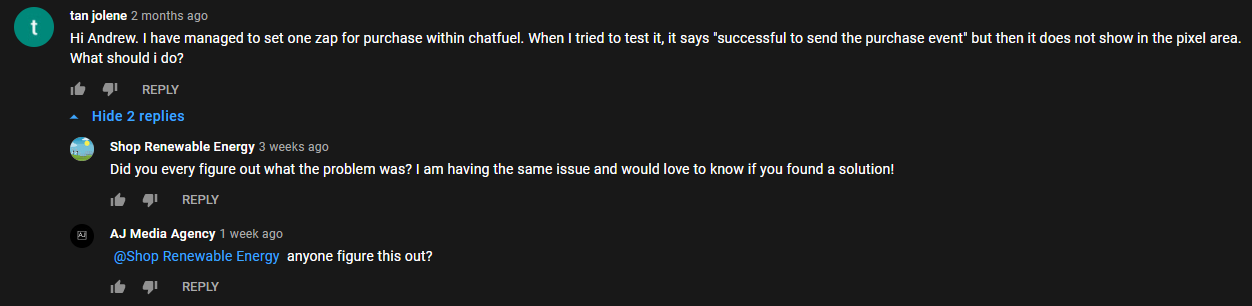


Now what may be important to note is the fact that I’m trying to send lead events as I’m collecting a first name and a number (that’s it). With Calendly I collect a name, a number (“location”) and an email.


I’m also on the free plan at the moment. Please tell me this is all my fault and there’s an easy fix. If you need any other information from me I’d be happy to help you help me.


Edit: I also contacted Zapier support about this.

4 replies

Liz
Ex–Typefomer
Forum|alt.badge.img+5
  • Tech Community Advocate
  • June 4, 2021

Hi @evanvance Nice to e-meet you. :grinning: While I don’t have too much familiarity with connecting to the Facebook Pixel via Zapier, one thing I have noticed is that sometimes, submitted a real response helps with testing the zap (versus having no actual responses submitted in the form). Would you mind submitting a real response on your form to see if this helps? :smiley:


  • Author
  • Explorer
  • June 4, 2021

Hi Liz, thanks for your prompt response. I did in fact submit real data minutes before doing any of this :(


Liz
Ex–Typefomer
Forum|alt.badge.img+5
  • Tech Community Advocate
  • June 4, 2021

Hi @evanvance Hm, shoot. One thing you could do in the meantime is look at the Task History to see if the data is passing into Zapier from Typeform or not at all. If you don’t mind sharing screenshots of the task history, I can take a look at it with you. 


Forum|alt.badge.img+1
  • Explorer
  • July 22, 2026

A couple of things worth checking before you assume it's you.

First, Zapier successfully sending a test just means the API call didn't error out, it doesn't mean Facebook accepted the event as valid. Those are two different things, which is why you can get a green checkmark in Zapier but nothing in Test Events. Facebook can silently drop an event if the payload doesn't have enough matching data, even if the request itself went through fine.

That's probably the actual difference between your two Zaps. With Calendly you're sending name, phone, and email, so Facebook has enough to match against a user. With Typeform you're only sending name and phone. If that phone number isn't formatted correctly (E.164, and hashed properly), Facebook may just be discarding the event rather than throwing a visible error.

The other thing worth noting is that this won’t really get you a great event match quality score. 

On top of sending full personal data (name, email, phone) you also need to be sending things like the Facebook Click ID, Meta Cookie ID, IP address, User Agent, etc. None of which you can do with Zapier because it doesn’t capture them from the visitors browser. 

There are dedicated tools for this like Converly (note: I created it). It’s basically Zapier but dedicated to conversion tracking. It sends the name, email, phone, etc to Meta as well as the FBCLID, Meta Cookie IDs, IP address, etc which will get you a much better match rate (which will likely fix the issue you’re experiencing)


