When I post the link for my quiz in the LinkedIn direct messaging I get a Black image with the words Typeform. How do I change this to reflect the cover image of the quiz
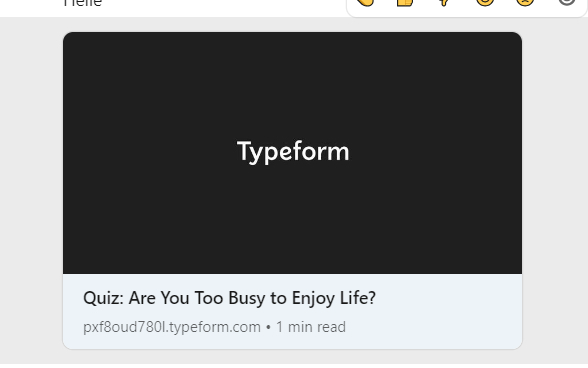

When I post the link for my quiz in the LinkedIn direct messaging I get a Black image with the words Typeform. How do I change this to reflect the cover image of the quiz
Best answer by john.desborough
when you choose to share the link,
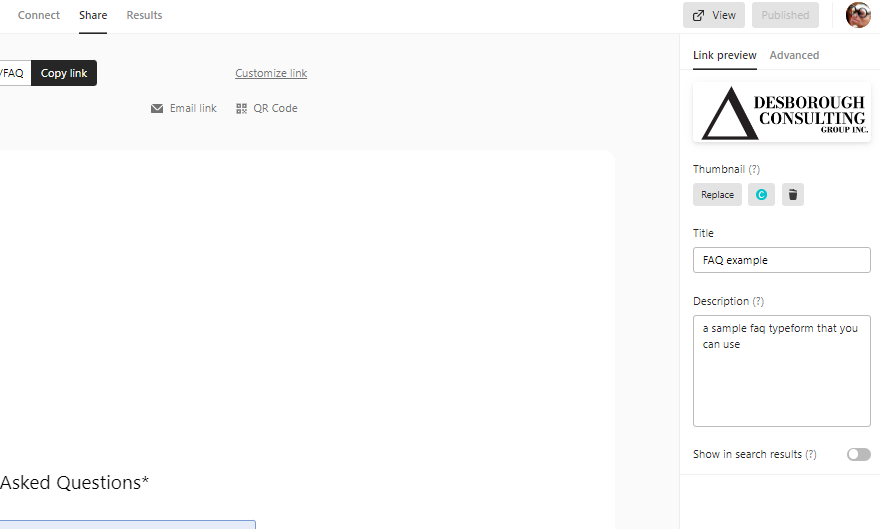
notice that after i selected the share in the image above, that there are options on the right hand side to upload new image and change the details.
that should do the trick
des
Enter your E-mail address. We'll send you an e-mail with instructions to reset your password.


