Answer

Not allowed to publish?

  • October 24, 2023
  • 5 replies
  • 93 views

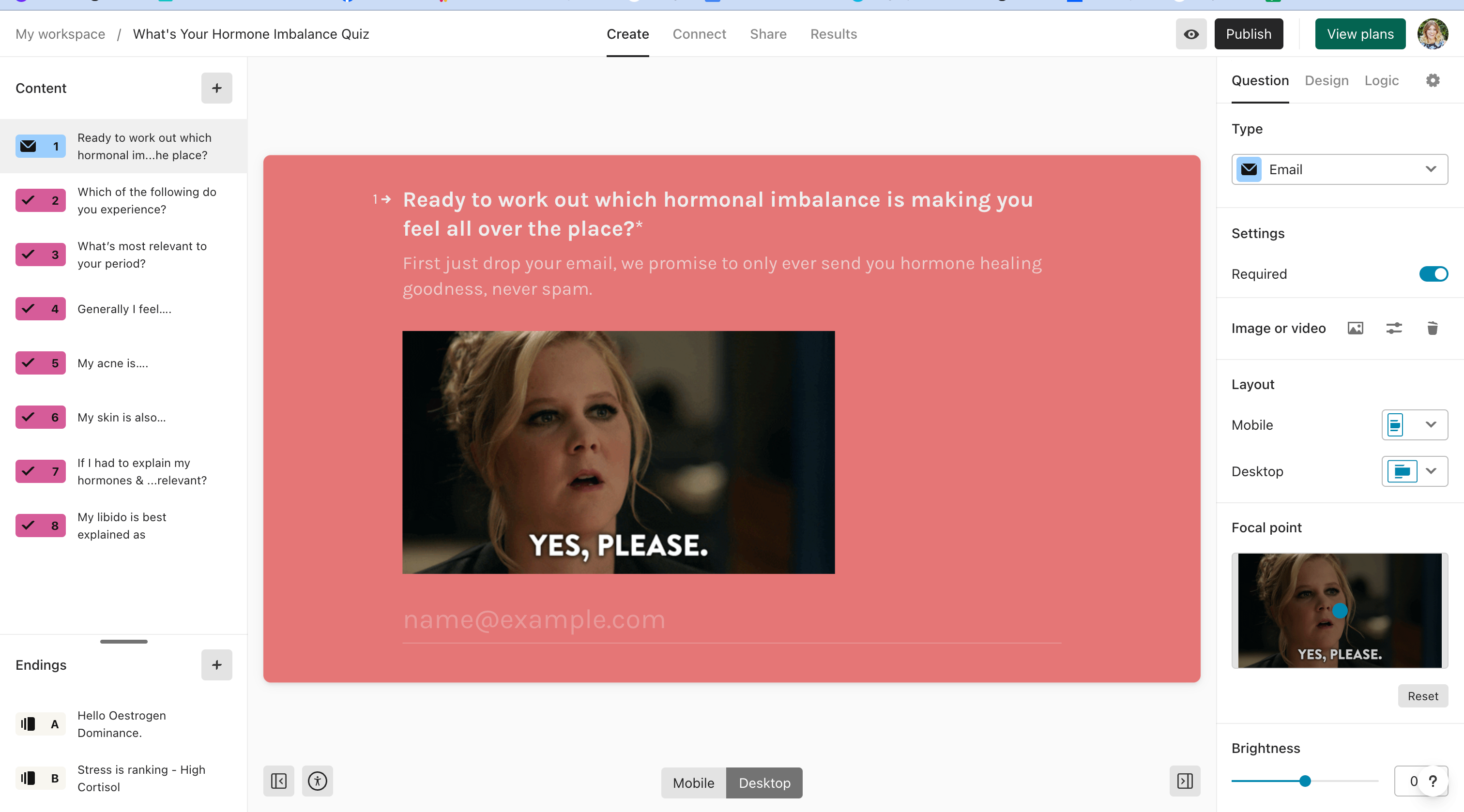
Typeform isn’t allowing me to click the “publish button” - Would there be a reason for this? I am using the free version, but my quiz has under 10 questions. So I don’t know why it wouldn’t allow me to publish.


When I click it does nothing.


Thanks!

Best answer by john.desborough

@NatKringoudis - just a note that endings count in the number of question. your screen shot only shows 2 but if you have more than that, you would have more than 10 questions. If you have not Published the form, you won’t be able to implement an integration

des

5 replies

Liz
Ex–Typefomer
Forum|alt.badge.img+5
  • Tech Community Advocate
  • October 24, 2023

Hi @NatKringoudis Do you mind sharing a screenshot or video of what you’re seeing when you try to publish the form? Thanks in advance!


  • Author
  • Explorer
  • October 24, 2023

There actually is nothing popping up or being shown, When I click the button it  just doesn’t respond. But when I click anywhere else eg. The create tab or share tab, it works. The black publish button top right isn’t responsive.


  • Author
  • Explorer
  • October 24, 2023

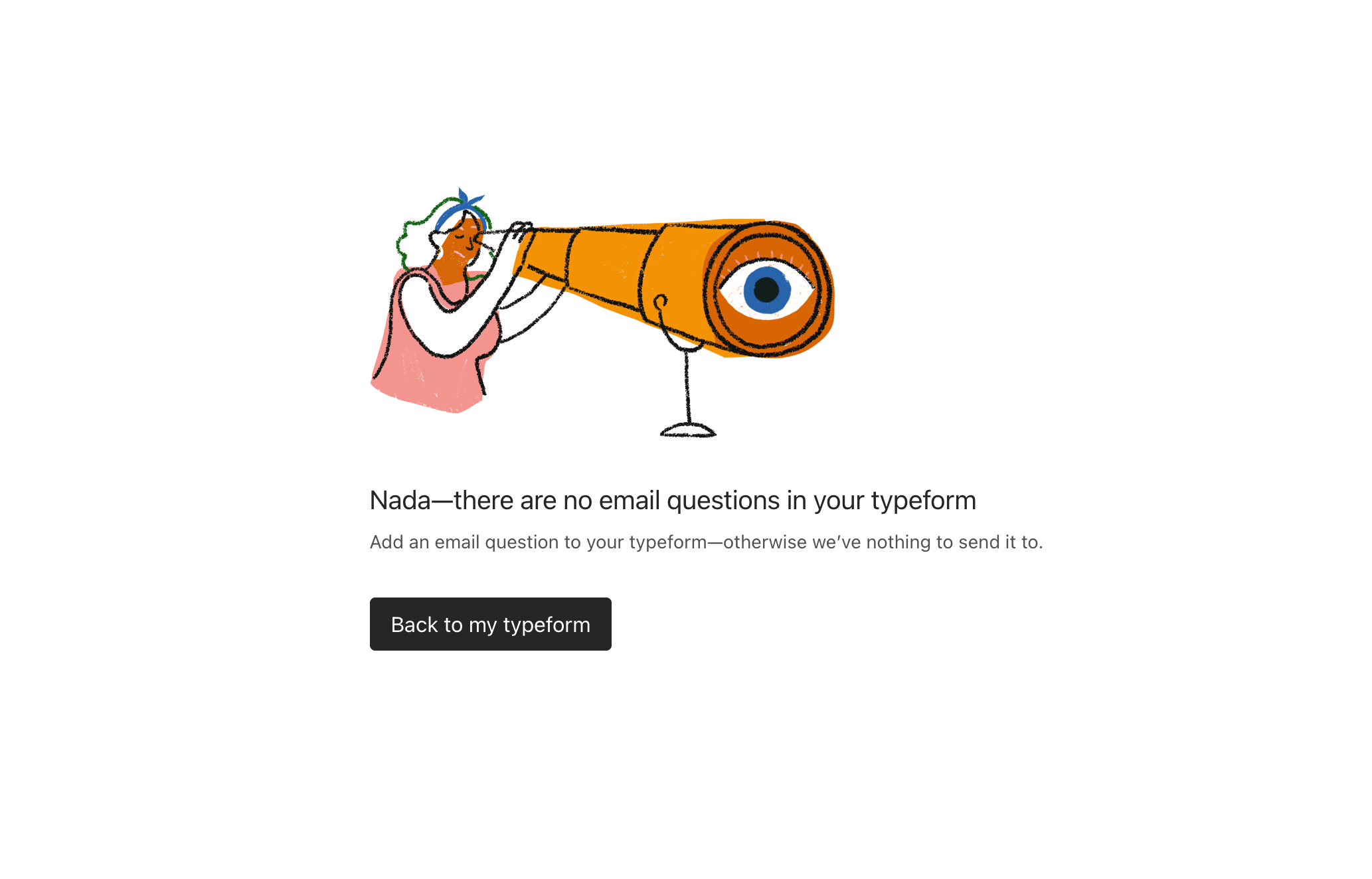
Another issue, is I am trying to connect to Keap Infusion Soft but it continues to give me this error message. I have added an email question at the start of my typeform and it still tells me this after i try to connect Keap.


  • Author
  • Explorer
  • October 24, 2023

I fixed it! I went to the connect page and above the link there was a hyperlink saying to publish latest version.


john.desborough
Forum|alt.badge.img+6
  • Certified Partner & Champion
  • Answer
  • October 24, 2023

@NatKringoudis - just a note that endings count in the number of question. your screen shot only shows 2 but if you have more than that, you would have more than 10 questions. If you have not Published the form, you won’t be able to implement an integration

des