Answered

Tab Title Incorrect

  • Sep 30, 2021 1:41 PM UTC
  • 14 replies
  • 1180 views

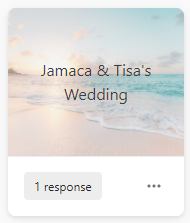
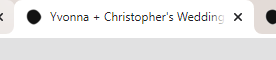
I typically duplicate the same Typeform for each new one I create and make the necessary edits. This one shows my correct title everywhere except the tab name - so when guests click the link to the first Typeform the tab says the name of a different one. This is the first time this has happened - anyone know how to solve it?
 

Best answer by Liz

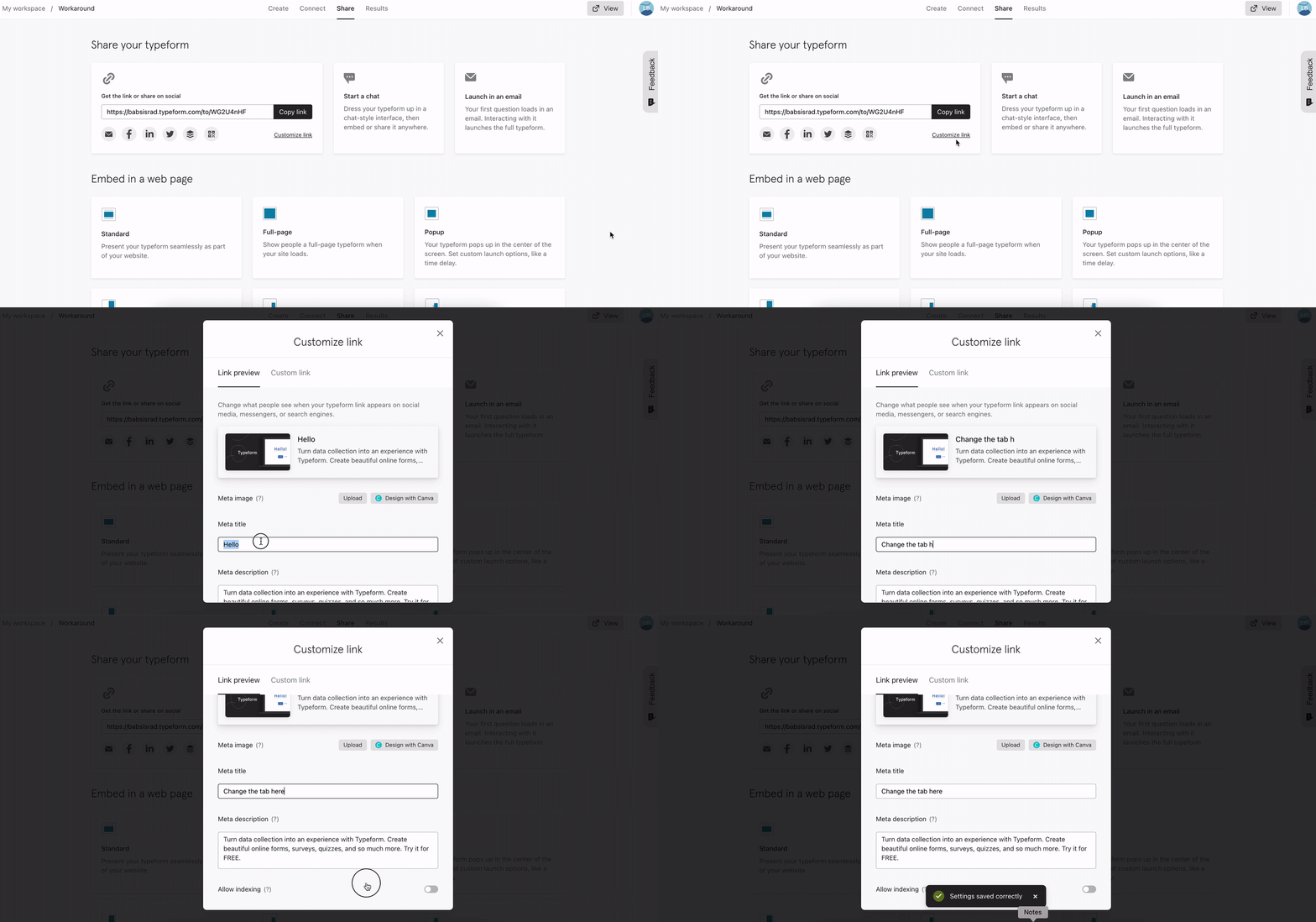
Hi @BlueSun Happy Little Friday! You can change the text of the window tab like so: 

Let us know if you have any troubles finding this option!

View original

14 replies

Liz
Ex–Typefomer
Forum|alt.badge.img+5
  • Tech Community Advocate
  • Answer
  • Sep 30, 2021 4:48 PM UTC

Hi @BlueSun Happy Little Friday! You can change the text of the window tab like so: 

Let us know if you have any troubles finding this option!


Forum|alt.badge.img
  • Navigating the Land
  • Jul 7, 2023 7:40 PM UTC

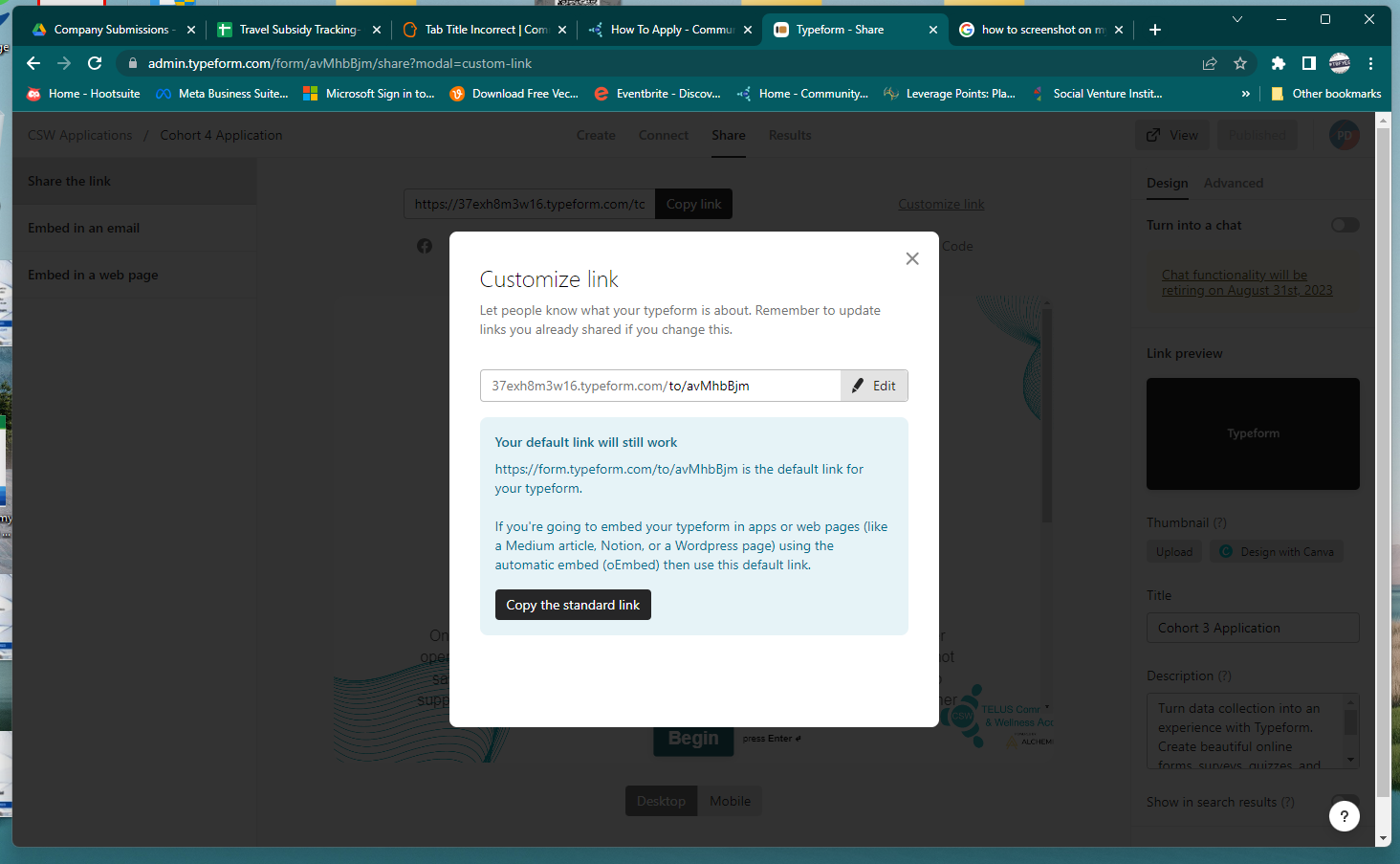
Hi ! When I follow the ‘customize link’ link as per above, I do not get to the same page as what is shown in the video - the meta info is missing, and it shows me just a field for directly changing the link. 


Liz
Ex–Typefomer
Forum|alt.badge.img+5
  • Tech Community Advocate
  • Jul 7, 2023 8:39 PM UTC

Hi @RyanC Do you mind sharing a screenshot of what you’re looking at? Thanks!


Forum|alt.badge.img
  • Navigating the Land
  • Jul 10, 2023 9:16 PM UTC


Forum|alt.badge.img
  • Navigating the Land
  • Jul 10, 2023 9:19 PM UTC

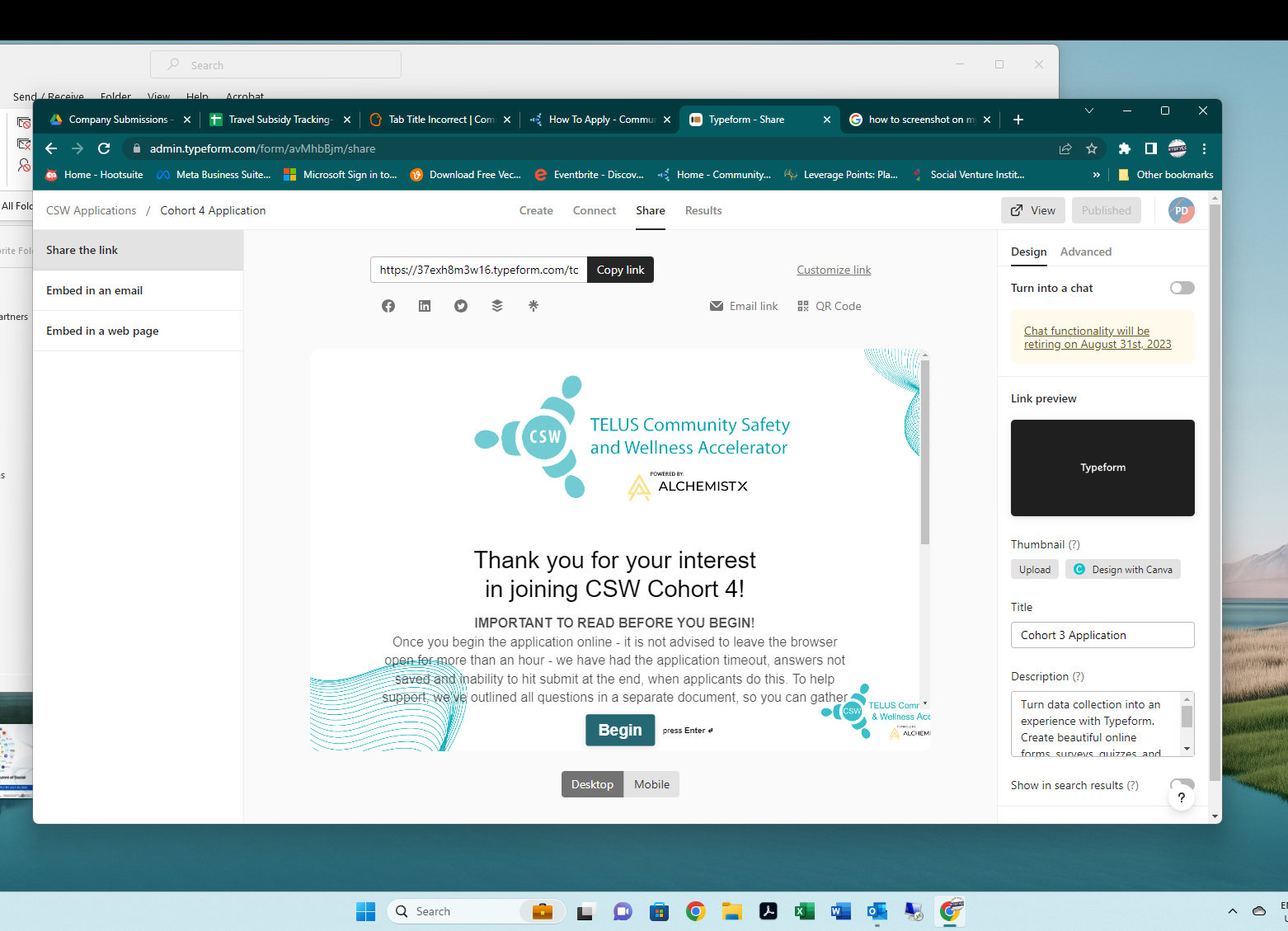
thanks for your help @Liz  I’ve included the popup window when I click ‘customize link’ and the form screen , where the name of the form is Cohort 4 Application  - however if you go to it live on our site, the tab opens as Cohort 3 Application. 


Liz
Ex–Typefomer
Forum|alt.badge.img+5
  • Tech Community Advocate
  • Jul 11, 2023 1:00 PM UTC

Ah got it, thanks @RyanC ! Is the form embedded on your website? If so, could you try copy/pasting the embed code? 

If you’re referring to the name of the tab itself, you most likely need to change this in the meta settings. 


Forum|alt.badge.img
  • Navigating the Land
  • Jul 11, 2023 2:50 PM UTC

Hi @Liz - appreciate your continued efforts - no, the form is not embedded on the site - we use the link provided by Typeform through a button on our site. 


Liz
Ex–Typefomer
Forum|alt.badge.img+5
  • Tech Community Advocate
  • Jul 12, 2023 1:49 PM UTC

Thanks, @RyanC ! Have you tried changing the title in the meta settings? 


Forum|alt.badge.img
  • Navigating the Land
  • Jul 12, 2023 2:04 PM UTC

Hi @Liz - completely missed this option on the side panel - !!! thanks so much!


Liz
Ex–Typefomer
Forum|alt.badge.img+5
  • Tech Community Advocate
  • Jul 13, 2023 2:02 PM UTC

It’s an easy one to miss, @RyanC ! Glad that helped. Let us know if we can help with anything else. 😀


  • Navigating the Land
  • Feb 28, 2025 5:12 PM UTC

​@Liz is there a way to fix this issue on a free plan?


Liz
Ex–Typefomer
Forum|alt.badge.img+5
  • Tech Community Advocate
  • Feb 28, 2025 5:45 PM UTC

Hi ​@oak Thanks for stopping by the community! The option to adjust the meta settings isn’t a feature of our Free plan, so you would need to upgrade to a paid plan for this. 


  • Navigating the Land
  • Feb 28, 2025 6:02 PM UTC

That’s disappointing! Thanks for the response though. Just to reiterate, on a free plan I’ll have to make an entirely new survey and make sure that I don’t want to change the title of it in the future or let the old title show in the browser tab?


Liz
Ex–Typefomer
Forum|alt.badge.img+5
  • Tech Community Advocate
  • Mar 3, 2025 6:14 PM UTC

Hi ​@oak Sadly, yes, if you don’t upgrade to a paid plan, you won’t be able to change the meta settings, which includes the browser tab and preview information when sharing the link.