




Black Friday and Cyber Monday are just around the corner 👀
Whether you're a team of one or part of a bigger marketing squad, a little smart prep can turn seasonal browsers into loyal buyers.
That’s why we’ve put together a workflow you can borrow (or steal) to make the most of this year’s holiday sales, using Typeform at the heart of your marketing stack.
Why this works
Black Friday isn’t just about discounts, it's about capturing attention, understanding customer intent, and turning that insight into meaningful offers and personalized experiences.
With the right setup, you can:
- Attract and segment leads based on what they actually want
- Personalize product recommendations in real time
- Keep the conversation going long after Black Friday ends
Steal this workflow 👀
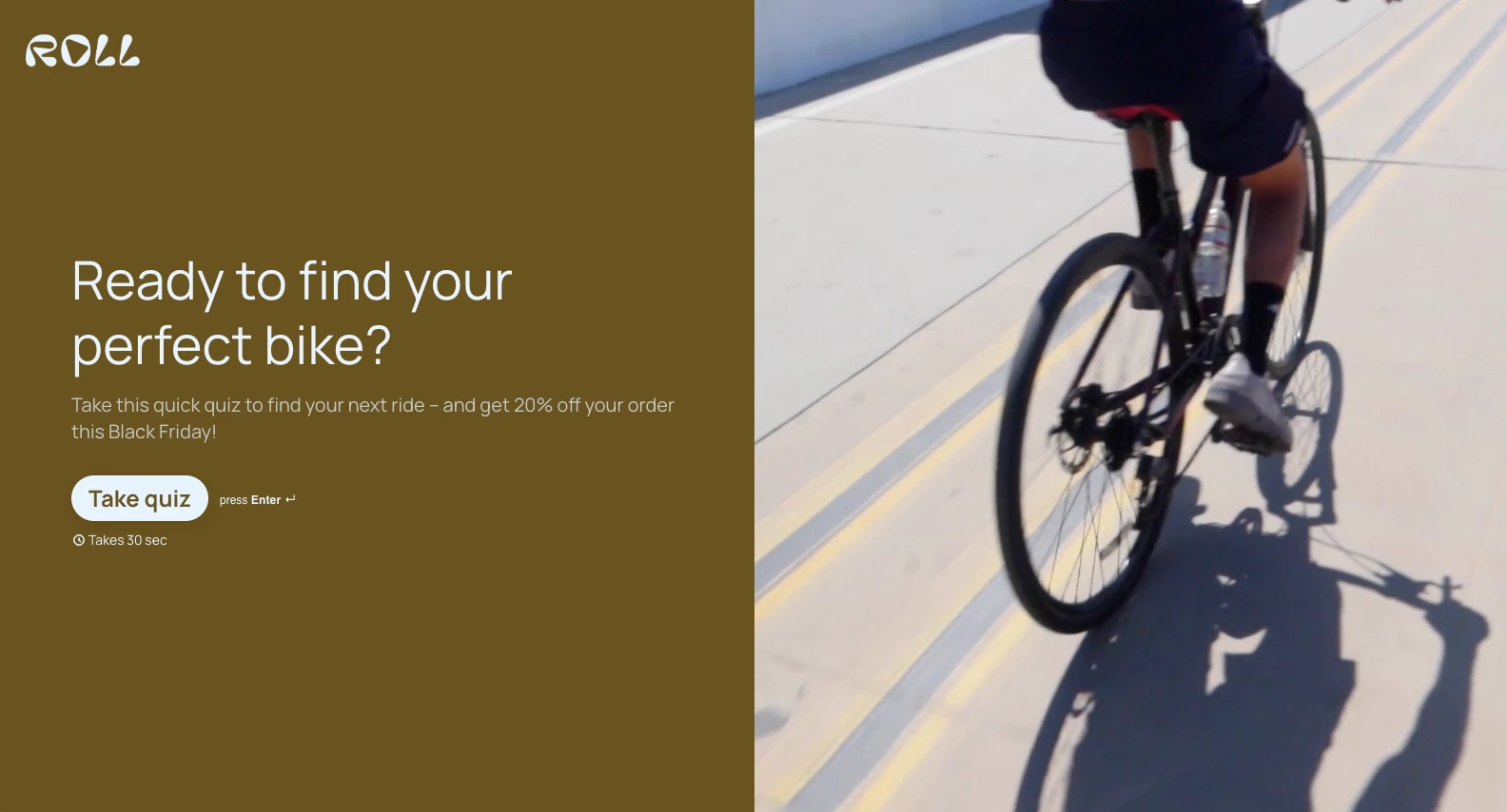
1. Personalize the shopping experience with a product quiz
Tool: Typeform (Match Quiz Mode)
- Create a simple product recommendation quiz that matches customers to the right product or bundle based on their preferences.
- Add conditional logic so each person gets tailored results (no generic lists here).
- Tip: Keep it short and snappy — 3–5 questions max works wonders.
👉 Learn how to build a quiz with Match Quiz Mode
👉 Try the pre-built template
2. Manage your leads for smarter follow-ups
Tools: Typeform Contacts & Automations (or your CRM if you prefer)
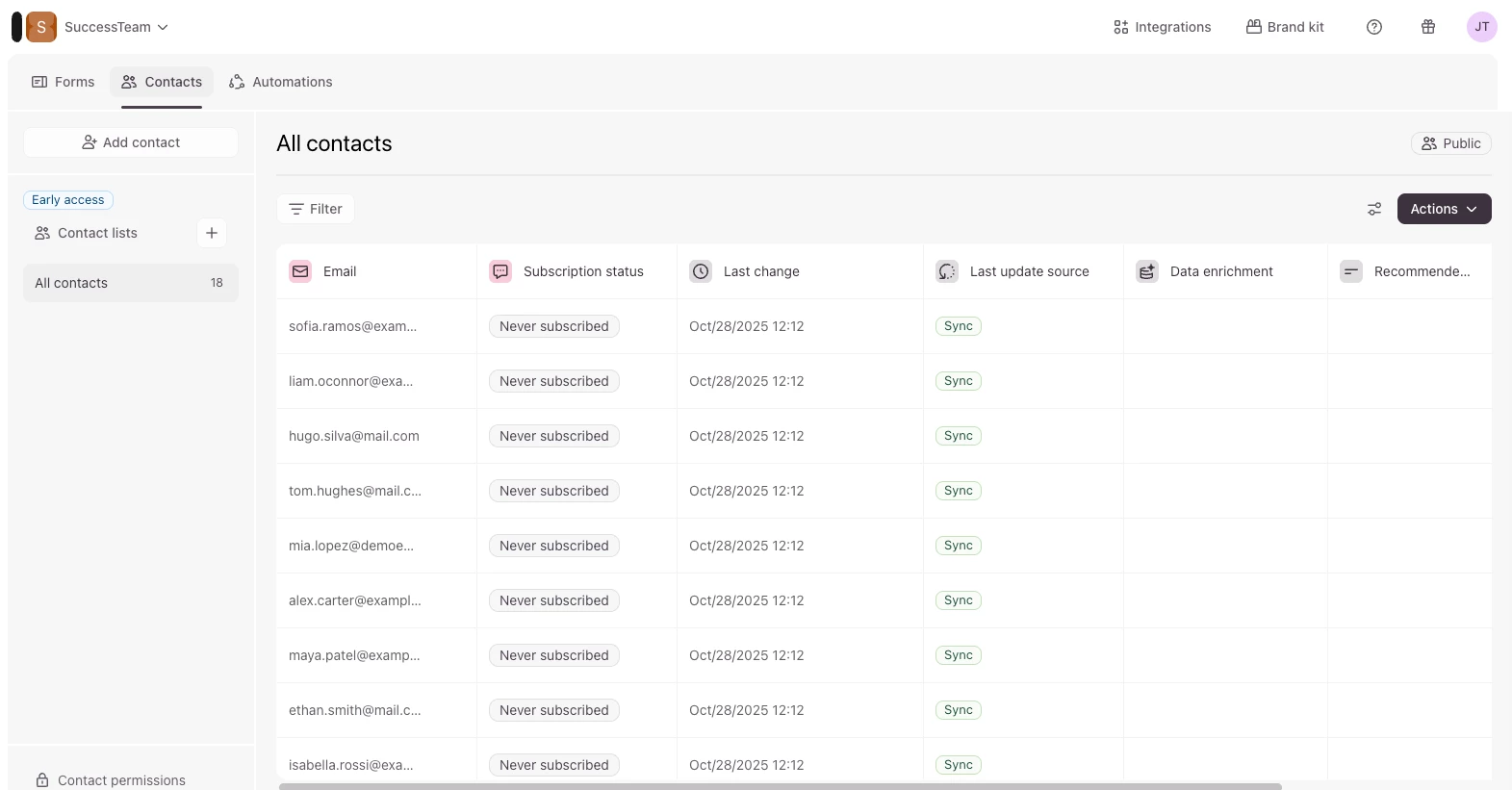
- Use Typeform Contacts to automatically collect and organize respondent info.
- With Automations, you can engage your audience with personalized, dynamic email journeys triggered by contacts being updated, or a form submission.
This means you can bypass the need for a separate CRM entirely if you want to keep your stack simple.
Prefer to sync with your CRM? You can still push the data to tools such as Klaviyo (see our new guide), HubSpot, or Mailchimp for more advanced flows.
👉 Learn how to follow up with quiz respondents using Contacts & Automations
3. Automate branded follow-up emails
Tools: Typeform + email tool or Typeform’s follow-ups feature
- After someone completes the quiz, automatically send a personalized email with their recommended product(s), a discount code, or content that nudges them toward purchase.
- You can:
- Add them to a dedicated nurture flow
- Send an instant result email
- Trigger a reminder closer to Cyber Monday
- Add them to a dedicated nurture flow
👉 Get started with follow-up email automations
⚡ Bonus Tips for Black Friday
- Start early — don’t wait for the week of. Build your quiz and workflows now so they can run while you sleep.
- Use urgency wisely — a countdown timer, limited stock messaging, or exclusive access can drive action.
- Test, then go live — run your quiz with a small group before launch to make sure everything flows smoothly.
- Think beyond discounts — bundles, freebies, and personalization often convert better than blanket discounts.
🚀 Over to you
How are you preparing for Black Friday this year?
Have you run a product quiz or lead nurture workflow before? What worked best for your audience?
👇 Share your tips, experiments, or even drop a link to your Black Friday Typeform in the comments so others can get inspired.
Hope this was helpful!

