



Happy Friday, Community 👋
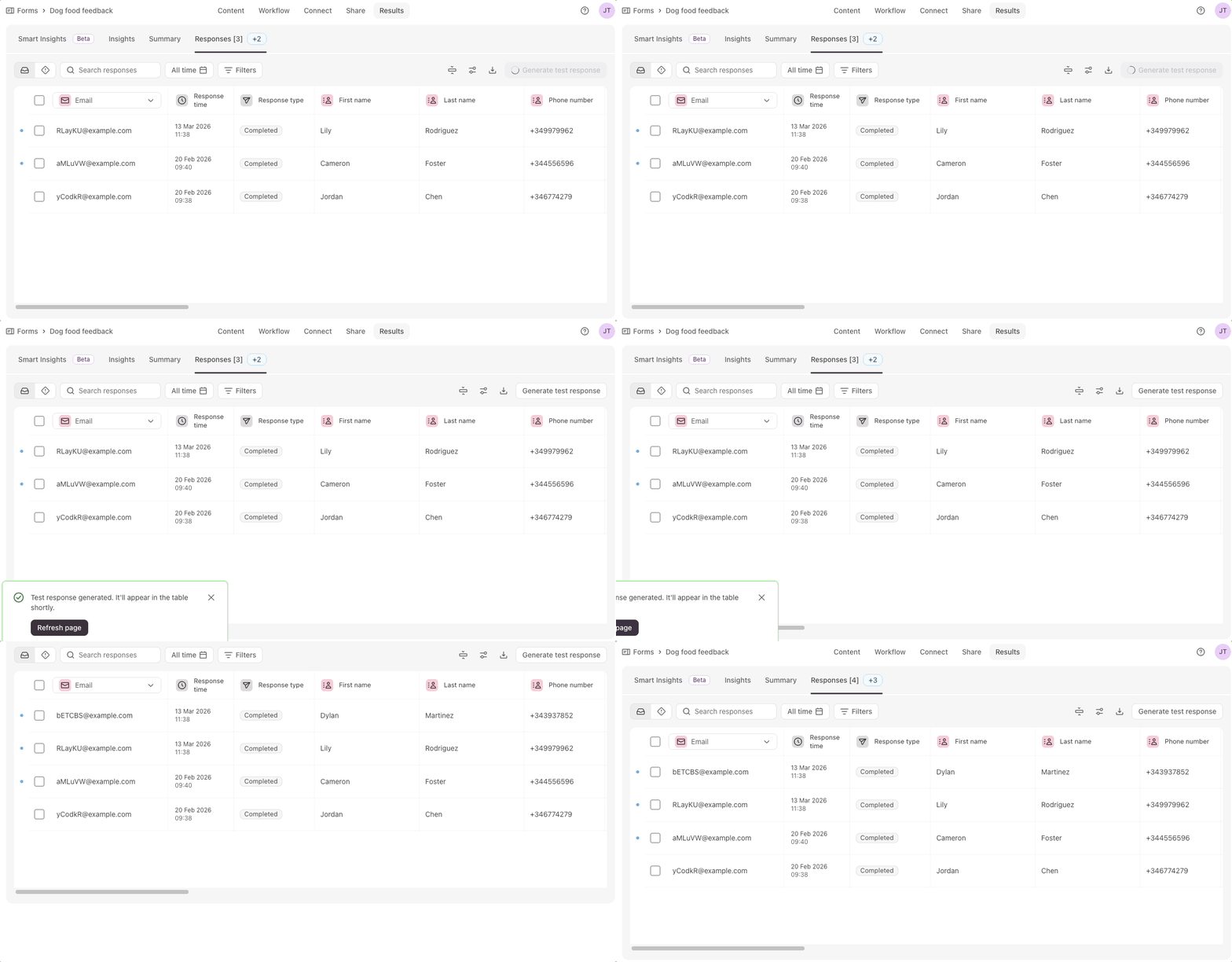
Thought I'd drop by with news of a new addition to Typeform – the Test response feature. The AI-powered tool within the Responses section allows you to create a test response at the click of a button.
It's great for testing forms, especially as it doesn't affect your monthly response limits. These test responses don't impact your form insights, either. You can read more about working with AI-powered test responses here.
Why I'm digging it
I'm loving being able to see dummy responses in the Typeform Results section. It's good for testing behaviour of advanced question types like Clarify with AI, to get a feel for how they work.
Beyond that I'm also finding it useful for:
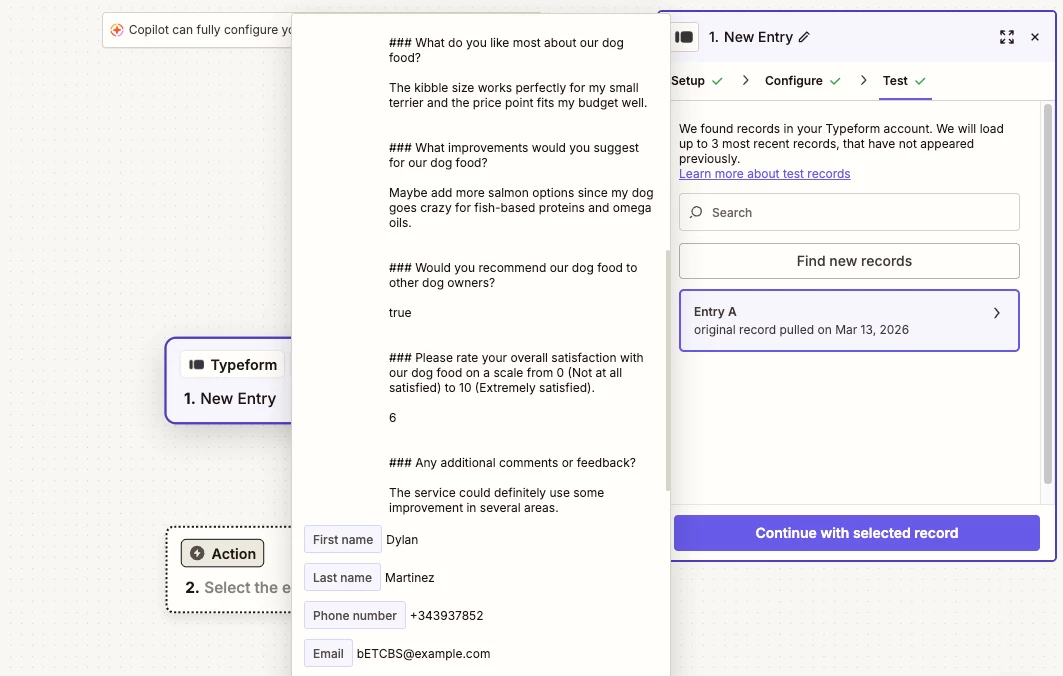
- Testing out integrations – I love setting up Zaps to connect Typeform with various tools (event registration form > Zoom webinar is my fave). What I don't love is having to spend ages filling out long forms in order to test the Zaps before putting them live. I'm delighted to report that that painful part of my life is now over with a single click!
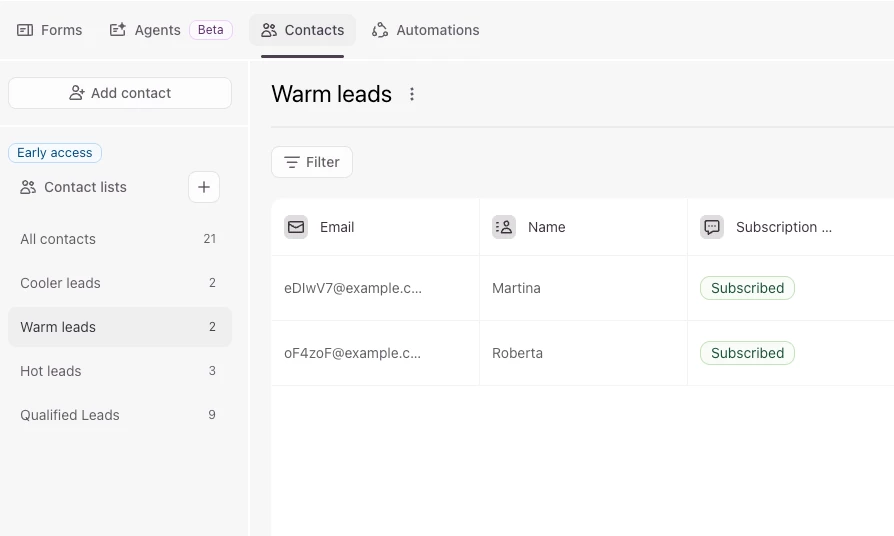
- Testing contact management in Typeform – Typeform’s Contacts feature is great for managing incoming leads. You can use it to send incoming form responses into segments, like a lightweight CRM. Having the ability to create dummy responses is great when you're setting up the filtering for these Contact segments. Again, it saves you from having to complete multiple forms with dummy data just to track if your contacts are being tagged and filtered properly.
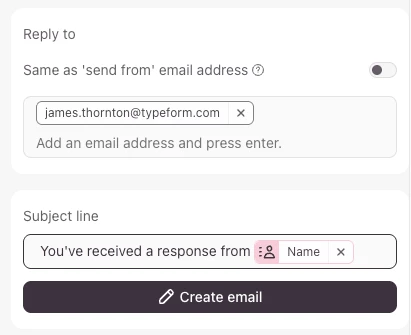
- Testing automations in Typeform – Typeform has a bunch of automation features out of the box, including the ability to send internal notifications via email or Slack. Guess what? Testing these self-notification automations is a piece of cake with the new test response tool.
I'm chuffed that test responses are now a thing in Typeform, and would definitely recommend using the feature when you're setting up your forms.
Cheers

