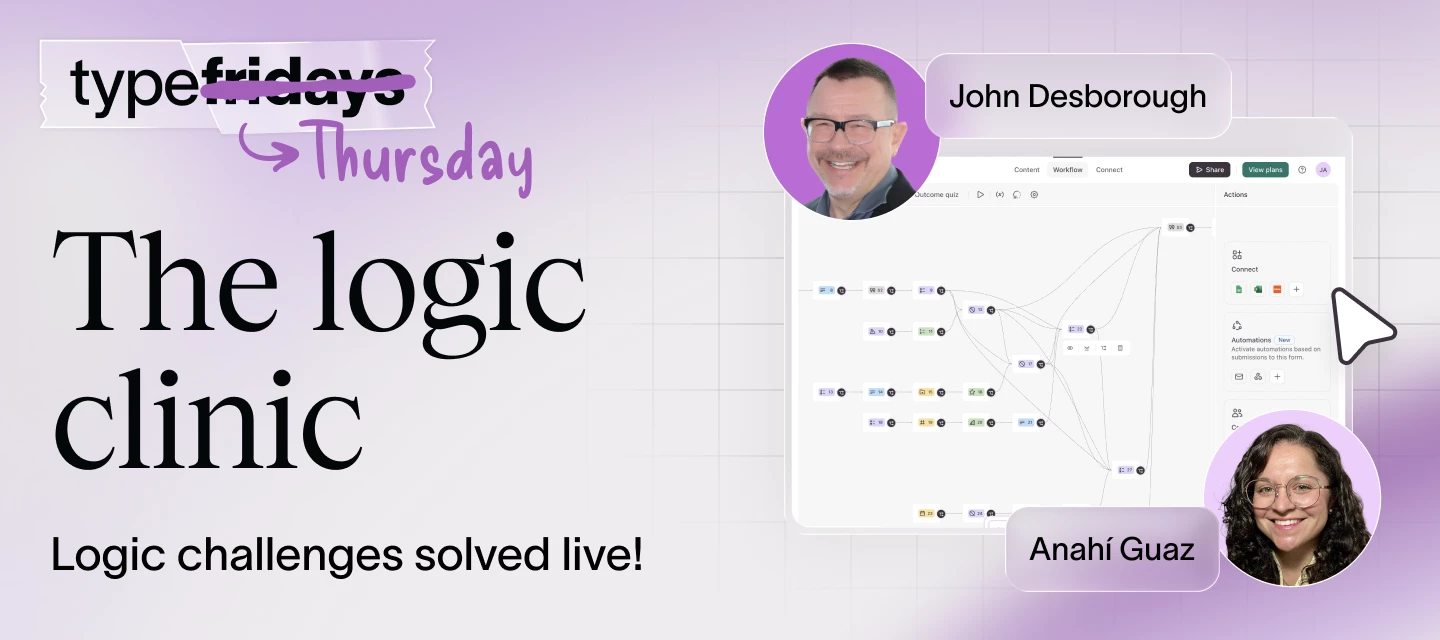



Hey Community!
Thanks so much to all who were able to join us today as we tackled one of the hottest topics in the history of Typeform: Logic 🔥
Logic jumps, conditions, and branching can transform a simple survey into a powerful respondent experience. But sometimes it can feel like you need a degree in logic engineering to get it set up! If you’ve ever built a workflow that jumps to the wrong question, got confused setting up conditions, or miscalculated which ending a respondent should see, then you’re not alone.
Re-watch The Logic Clinic where we were joined by Typeform Community Champion and Logic wizard,
Thank you to everyone who submitted their questions ahead of time, if we didn’t answer you during the session, follow up with us in the comments below and let us know if you’re still stuck!
And don’t forget to check out some of these helpful resources:
- What is logic?
- Which type of logic should I use, and where can I find it?
- Make your questions required
- What is branching logic?
- Using and/or with Logic
- Add a price or score calculation to your form
- Quiz and scoring: what's the difference between Outcome quiz and Score quiz?
Or try the LOGIC NAVIGATOR to help you troubleshoot your logic questions 💡
And if you need to contact our Support team for additional help, here’s a quick reminder on how to do that:
See you next time! 👋
(This post has been updated from the previous registration announcement)