Hi.
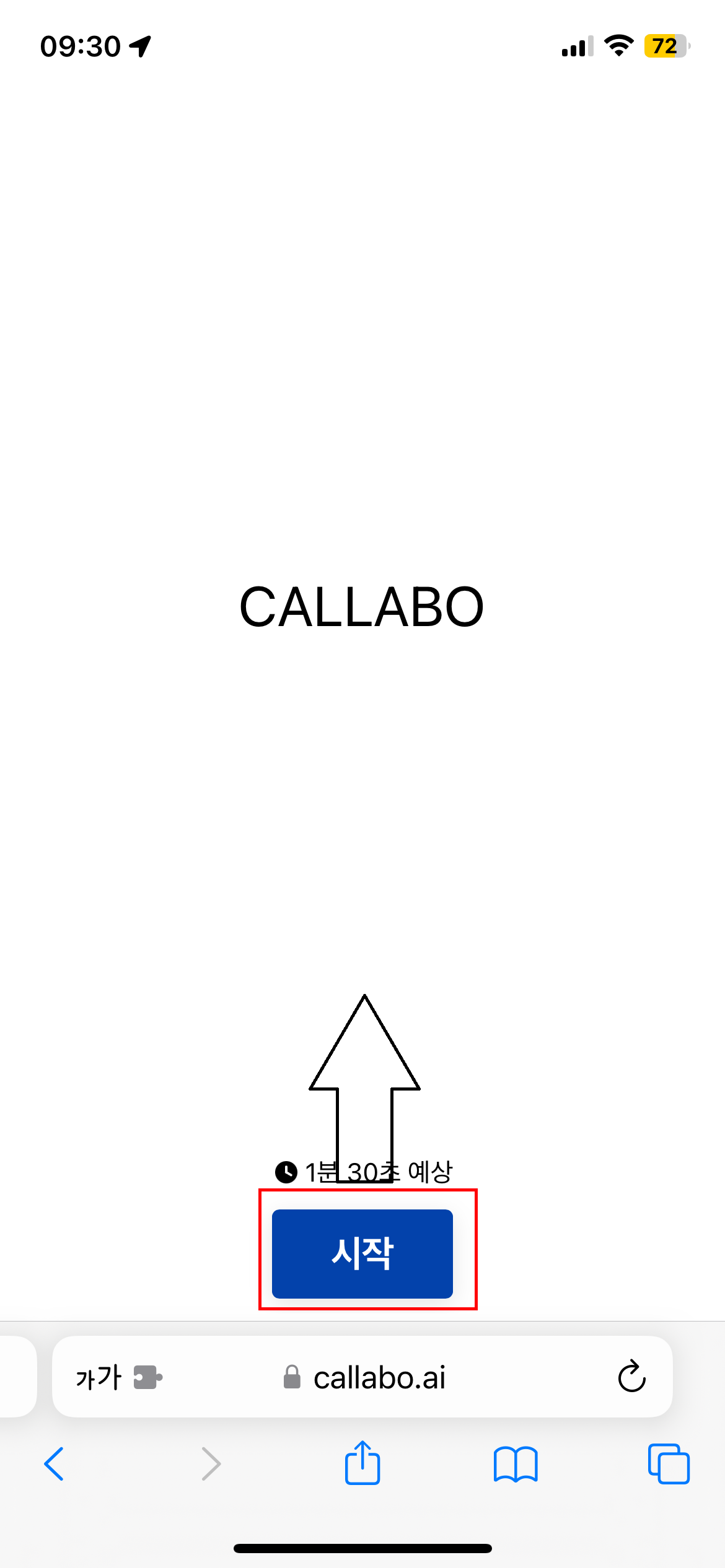
I want to rise ‘start’ button in my form at mobile view,
But I don’t know how can it be done.
Would you please help this?
Thanks!

Hi.
I want to rise ‘start’ button in my form at mobile view,
But I don’t know how can it be done.
Would you please help this?
Thanks!
Best answer by jeremielp
Try to set the height of the IFRAME that contains the typeform to 80% instead of 100%. That will reduce the height of the typeform, and the button will appear higher on the screen.
iframe {
   width: 100%;
   height: 80%;
   min-height: 80vh;
}
Drawback is that you will loose some space so the form will not occupy all the screen, which can be an issue if you have lenghty questions later in the form.
Enter your E-mail address. We'll send you an e-mail with instructions to reset your password.


