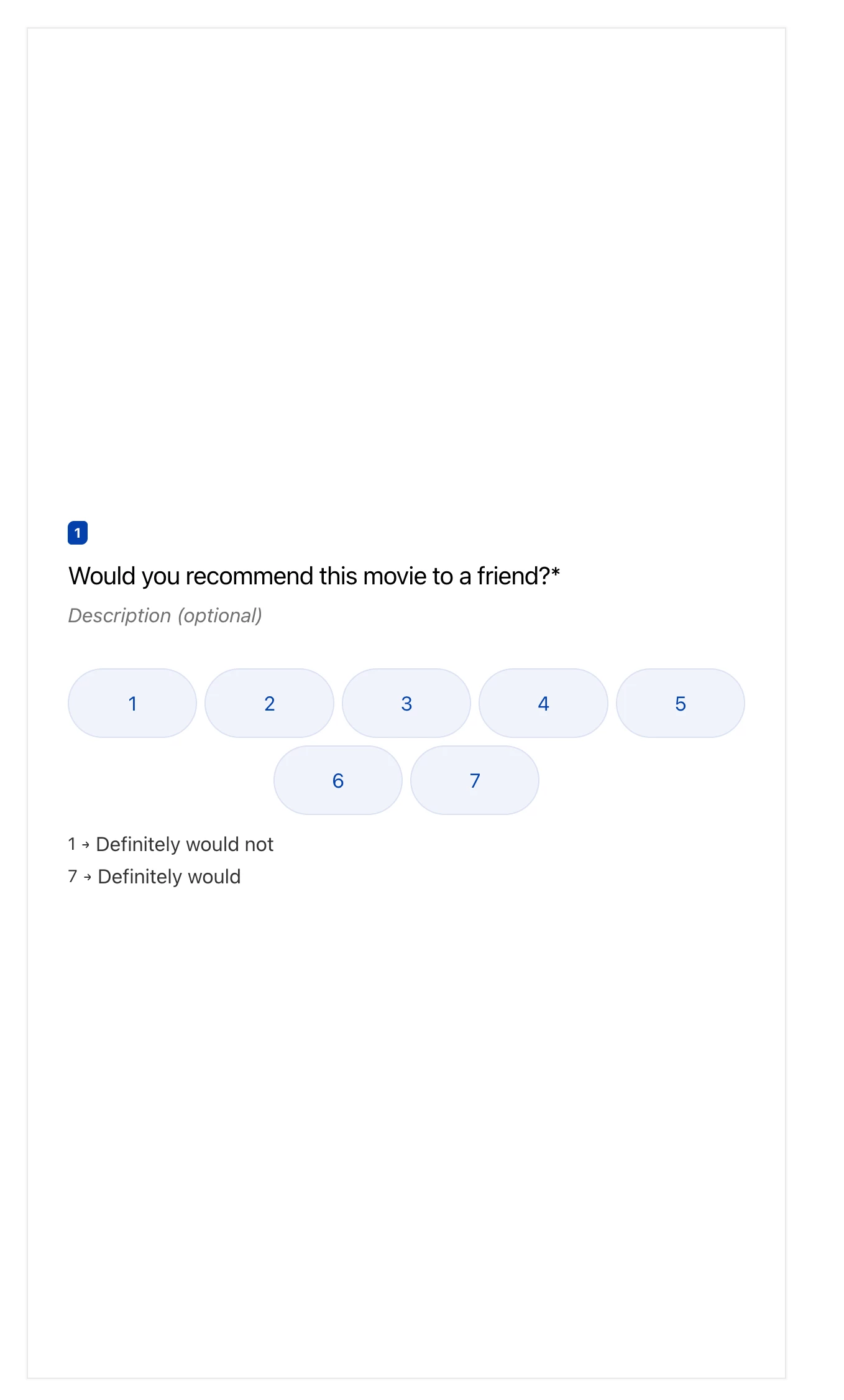
Hi, I’m designing a form that utilizes a 7-point Likert scale, and to ensure the form is compliant with our research best practices, we need all the response buttons to be on the same line. Right now it looks like this:
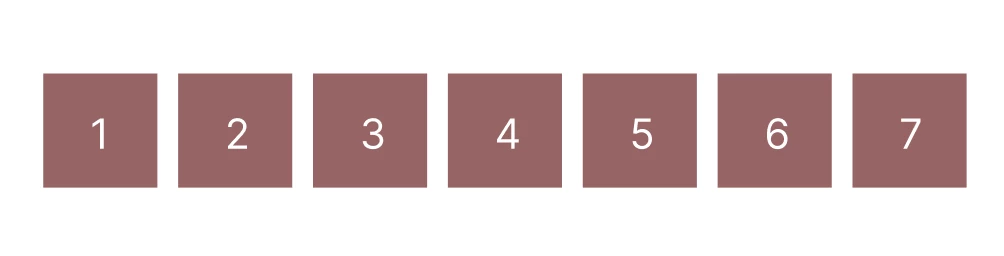
And we want it to look like this (the layout, not the color/shape) :
I know that the tap targets in the desired design are large enough (44px by 44px. How might I achieve this? Can I embed the form and use custom CSS?
Thanks! Luke
Best answer by Marta
Hi Luke! Thanks for sharing this. At the moment, Typeform doesn’t offer a setting to reduce the width of individual answer buttons or force them into one row. We also don’t support using custom CSS to style Typeform’s internal answer controls, and custom changes to an embed’s CSS or HTML can cause unexpected display issues.
For a 7-point scale, the closest supported option is an Opinion Scale question. You can set the number of steps to 7 and add labels to the ends of the scale, but the exact layout will remain responsive and may vary based on the available width on the device used to access the form. If you’re rating several statements with the same scale, a Matrix question also supports Likert scales.
Hi Luke! Thanks for sharing this. At the moment, Typeform doesn’t offer a setting to reduce the width of individual answer buttons or force them into one row. We also don’t support using custom CSS to style Typeform’s internal answer controls, and custom changes to an embed’s CSS or HTML can cause unexpected display issues.
For a 7-point scale, the closest supported option is an Opinion Scale question. You can set the number of steps to 7 and add labels to the ends of the scale, but the exact layout will remain responsive and may vary based on the available width on the device used to access the form. If you’re rating several statements with the same scale, a Matrix question also supports Likert scales.