News, announcements and information about how to use our community
Recently active
Hi Typeform team,I signed up for a paid plan using my personal email and accidentally selected the Google login option. I’d like to change the account email to a shared business email for long-term team use, but I’m currently locked into the Google login and can’t set a password or update the email.Can you help me either:Convert the account to a regular email + password login, orChange the email address tied to the account?I want to make sure I keep my subscription and forms but move everything over to a more transferable setup.Thanks so much!Terell
i need a refund and then will sign up for monthly - please help
How can I get in touch directly with customer service from Typeform? There must be one.
Hi there, I didn’t realize I was on annual renewal and was just billed for another 12 months. Is there a way I could be refunded and just pay the monthly amount instead? Thank you much. My email is: nickmattifit@gmail.com Thanks, Nick
I'm have no idea what I'm supposed to do I was looking for grants to help me and kids and got to this. Please explain
Hey, can I change the questions in contact info typeform? "First Name" to "enter your partner's first name"Is it possible? Thanks,Tamar
Hi! On the first question of the survey I’m creating, I have the following...I need that my survey has several languages as you can see on the screen shot. I set a logic for each of the options, so it will flow to the questions on the correct language. However when you choose one of the options and click on it, the jump logic will continue to the next question and the “ok” button shows up but it is not necessary at all, since the click on the option will make the logic to jump. Any advice on how to remove that? Thanks in advance for your help!
Hello! I am looking at using Typeform in training sessions. I wonder if learners might share their personality quiz results within a close group or even with their instructor upon completing the questions. Do you have anything into the platform that might help us with this?
Hello community! I know that there is a data about the average time to complete the form, but I need to know the time each person took to complete it, separately, not the average. It it possible? If yes, how? Thank you so much!
Hi In my ending screen i have this text.“If you don't already have a Find a Player account then please register > HERE” I want the HERE text to go our LInktree and have highlighted it and added the link required. However when I save it the link doesnt work, can anyone help me work this out?
Hello,I’m seeking a solution to streamline my current manual workflow.I manage over ten surveys, each with the same set of questions and answers, targeting users in various countries. These surveys are in multiple languages, making it challenging to generate reports automatically. Currently, I use Google Sheets, but I have to manually translate non-English responses before matching and counting them with their English counterparts.Is there a way to automate this process? I came across an article about using Google Data Studio, but I’m unsure if it can handle multiple languages effectively.Thank you!
Hey! Trying to include an image in a follow up email to my respondants. Anyone knows how to do that. Cheers, Charlie
Is there any way to update dropdown options automatically, without doing it manually?Thanks
I’m new to TF. When the questions display in our website, the frame pops up at the bottom forcing the user to scroll to the top to read the question. Is there a setting in TF that will display the question at the top of the frame?
Trying to map to typeform fields to Salesforce, but I get the error “Required fields are missing: [AccountId]” BUT I did map that field where it appeared on the account mapping page. Perhaps it needs to be added to the Contracts (standard object) that I’m using, but it doesn’t show up for that mapping as it’s a lookup field on the contract account.
I’m working on a Compose multiplatform projectI show the typeform link in a WebView using This LibraryIOS works correctly, Android doesn’t open the picker when user clicks “choose file”This could be a permission problem. I’ve already requested Camera permission, but still not working.Any suggestions?
Just a couple days in with Typeform and have been searching the site and community for help with displaying multiple outcomes. I have a quiz that determines which products are best for individuals based on their inputs, but am having a hard time finding exactly how to do it. Can anyone can point me at a link, or provide a step-by-step guide?
Hello everyone, I would like to know if it is possible to download a transcript of each video in Word or similar format.
Is it possible to create a checkbox option with multiple boxes?
How do I start working here and how do I use the site?
Hello everyone,I’ve been reading through about five threads and wasn’t able to find my answer yet. Please excuse me if I just didn’t get it. Here is my question: I got a quiz (10 questions) that allows people to find out what blocks them in their career right now (five possible blocks, five different ending pages).Based on the answers they pick (multiple selections possible per question), each block collects points. I managed to do that with creating five custom variables and for each question setting the number that should be assigned to each customer variable if this answer is picked.I also created the five different ending pages.Here is where I’m stuck: How do I see the final number score for each of my custom variables? And how do I compare these scores? And then send the user to the ending page that got the highest score? Is this the comment I need? I don’t fully understand this and where exactly I implement that in typeform. Appreciate your help! If it turns out that my quiz log
Hello I don’t know if the question has already been sent but here whant I want to do : I would like to make a form with condition based on previous answer. for example at the first question it is : Have you participated to the festival : yes or no, And then there are multiple questions But at the 6th question, I would like that the question appears only if it was yes at the first question Is it possible ?
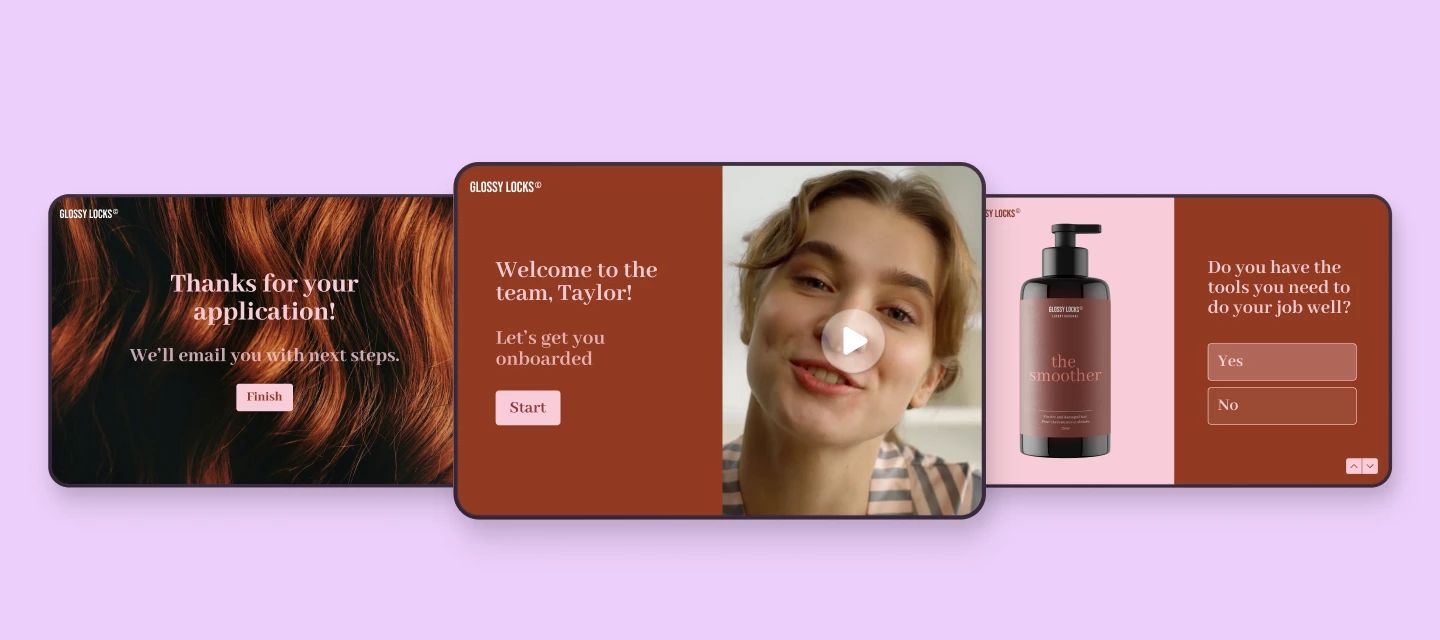
Hey all 👋 We had a blast tuning HR and talent-related typeforms live on air in our latest community workshop. Whether you're hiring, onboarding, or looking to boost employee satisfaction, this one’s packed with practical inspiration. ▶️ Watch the recording 💡 Here’s what we covered:✨ We tuned four real-life Typeforms used across the employee lifecycle:Upcounting – Hiring form (tuned by @James ) Streamlined the flow Added partial submit point Used Calendly block to schedule intro chat Set up automated follow-ups Chipperfield Physiotherapy – Employee onboarding form (tuned by @Kenzie N ): Made it warmer and more visua Added a welcome video and helpful guidance Tweaked the order of questions Used multi-question page for grouping questions Added a video question Trustsoft – Employee satisfaction survey (tuned by @Grace): Friendlier tone of voice Enabled AI-powered insights Sectioned the questions into groups Added more opinion scale questions Sent real time r
I have a few Typeform surveys that are no longer active, and I’d like to stop accepting responses. Unfortunately, the links to these forms are still circulating, and I want to make sure no one can submit anything through them anymore. However, I don’t want to delete the forms, since I still need access to the existing response data. Is there a way to disable the form or make it inactive so people see a message that it’s closed, without losing the data? Ideally, I’d like to preserve the form structure and results, but prevent any new responses from being submitted. Thanks in advance for your help!
Hi Team, It would be incredible if Typeform could allow users to generate an image dynamically based on form answers, using an AI image generation tool (ChatGPT or similar).This would take interactive forms to the next level.Let me explain our use case:We offer tailored corporate gift boxes. Right now, customers go through a form to select the contents of their box — but they can’t see what their custom gift box looks like until we actually produce it and take a photo.This lack of visual feedback creates friction in the buying journey and likely costs us conversions.If we could offer a real-time AI-generated visual simulation of their custom gift box — based on the product images selected in the form — it would build trust and boost engagement significantly.Any chance this kind of feature or integration might be on your radar?Thanks a lot for your amazing work — and looking forward to your thoughts!
Don't be shy and ask the community.
Already have an account? Login
No account yet? Create an account
Enter your E-mail address. We'll send you an e-mail with instructions to reset your password.