News, announcements and other meaningful conversations about our community
Recently active
Hello, I’m Emmanuel Katto, born in the United Kingdom. I’m excited to be part of this community as I learn to use this tool to upskill myself and enhance my job prospects.One of my greatest passions is exploring new places. Traveling allows me to immerse myself in different cultures, meet diverse people, and experience the beauty of our world. I enjoy discovering hidden gems, whether it’s a quaint café in a bustling city or a serene hiking trail in nature. Each journey teaches me something new, not just about the places I visit, but also about myself.I look forward to sharing experiences and learning from all of you as I embark on this journey of personal and professional growth! RegardsEmmanuel Katto
We’d like our respondents to say in which country and which city they are based. I put the list of countries in a dropdown options (they are 196, so that works), but the number of world cities is too big for the form to function well (23k). The country would be great to have as built-in type (like phone number prefixes).
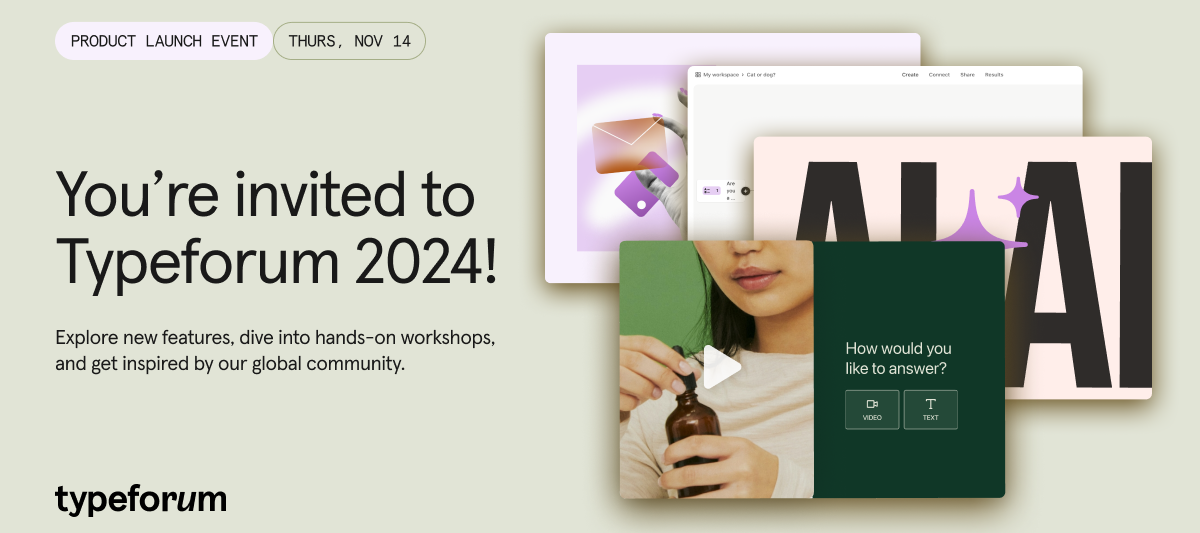
UPDATE!This event has now finished, but fear not! You can find all the session recordings and resources over in our Typeforum playlist here. 👀Thanks so much to everyone that attended and contributed! Coming this fall to a screen near you…. 📣🍂 Typeforum 2024 - the product release event of the year! 🍂📣 We have a jam-packed agenda full of new features, integrations and inspiring ways to use them in your workflows. Choose from six shiny sessions and fall in love with Typeform all over again! 🧡 What’s on the agenda 👀An opening keynote with Chief Product Officer, Aleks Bass 4 hands-on workshops where we’ll dive into popular use cases, including: Powering your B2B customer acquisition workflows Boosting B2C engagement and conversion Best practices for collecting and analyzing feedback Creating dynamic and personalized event experiences An exclusive roundtable discussion about how to make your data go further with integrations A celebration of forms at our first ever Typef
Hello Community! Wondering how our rank and our badges work? We've got you covered! 🥳 The community ranking system is a fun element that recognizes and rewards members who actively participate. Your rank level is based on your engagement in the community - how often you post, your helpfulness and the value of your contributions. Let’s dive deeper into our ranks and what they mean: Just touched down: This is the first step! Members who have just joined the community will start here. Navigating the land: Navigating the land is easy, you just need to comment on a topic or two and start participating. Explorer: To become an Explorer you need to start your own topic. Socializer: As the name suggests, to reach this rank you have to exchange ideas with others creators and go into the nitty-gritty of building typeforms and videoasks. Sharing wisdom: To hit this rank you will have to consistently engage in people’s questions and challenges. Tastemaker: Becoming a Tastemaker
Apologies if this shows up twice, but it appears my submission earlier today did not work. I started a live chat with support last week. The person I was chatting with stopped responding to me, but did not end the chat. I put in a ticket, but have not received a response. Is there a way to force the live chat to stop? My issue was not resolved, but I cannot start a new chat while the old one is open.
I have created forms with English as the main language and another language as an option. I have tested the second language with someone in that country, but they only see the form in English. Am I missing a step in order for my recipients to be able to select an alternate language? I have also tried testing on my own browser with the same result.
I’m looking to set up a feedback form, but would like to show specific images or info on a step/slide before jumping into questions, as the feedback will be based on said image/info. It’s also important no to cover this up with a button, otherwise a full screen background image using a statement might have been a workaround. Any way to do this currently? Thanks!
An enhanced support experience is coming your way! On Tuesday the 1st of October at 15:00 CET, we’ll be performing a scheduled maintenance to upgrade our Live Chat services which will last about 2 hours and 30 min. We’re making it easier for you to contact our live support team (if your plan supports live chat) or ask our handy bot questions about using Typeform. After Tuesday, you’ll be able to contact our support team via live chat through the link in your settings like this: During the change window, users are not able to contact us via Live Chat. However, our Support Team is standing by to help you via email through our Contact Support Form. We will be closely monitoring our systems and share further updates in the Community and on our status page if needed. Should you see some errors, latency or impact of any kind regarding Live/Bot Chat services, after the change window, feel free to reach out to us at the above mentioned form.
Yet another cry to add this super simple feature: editing placeholders for form fields As a software engineer myself I know how stupid easy this would be to do. Need this feature to consider Typeform a long-term solution or else we are going to need to migrate elsewhere. Can you please get your head of product and send them a screenshot of this please? Tell them I’ll even help code it for them and work with their QA team. Just give me access to the code base and a feature branch Thanks,Andrew
Hello everyone,We are having more and more problems with spam, like probably all Typeform customers. We are therefore urgently seeking a solution that only allows existing emails to be accepted in the forms. How can this be done with Typeform or by when can you implement it?Furthermore, it would be very important that it is easy to define domains from which no emails are accepted (gmail etc.) without having to incorporate complex logic. We only want to accept existing business email addresses and nothing else.Thanks
Achievements help to build the company and make it a better company it helps to bring the company up not down so achievement it Can carry you and help you in life so don't make it bother you let's do what you can do in life and put all the good work
If we have to remove obsolete questions, we first put them off the happy path in the Logic screen. These questions have no incoming branch. Once we test the survey, we can proceed with removing these questions.Issue: There is no delete option on the steps in the Logic screen.Current delete method: We have to switch to the Content screen. When in the content screen, it’s not easy to to tell if we are going to delete the same question that we identified in the Logic screen (trust me, it’s scary!). I have to switch between the Content and Logic screen multiple times just to make sure I am deleting the right one.Ask: Provide delete (trash icon) functionality on each of the steps in the Logic screen, so the user can remove that content while in that Logic screen itself without having to switch to the Content screen.
400That's the number of ads I have watched since May 1st (as my Google Ads Transparency Center shows).Hope anyone from Typeform staff reads this and tell the marketing performance team to use frequency capping.Thanks
If a Typeform is linked to a google sheet, how can we retrieve the google sheet id in Typeform?Can we have a unique ID for each typeform runtime?Like a session id that's unique among all users and all surveys for that Typeform account.For example, if a same user fills up the same survey form multiple times (maybe concurrently), there should be an ID to differentiate them. The session ID is more reliable than Submitted Date.The session id can be generated when the form is load and persisted on submissionBusiness Case 1:On Typeform submission, the typeform should provide the session_id in a out-of-the box defined variable that a 3rd party application can later use to query the submitted survey dataBusiness Case 2:For a Typeform that is linked to a google sheet, the typeform should provide an out-of-the-box field that holds the google sheet_idExample:After a user submits a Typeform, the end screen can redirect the user to a link sayacme.com/survey?session_id=abcjd235&sheet_id=42325The
I’m using variables to create the redirect URL and also add a link in the follow up emails.However, empty variables are populated differently in these two use cases which is causing problems for the dynamic content on the destination page.In the redirect, empty variables populate as _____In the follow up email URL, empty variables populate as [Not asked] I would like both to function the same way, ideally to populate empty variables as [Not asked], if indeed the question has not been asked.
https://www.typeform.com/help/a/dropdown-question-360037943011/ Q1. How can I add a choice that shows different UI and backend values? (like the way we can do in HTML dropdown control). For example, show Red/Green/Yellow on the front end, but save the RGB values in the backend. Can we save both front end and back end values as separate fields to the Typeform Responses table?Q2. For my user case, each member can have a different list of choices. If the list of choices are separated by a delimiter (comma), and if a hidden field capture this list, can this hidden field be the source of the dropdown?If not, can you please add the functionality of using a field (hidden or user defined field) as source for dropdown? and in which format should the field value be, so that the Typeform can parse each option? Additionally, how to define a value presented in the UI versus the backend value?
From the https://www.typeform.com/help/a/using-hidden-fields-360052676612/I understand that ‘hidden fields’ are just placeholders to parse and save the Query Parameters.(I wish they were referred as ‘URL Query fields’! A hidden field is technically a field that would be in the html content but not be rendered on the UI)Requirement: Decrypt a query parameter valueBusiness Justification: We pass sensitive information such as ClientID, first name and last name (say). While each member would get the url specifically crafted for him/her, it’s easy for the member to tamper the url and fill our the survey for another member.Example:https://tutorials.typeform.com/to/abc#clientinfo=asfoillwil23laisdA hidden field 'clientinfo' would hold the value 'asfoillwil23laisd'Now, I want to be able to decrypt the value into discrete user defined fields suchclient_id=423232first_name=Johnlast_name=SmithAll I need is decrypt and substring functions built into TypeFormclientinfo_decrypted=Decrypt(client_id,
My name is Ana, and I’m new to this forum. I work as a marketing specialist.I have a question for all of you:What are your favorite Typeform features and how do you use them in your projects?I would appreciate your tips and experiences. Thank you for welcoming me to the community!Best regards,Ana
Under the Results tab -> Insights and Summary, the data is aggregated based on all views and responses from all users.Question: Can the Insights/Summary shows stats based for a given survey member?Requirement: We want to see how the a given survey end user response (numeric) have changed over time Design:Let's say the developer defines the key columns (email_id or first_name and last_name) that identifies a specific userA drop down would let the developer select all or a given survey userThe stats should then show the total views/submissions for that member.Another drop down to filter any column of type DateTime to filter by dates. Here we could filter by Submitted DateA way to define one or more charts and the fields for eachI replicated the design in Google spreadshet as below, in the sheet 'Score' I have all the raw data.In the sheet 'Chart' (shown here), the drop down at the top shows the unique emailIDs from from the first sheet. A function would only display the rows from Scor
I would like to know if there is a way to know how many submissions got to my endings? i have different endings and wanted to do a count of how many submissions got to each ending is this something possible ?
Some of you here know that I travel a fair amount (and by fair, I mean 90% of the time), so I figured it might be fun to create a post with workplace views! Here’s mine today out near Yellowstone.
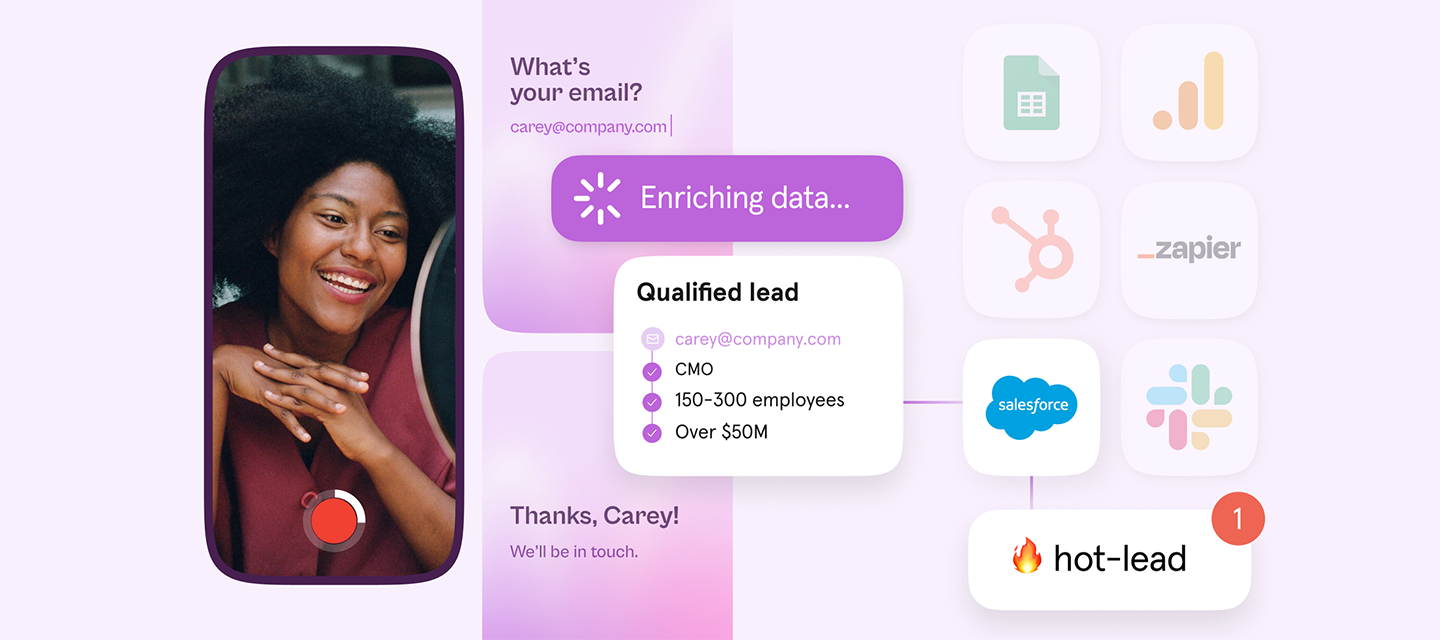
Hey everyone! After months of anticipation, rigorous testing, and invaluable feedback from our community, we’re thrilled to announce the launch of Typeform for Growth 🚀 This powerful suite of features is designed to take your business to the next level by helping you capture, qualify, and convert leads like never before 😎 Typeform for Growth gives you access to: 🎥 Video forms – Record, edit, and embed videos into your forms to capture attention and drive engagement, plus respondents can then answer your question with their own video.📈 Data enrichment – Automatically enrich response data to boost conversions effortlessly with fewer questions.🛡️ Spam prevention – Protect against spam submissions with reCAPTCHA on your forms and surveys. 🔄 Streamlined workflows – Automate scoring, qualifying and emailing leads. Integrate with your preferred tech stack to optimize your efficiency. 🧠 Smart Insights & Ask AI – Leverage AI to ask questions, get answers, and visualize your data ef
Hi team,as good as typeform is especially with user friendly. It could use several quality of life changes. For example, an option to create a question and allow for multiple answers rather than using logic / question group will GO A LONG WAY. Trust me. This saves time on surveyors and respondents end too! I am so not sure why this isn’t there and not implemented on the platform yet.Additionally, I want to add a question which asks the top 5 age groups and provide the percentages of these age groups? I could create 5 multiple choice with multiple selection option but it would be nice to have an option to add a text field with these multiple choices too. Best RegardsA.
If a submissions is considered as dropped will it count towards my total count of submissions ?
How can I edit the content I publish?
Don't be shy and ask the community.
Already have an account? Login
Enter your E-mail address. We'll send you an e-mail with instructions to reset your password.