Discover the latest features and find new ways of using Typeform
Recently active
Hello, hello, community members! Occasionally, you may want to share your forms with another person to review or give feedback without allowing them the ability to edit the form or download results. Thankfully, we have a new user role available for these situations - our workspace viewer role! Anyone with a Plus plan or higher can utilize this role. This feature is great if you have a consultant, team member, or anyone else that needs access to review the form. Those with this assigned role can view forms, results, and access the share settings, but they can’t edit the form or export the results. One thing to note about this feature - this role does count towards your user count. Check out the video below to learn how to assign this role and how typeforms are shown to the assignee. To assign this role to an organization member or a new member, Click on the + button to add a new member to the workspace or to update the role of a new member. Next, choose the option, “can view”
Hello and welcome to the September Product Digest! If you’ve had a little break for the summer, we hope you’re feeling rested and ready to dive back into creating some cool new videoasks 😎 We’ve been continuing to make little tweaks and updates, so let’s take a look at what’s new this month 👀 Screen sharing gets a makeover This one has been a big contender on the VideoAsk feature request board, so we were extremely excited for the new screen share updates to go live! Previously, when using the screen share function within VideoAsk, that’s all you could do, simply share your screen. Now you can use picture in picture mode to show your face as you explain your screen shares, adding that extra personal touch to the video. If you don’t need or want to record yourself (we all have bad hair days let’s face it) you can switch face recording off and go back to a classic screen recording. If you’re a keen user of the screen sharing function you’ll also notice some updates to the way it loo
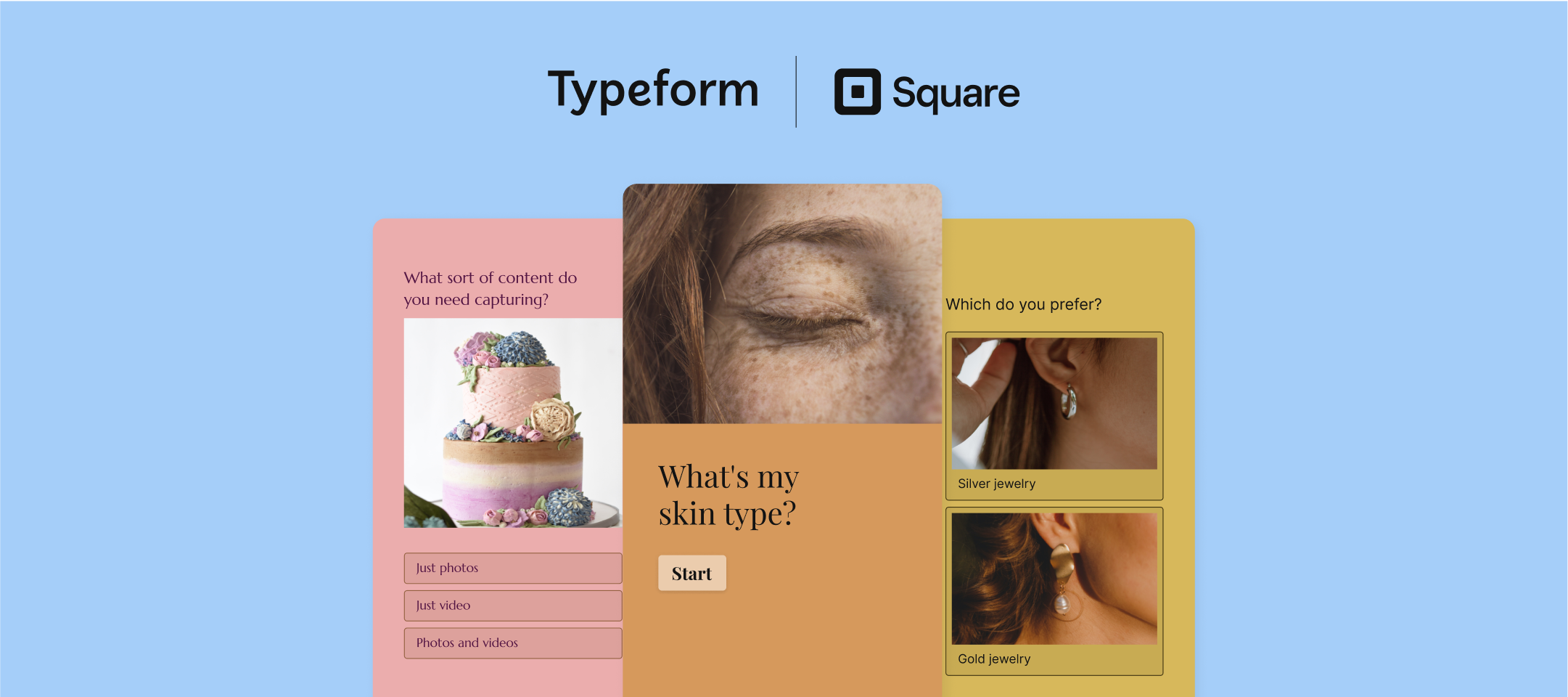
Our newest integration for lead generation and eCommerce is here - Square Online! If you’re an avid user of Square or run your shop using Square Online, you’ll love this integration for gathering new leads and suggesting products to your visitors. You’ll need two things to get started with this integration: A Free Typeform account A Free Square Online account If you’re planning to recommend products, you’ll need at least one online store with a published product. Now that you’ve got those ready, let’s dive in! Getting started Before you connect to Square, it may be helpful to narrow down what outcome you’d like your Typeform to have. Would you rather obtain new leads? Or recommend products? Based on the goal of your form, we have some handy templates for you below. Product Recommendation Quiz Template Ecommerce Lead Generation Quiz Template Customer Onboarding Form Template Services Quote Form Once you’ve narrowed down your goal and built you
This post makes it official. Summer is over. But don’t worry - feature releases from the product team aren’t! The product team has been reading through your requests and developing improvements throughout the builder to make the experience even better for you. As we begin to prepare for Fall, let’s take a peek back at all the new things this summer brought us. Response Tags If you’ve been looking for a way to organize and sort through your results, the response tags are your answer! In your Results panel within the table view, you’ll find the option to add tags to different responses and you can then use the filter option to search through your tags accordingly. Read more about this feature in our Help Center post here. Ability to Remove Question Numbers You asked, we listened! It’s now possible to remove the question numbers on your form. This can come in handy for a multitude of reasons, in particular for folks with longer forms. You don’t want to scare anyone off by those questi
Hey all! The product team is coming in hot with another new feature this bright and sunny summer day (well at least here in Chicago it is)! When adding answer options to the ranking block, you now have the option to randomize those answers. On the live version of the form, the answer options will appear in that randomized order. Take a peek at how this feature works in the video below: To read more about using our ranking block, check out our Help Center article here. Don’t forget to let us know how you use this feature and any feedback you have as well!
Comin’ in fresh from the product team is our new NPS question block! It’s easy to set up – all you have to do is add the block to your form to begin collecting feedback from your respondents. Embed an NPS question into an email There are plenty of ways to use this block within your form and out of your form, such as with our email embed. Embedding your NPS form into an email is as easy as clicking a button! (No, really, that’s all you have to do). 1. First, add the NPS block to your form. Be sure to click the publish button afterwards! 2. Next, head to the Share panel to grab the code for your email. 3. Finally, add the code in your email builder! In my video below, I’ve added this into Mailchimp, but you can connect this to any email service provider that allows HTML code. Note you can’t add this into a Gmail, Outlook, or Yahoo Mail account. Connect an NPS question to your eCommerce tool Want to take this a step further? Try adding it to your eCommerce platform, such as Shopif
Hi Community and friends! 😎 This month the team have been busy updating and refining some key features in VideoAsk 🛠 Let’s dive straight in and take a look at what’s new! 🏊 Builder controls Can we fix it? Yes, with the new drag and drop system in the VideoAsk builder, we can! For those of you that have been using VideoAsk for a while, you’ll be familiar with the build area where you create, record and edit your videoasks: Now you’ll notice there’s a floating control panel on the left-hand side making it easy to drag and drop new steps into the flow, plus you can skip recording the video, making it quick and easy to plan out your videoasks before customizing and refining them. 👀 If you’re new to VideoAsk and want to familiarise yourself with the builder, check out our Help Center article here on how to get started. Add or edit contact details We’ve been making some changes to the way you can edit contact details in VideoAsk, and it’s now possible to assign or create contacts from
The feature many of you have been requesting in the community for some time now is here - the option to remove question numbers from typeforms! There are plenty of reasons you might want to remove question numbers, such as if you have a long form and don’t want your respondents to be intimidated by the length. Or, maybe you want to remove them simply for stylistic purposes. Whatever your use case, you can now remove them with just the click of a button. Let us know how this feature works for you! We’d love to see what you do without those question numbers on the form.
Hey everyone! Summer’s here 🌞 and we’re cranking up the temperature with some hot off the press VideoAsk updates! Reply with audio Up until now, as a creator we’ve only had the option to reply to respondents using video. Now you can just as easily send them a quick audio message, so you can keep the conversation going even if you’re not camera ready! 📹 Let’s take a look at how it works: Manually add contacts to VideoAsk After the success of importing your Typeform contacts to your VideoAsk account you can now manually add a contact into your Contacts list! Simply head to your Contacts list and click on the Add button: From here you can enter the Name, Email and Phone Number (email address is the only required field at this stage) Once they’re in your contacts list you can kick off a conversation by sending them a direct video message! Template gallery improvements We’ve been making some changes to our template gallery over the past few months. If you’re new to VideoAsk or
Summer is in full swing over here at Typeform, and I hope you’re out there enjoy the sunshine, the thunderstorms, and all the forms you’re building! Our product team has been running some beta tests this month so they can continue to roll out new features over the year. In the meantime, there are a few features we released this month that may come in handy while building your typeforms. Let’s dive in! Encourage Submissions 🚅 The proof is in the pudding, as they say, or in this case, the proof is in the number of people who have submitted your form. Turn on our new Encourage Submissions feature to provide social proof to your forms. This feature will show how many respondents have completed your form in real time, helping to encourage others to follow suit. Read more about this in our Help Center article here. Typeform in Linktree 🌳 Earlier this year, we announced an update to our Linktree integration that embedded the forms within your link. Now the feature has been officially rol
April showers definitely brought May flowers this month because our product team rolled out five blooming releases! My favorite of them all is the conditional redirect, but you can read more about what that is a few paragraphs down. Let’s dive right in! Conditional redirect on completion ↪️ This is a BIG release this month, which I know lots of you have been asking for! Now, you can send your respondents to different URLs based on the answers they provide in your form. You can still add URLs to the ending screens, or you can redirect them automatically without needing to show them an ending screen first. One thing to note - this feature will only appear in newly created forms. Existing forms will be migrated from the original redirect feature to this one. Cookie consent banner 🍪 Meet GDPR privacy requirements by offering the option to display a cookie consent on your form. You can turn this feature on and off within your form settings as shown below.Read more about this feature in
Hello again, and welcome to the June Product Digest! 🌞 Now hold on to your sun hats, because this month we’ve got some cracking updates to share! 🤠 🎉 Import contacts from Typeform Cue fanfare - you can now import contact details from your typeform submissions to your VideoAsk contact list! This is great news for all those dual product users out there (and possibly a final push if you were on the fence about using the two together?) Once you’ve started collecting responses to your typeform you’ll be able to import the name and email address across to your VideoAsk contacts list and start asynchronous video conversations - taking the personal touch one step further. 📹 Let’s take a look at how it works: Imagine following up on leads with a personalized video message! Pretty cool right?! 😎 🔐 Private videoasks This one has been a popular feature request in the past, so we’re very excited to see it go live! You can now passcode protect your videoasks, useful if you need to share co
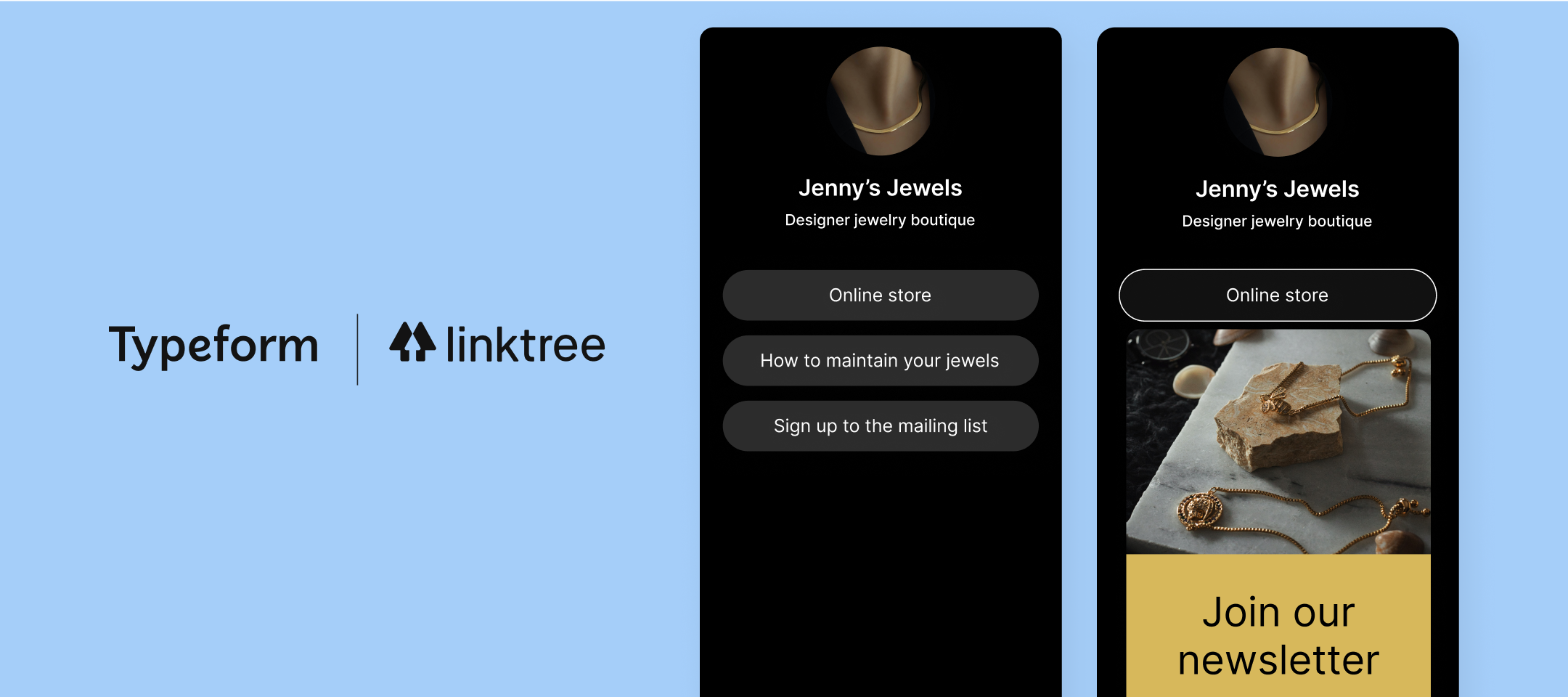
If you’ve got an online business, you may have used Linktree on your socials. If you haven’t had a chance to use their service, I highly recommend taking a peek at their site here! Linktree is an easy-to-use platform that places all of your links in one page so you can direct your customers or followers to different links on your website based on the information they’re looking for. Our Linktree integration is even easier to use now. Before, you could add the Typeform URL to your Linktree account, and once your respondents clicked the link, they’d be taken to your typeform. Our latest update reduces the number of clicks it takes for your respondents to reach your form. Once you add Typeform to your Linktree account, the respondent will only have to click on the link and the form will appear in the same page without having to be redirected to a new window. Fancy, right? Take a look at how this integration update works below. How to use the Linktree integration in your business Lead
The Typeform product team has just made it even easier to set up logic jumps in your form by introducing the new Visual Logic Map. Now, you can see a map of how logic is set throughout your form and make changes to it if you need to. While this may seem like an easy feature to code right in, it took the product team some heavy lifting to find the perfect way to blend in editing features to the map. Watch the video below to learn more about this new feature and how it was built! How to use the Visual Logic Map Thankfully, it’s super easy to access the editor while viewing your map: 1. When you’re in the logic editor, click on any of the questions you want to edit. 2. A panel will appear on the side of the builder and you can edit the logic as you see fit there. See a question that should connect to another one? You can click and drag the + button to connect two questions together. 3. Be sure to click the save button for your changes to go live! Learn more! Dive even further into
Hello and welcome to the May VideoAsk Product Digest! 🌼 The VideoAsk team are busy cooking up some cool new features and updates which aren’t quite ready to come out of the oven yet... So while we were waiting patiently at the kitchen counter we thought we’d ask them which features are their favorites, and which ones do they think our awesome creators should check out to take their videoasking to the next level? We had a bunch of suggestions come through, but here are the three most popular features: Live Calls Did you know you can start a live video call through VideoAsk? No need to wait to start talking to a piping hot lead, just jump straight in and start a conversation! 📹 Here’s how to start a live call in VideoAsk: Direct Messaging Want to pick up or start a new conversation with one of your respondents but can’t remember which videoask they replied to? No worries, just simply head to your contacts list and send them a direct message instead. 📹 Here’s a videoask walkthrough
This month, our product team focused on releasing a new integration and making some massive improvements to an existing feature, the logic map! If you love using the logic map, you’ll love it even more now, thanks to its new interactive editing features. And if you’re a Square user, our new integration will help you collect even better leads.Let's dive in and find out more: Square Online Integration 🛍️ A new month means a new integration! Our sparkling Square Online integration provides the opportunity to collect new leads or give handy product recommendations to your potential customers. Check out our in-depth community guide to the Square integration here, as well as our Help Center article here. Visual Logic Map 🗺️Our logic map just keeps getting better! Instead of exiting the map to make changes to your logic, you can do so right in the logic builder. Talk about time savings!Take a peek behind the scenes of this feature with our product team through our Under the Hood post her
Hey Community! It’s already April 😱 but we’re no fools, it’s time to shower you with some product updates ☔ - here’s what’s been happening in the world of VideoAsk! Live Calls We’ve made some updates to the live call feature, you can now add in your working hours and vacation time 🏖 your videoask live calls will correspond with your business hours and you’ll never miss a call again! Let’s take a look at the Live Call feature: Filter by Score and Date You may have noticed in the last few months we’ve been tweaking and refining the filter options in the VideoAsk inbox. Now you can also filter your responses by score and date - so if you’ve started using the scoring functionality in advanced logic you’ll be able to filter those responses to easily get to the most important leads, or simply filter by date to help you keep on top of when responses landed in your inbox. You’ll find these new filter options when you click here in your inbox: Keep the conversation fresh and reply back to
March was the month of releasing new features that enhanced already existing ones in Typeform. Yay for making form building even better! Let’s dive right in! 📈 Performance Trends Earlier this month, we shared an article to walk you through our newest respondent report, the Performance Trends. If you’re curious about who’s answering your form and when, this report will give you a richer insight into that data. Read more in our Help Center article here. 📝 Fix for the Calendly Submission Rate The beloved Calendly block was a welcome addition to our ever growing list of integrations. It’s even more spectacular now thanks to a fix that ensures your respondents are submitting their information correctly. Now, once your respondent books a time with you in your Calendly schedule, the form will automatically submit, too. 📅 Date Validation - Year Previously if you had the date field in your form, the respondent could answer the date block with an invalid year. For example, instead of a
If you’ve poked around the Typeform question options recently (or read my post!), you've probably seen that we introduced the ability to add your Calendly calendars to your forms. Big yay! As if that isn’t exciting enough, Calendly is the first application we’ve added to Typeform, as a question type. If you’re wondering what the difference between an application and an integration is, an application is directly in the Typeform builder. Simply connect to your Calendly account and then choose to add it as a question directly in the form! Since this is the first application of many to come, the Typeform Product team worked for months to get this ready. Lead Project Manager Raul, who led the development of the application, shared a bit in the video below about how they built this, how the product team is using the application for customer feedback, and what he really does during his workday. (Hint: it’s not leading the product team. ) To recap, here’s how you can get started using the Cal
In this month’s digest, we’re covering some powerful integrations and question blocks that will help you gather more data with less work. Nothing like time efficiency to continue the new year with a great start! Instead of chit-chatting my woes of the month, let’s get right to the new features we rolled out. ❓Recommended questions block You may know what you want to ask in your form but not a clue how to ask it. Don’t worry, we have suggestions for you! The new Recommended Questions Block will give you a nudge in the right direction when choosing how to ask your questions. 🎾 Unbounce integrationIf you’re a fan of Unbounce, you’ll love this integration! With the new Typeform App in the Unbounce Smart Builder, all you have to do is integrate the two products together and choose which Typeform to embed on your page. Easy peasy! Check out more information about the integration over in this post 📧 New email embed questionsWe’ve got even more options to start your Typeform in an email
March is here already and with it comes some updates to VideoAsk, so let’s dive in and take a look at what’s new Automatic Tagging If you’ve used the tagging system in VideoAsk before, you’ll know it’s handy for filtering and organizing responses, but it can be a bit of a manual process individually tagging responses: Tagging responses This month the VideoAsk team have released auto tagging. This lets you set up advanced logic within your videoask to automatically tag responses based on answers as they come through! Once you’ve set up your videoask flow, you can add auto tagging by selecting a step and going to the Logic tab, here you can toggle on Advanced Logic to set up the tags: Advanced Logic toggle From here, click + Add new condition and select which answers you would like to tag: Tag response You can choose from a drop down list of pre-existing tags, or create a new tag here: Drop down list of tags available You can repeat this for as many steps as needed, and add multiple
Hey community, here’s some exciting news to brighten up your day if you’re using Unbounce and Typeform ☀️If you’ve been using the Typeform embed code to add your form to your Unbounce landing pages, we finally have an integration that will save you some time. Instead of copying and pasting the embed code, with Unbounce’s new Typeform app, you can now connect your landing page straight to your Typeform account and select the form to embed perfectly on your page. No fidgeting with any code! Watch the video here to learn more about using the new Typeform app within the Unbounce Smart Builder, or follow the steps below: How to use the new Typeform app inside Unbounce 1. Within the Unbounce editor, click on the Apps icon shown below: 2. Scroll to Typeform, then select the + button. 3. Next, select the layout in which you’d like to display the Typeform. 4. Now it’s time to add your form! You can do this by connecting to your Typeform account once you’ve selected a layout. 5. Voila! You
Hello community! It’s shaping up to be a busy 2022 in the world of VideoAsk and the team are working on lots of product updates plus some new releases. We’ll be keeping you up to date here on the community, so let’s take a look at what’s new so far this year Mark interactions as unreadAs people respond to your videoask your inbox will start filling up with interactions and it can be a little tricky to keep track of what has been responded to and what still needs looking at - enter the mark as unread feature! Now when a response comes through it will automatically have a purple dot next to it so you can easily see which interactions need looking at, plus if you check the response but don’t have time to reply, or need to leave a response for a fellow team member to see, you can mark the response as unread to go back to later. Watch the video below to see what this looks like: Search in Contacts listNeed to send a quick DM to a contact? Or remind yourself of an interaction before a fol
Greetings Community! It’s been a minute and might I say, it feels good to be back with you all. Today I have the privilege of sharing some ✨ very exciting news ✨. For many of you, this may come as a big relief too. After months of development, we are thrilled to announce that our second version—a MUCH improved version—of our HubSpot integration is live!! Thank you to all of you who’ve shared your feedback, wrote in to tell us how much of a pain in the a** it was to not be able to edit the integration (we listened!), and to remain patient as we worked to develop v2 of this integration so that it can meet all of your HubSpot and Typeform needs!! Integration overview If you’re a longtime user of the HubSpot and Typeform integration, you can skip down to read about the big changes we’ve made to this updated version. But for those of you who may be new to HubSpot or perhaps use HubSpot and Typeform to run your business but didn’t know we had an integration (surprise!!), let’s quickly revie
I’m a bit late to the party, but Happy New Year, community! It’s a new year, so you know that means we have new features rolling out. We’re starting off the year with a bang by not only introducing the long-awaited Facebook Pixel fix, but also saving you some time by providing the option to order your workspaces. Let’s dive in! Ordering Workspaces Previously when creating a new workspace, it would appear underneath existing workspaces. If you have a lot of workspaces, you probably want to order those workspaces according to your own system. With a click and a drag, you can now order those workspaces to your liking! Watch the video below to see how to order your workspaces, and read more about how workspaces function here. ️ Facebook Pixel Fix Facebook’s update to its Pixel and terms of service last year required updates from nearly every third-party that came into contact with their product, including us. Our developers worked hard to create a solution to fix any issues with our c
Don't be shy and ask the community.
Already have an account? Login
Enter your E-mail address. We'll send you an e-mail with instructions to reset your password.































![[Under the Hood] A closer look inside our new and improved HubSpot integration 🔎 🧑🔧](https://uploads-eu-west-1.insided.com/typeform-en/attachment/54736139-32fc-4387-87e3-8c42aa7eed19_thumb.png "[Under the Hood] A closer look inside our new and improved HubSpot integration 🔎 🧑🔧")